
Yealink WPP30 4K Ultra HD Wireless Presentation Pod (1303112) | New
SKU: WPP30-N
 Same Day Shipping - Arrives in 3-5 Business Days
 /returns-icon.jpg) 30-day Returns
30-day Returns 
Have one to sell? Click here to sell to us
Save $68 instantly
Same Day Shipping - Arrives in 3-5 Business Days 30-day Returns Have one to sell? Click here to sell to us
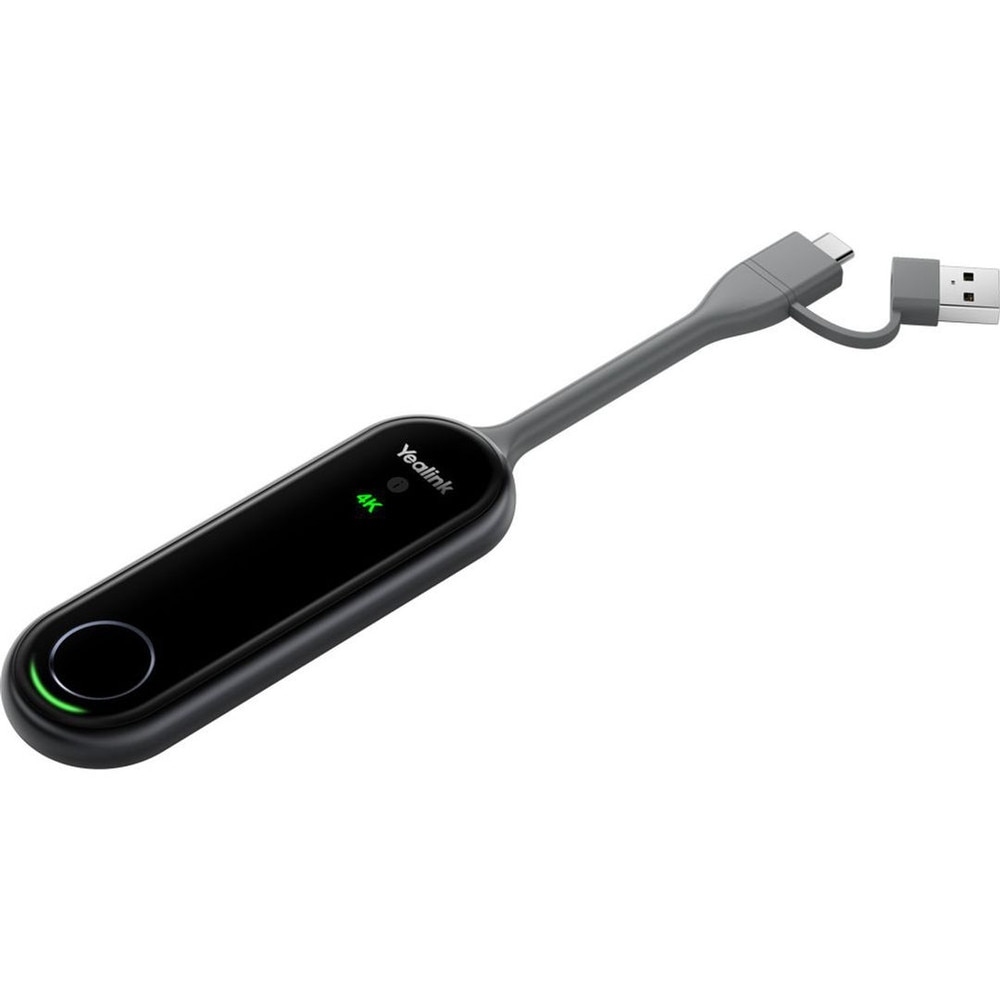
The Yealink WPP30 4K Ultra HD Wireless Presentation Pod (1303112) is a compact, plug-and-play casting device that makes it quick, easy and cable-free to share material in conference rooms. This wireless presentation pod's built-in 4K/30fps hardware encoding chip allows for ultra-smooth UHD streaming to compatible Yealink video conferencing systems without requiring the installation of additional software or drivers, reducing IT overhead and ensuring that meetings take place on time. The WPP30 generates a self-built, secure wireless network with Bluetooth 5.0, dual-band 2.4GHz/5GHz connection and integrated Wi-Fi 6 (2x2 MIMO) that maintains low-latency performance even in crowded radio frequency conditions. The Yealink WPP30 is perfect for BYOD meeting rooms and hot desks because of its full-featured USB-C interface and bundled USB-C to USB-A converter, which enable it to function flawlessly with contemporary laptops, legacy PCs and compatible USB-C smartphones. With only one button click, users may begin presenting, share up to four screens at once, and work together using sophisticated capabilities like extended desktop modes, virtual whiteboards, annotation and reverse control. This 4K wireless conferencing and presentation dongle is a strong, safe option for huddle rooms, classrooms and executive boardrooms wishing to update the way teams communicate content, with AES and WPA encryption safeguarding your wireless presentation traffic.
• 4K/30fps Ultra HD wireless presentation with hardware‑encoded 4K/30fps video output ensures crisp, ultra‑smooth visuals for slide decks, demos and rich multimedia without overloading the host device.
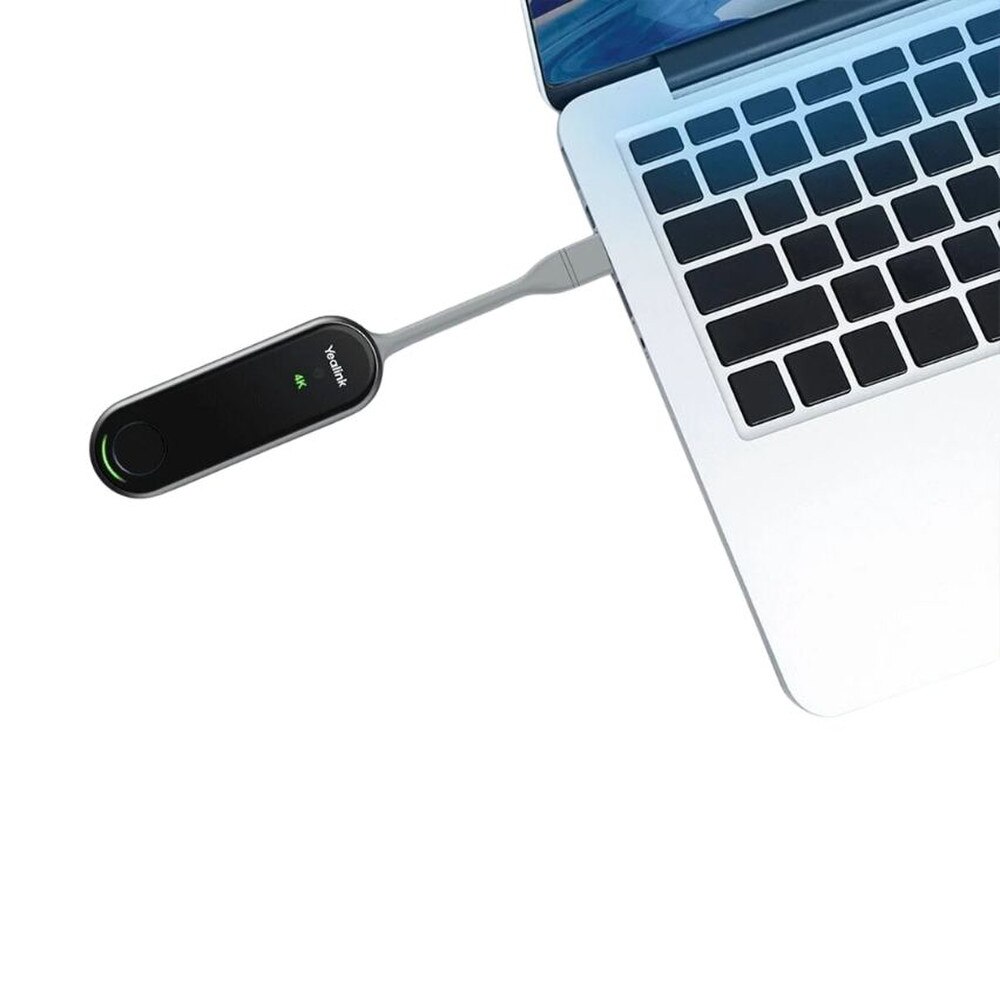
• No software or drivers required with true plug‑and‑play design—just connect via USB‑C or USB‑A and present, with no admin rights, client installs or background services to manage.
• Wi‑Fi 6 with 2x2 MIMO and dual‑bandsupport with integrated Wi‑Fi 6 chip and 2x2 MIMO deliver low‑latency, high‑throughput 4K casting over 2.4GHz/5GHz with strong anti‑interference performance.
• Self‑built secure wireless network creates its own wireless link to the Yealink room system, reducing dependence on corporate Wi‑Fi while using AES and WPA encryption to secure content sharing.
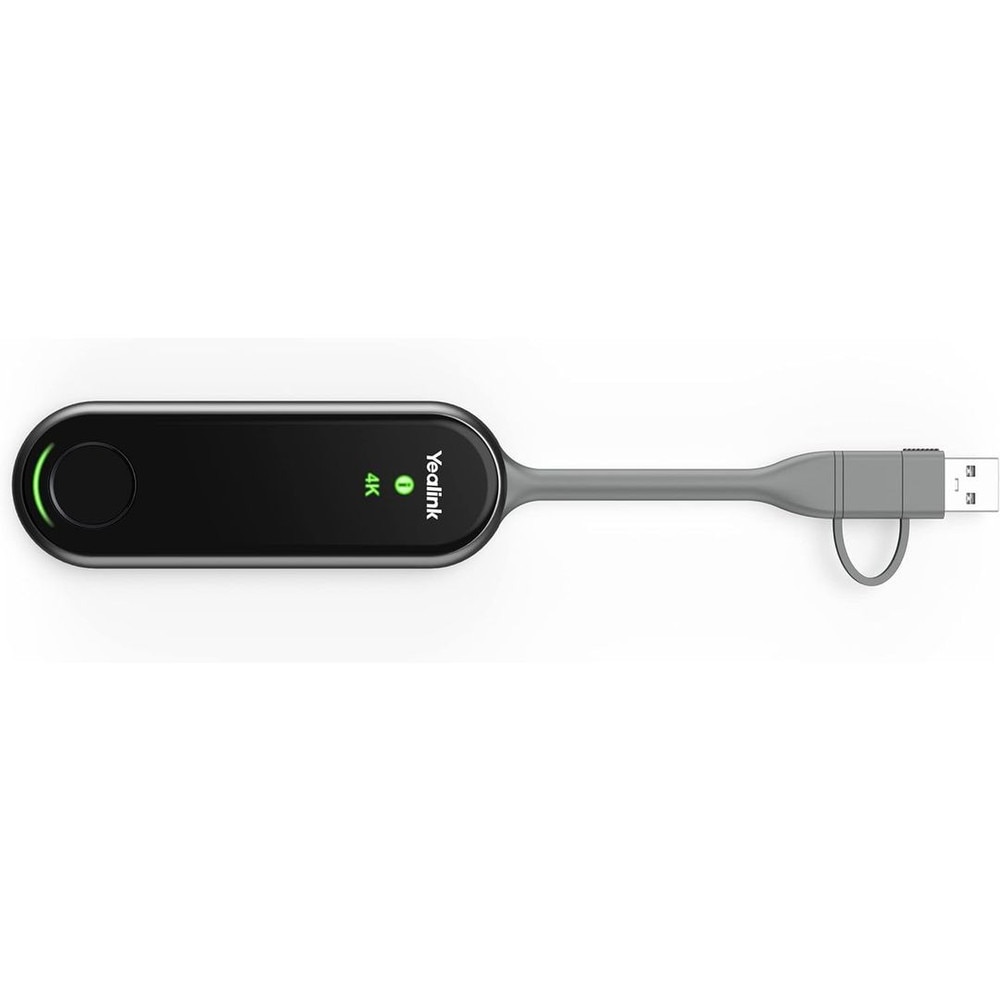
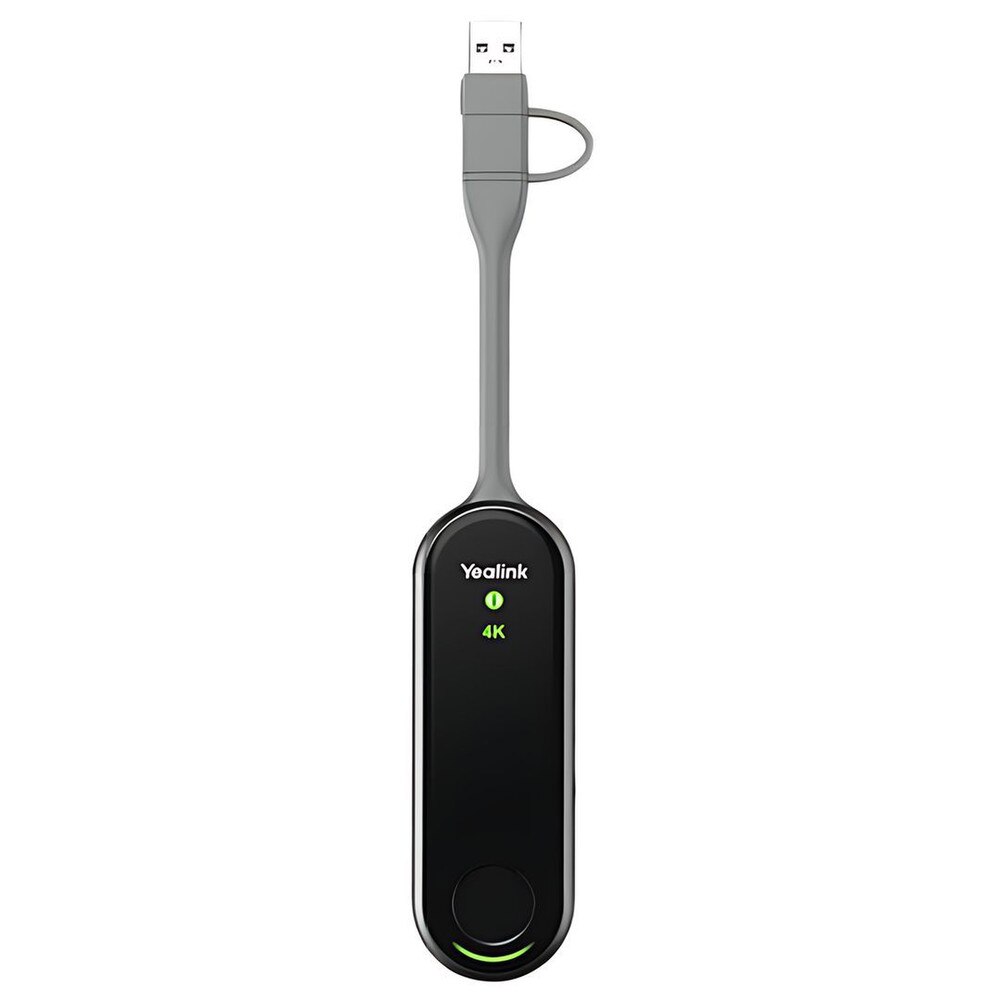
• USB‑C and USB‑A flexibility with full‑featured USB‑C port plus included USB‑C to USB‑A adapter support a wide range of laptops, desktops and some USB‑C mobile devices for BYOD scenarios.
• Multi‑screen casting and collaboration supports four‑screen simultaneous casting, annotation, whiteboard tools, remote/reverse control and extended display modes to enhance interaction in meetings.
• One‑press presenting with status LEDs with single START/STOP hardware button and integrated LED indicators for 4K/UHD, system status and system error make it easy for guests to understand what’s happening at a glance.
• Low‑power, compact hardware design with slim, pocket‑sized dongle with typical 2.2 W power consumption (5V/600 mA), ideal for travel, hot‑desks and permanent room installations.
🗹 Make meetings more engaging and visual with Ultra HD 4K/30fps wireless presentation ensures detailed spreadsheets, design layouts and videos look sharp on large meeting displays, helping you communicate ideas clearly.
🗹 Remove friction from content sharing with true plug‑and‑play operation and one‑press presenting, participants can share their screens in seconds—no cables to hunt for, no drivers to install and no complicated pairing steps.
🗹 Support modern BYOD workflows with dual USB‑C/USB‑A support and broad platform compatibility make it simple for guests, remote workers and cross‑functional teams to present from their own laptops or compatible mobile devices.
🗹 Improve collaboration in hybrid rooms with four‑way screen casting, annotation and whiteboarding let multiple users contribute content and notes in real time, turning passive presentations into interactive working sessions.
🗹 Protect sensitive business content with AES and WPA encryption, plus a self‑built wireless connection path, help shield your presentations from interception or tampering on busy corporate networks.
🗹 Reduce IT support tickets and deployment cost that no client software, low power draw and simple USB connectivity mean fewer compatibility issues and minimal configuration, freeing IT to focus on higher‑value projects.
🗹 Future‑ready performance with Wi‑Fi 6, hardware encoding, and 4K support ensure your wireless presentation experience remains smooth and relevant as displays and collaboration apps evolve.
| Manufacturer | Yealink |
| Manufacturer Part Number | WPP30, 1303112 |
| Product Name | Yealink WPP30 4K Ultra HD Wireless Presentation Pod |
| Product Type | Presentation Pod |
| Video Resolution | Up to 4K/30fps UHD hardware encoding |
| Wireless Standard | Wi-Fi 6 (802.11 a/b/g/n/ac/ax), 2x2 MIMO |
| Frequency Bands | Dual-band 2.4 GHz / 5 GHz |
| Wireless Security | WPA-PSK / WPA2-PSK, AES encryption |
| Bluetooth | Bluetooth 5.0 |
| Interfaces | Full-featured USB-C x1, USB-C to USB-A adapter x1 |
| Controls | START/STOP button x1, multi-color LED indicators |
| Power Supply | 5V/600mA (via USB) |
| Power Consumption | 2.2W (typical) |
| Screen Sharing | 4-screen casting, duplicated/extended desktop, annotation, whiteboard |
| Collaboration | Intuitive remote control, reverse control, Wireless BYOD/BYOM |
| Dimensions | 220 mm × 38 mm × 16 mm (8.66″ x 1.50″ x 0.63″) |
| Weight | 75 g (0.165 lb) |
| Operating Temp | -10°C to 40°C (-14°F to 104°F) |
| Operating Humidity | 0-90% (non-condensing) |
| Compatibility | Yealink Room/Video Systems (MVC series, UVC86, etc.), USB-C devices |
It supports 4K Ultra HD wireless screen sharing, delivering crisp and high-quality presentations.
It connects via USB-C, enabling quick plug-and-play operation.
No. It supports driver-free operation, allowing instant use without installing software.
Yes, it is designed to work with compatible Yealink video conferencing systems.
Yes. Participants can easily switch presenters during meetings.
Yes, it transmits presentation content wirelessly to the conferencing system.
No noticeable delay—it's designed with low-latency transmission for smooth video playback.
Yes, its compact design allows easy transport between meeting rooms.
Yes, it enhances hybrid collaboration with seamless wireless content sharing.
Yes, it uses dual-band wireless connectivity for improved signal stability.
Yes, it uses secure wireless protocols to protect shared data.
Yes, it supports full-screen mirroring and presentation sharing.
Yes, it works with both Windows and macOS devices.
No complex configuration is required for standard operation.
Yes, it supports smooth playback of video and multimedia content.
Yes, it provides a wireless alternative to traditional HDMI connections.
Yes, it works well in education, training environments, and conference rooms.
Management options depend on the Yealink conferencing system used.
Yes, it’s designed for simple one-touch wireless presentation.
Absolutely. It enables fast, cable-free collaboration in professional meeting spaces.