• Home
  • MSI B450 Tomahawk MAX II Motherboard | AM4 Socket, DDR4, M.2 Support | Like New
MSI B450 Tomahawk MAX II Motherboard | AM4 Socket, DDR4, M.2 Support | Like New

MSI B450 Tomahawk MAX II Motherboard | AM4 Socket, DDR4, M.2 Support | Like New

SKU: B450TOMAHAWKMAXII-LN

(0)No Reviews yet

Same Day Shipping - Arrives in 3-5 Business Days
30-day Returns

All orders will ship on January 5, 2026


$79.99 $79.99
For immediate assistance call our support team at 973-808-4588. For additional information, send an email to website@telquestintl.com.

Overview

MSI B450 Tomahawk MAX II Motherboard: Powerful Performance for Gamers and Builders

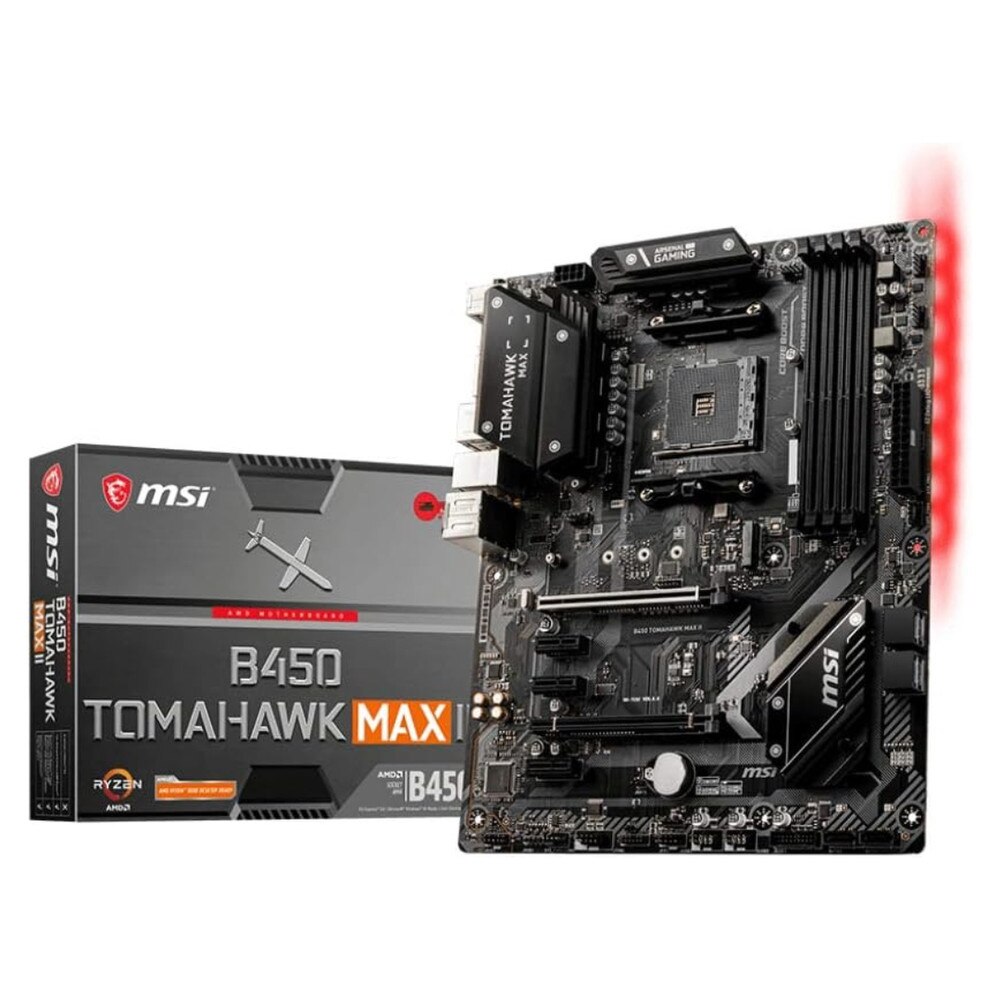
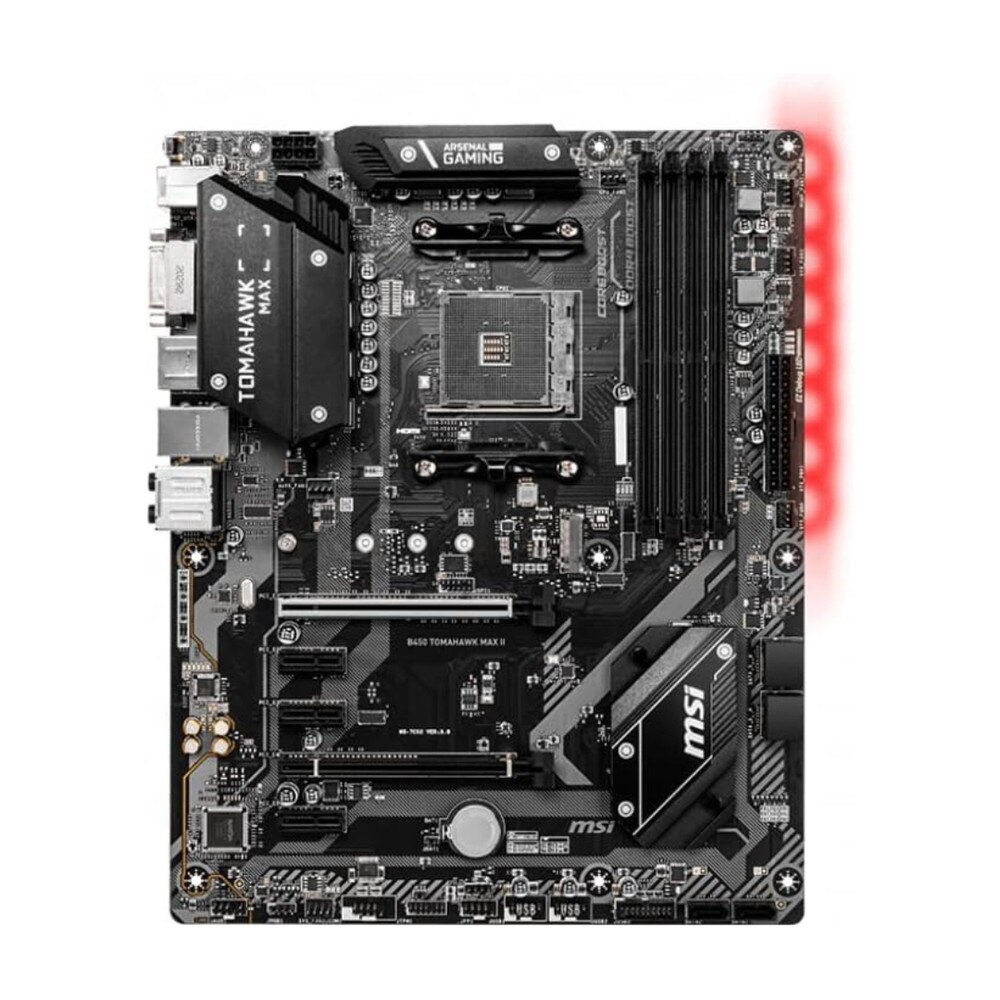
The MSI B450 Tomahawk MAX II Motherboard is designed to deliver reliable performance and versatile connectivity, making it the ideal foundation for gaming PCs and productivity setups. Built for AMD Ryzen processors, this motherboard supports the AM4 socket and features PCIe Gen3 slots, DDR4 memory compatibility up to 128GB, and M.2 storage support for ultra-fast data transfer speeds.

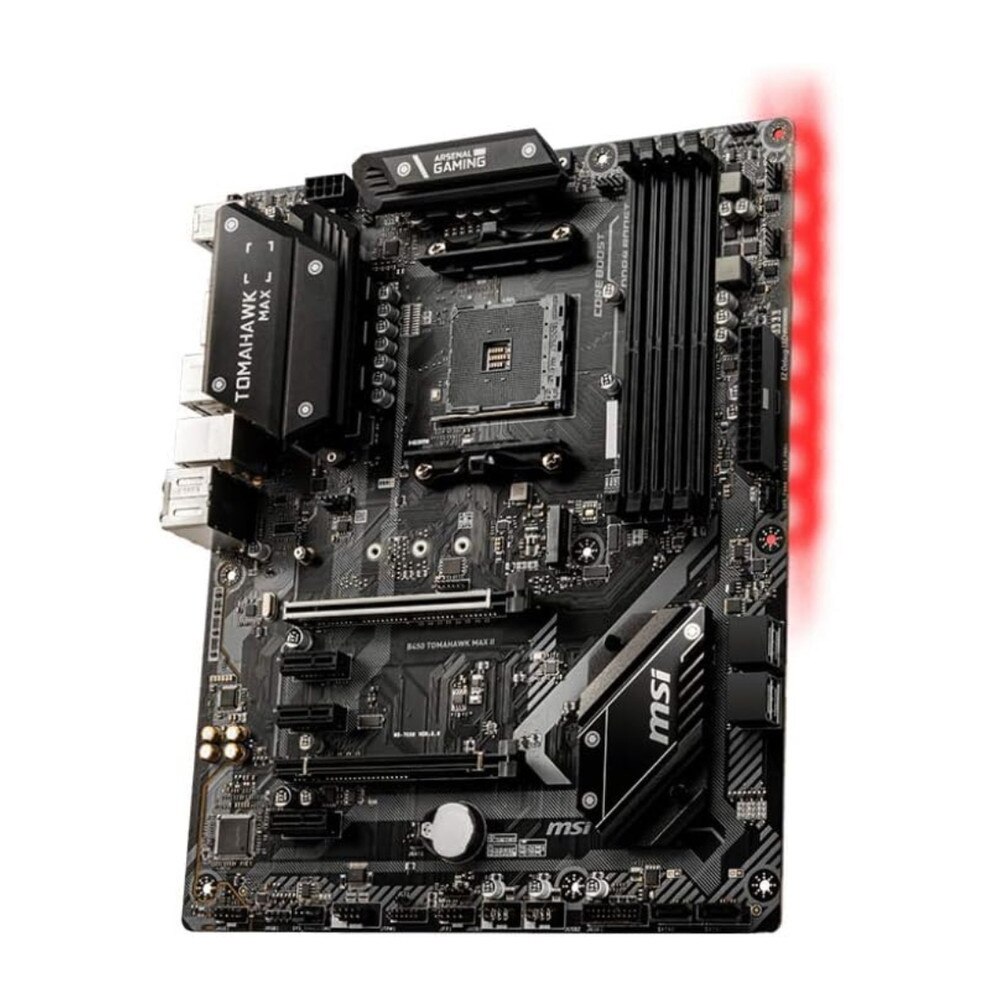
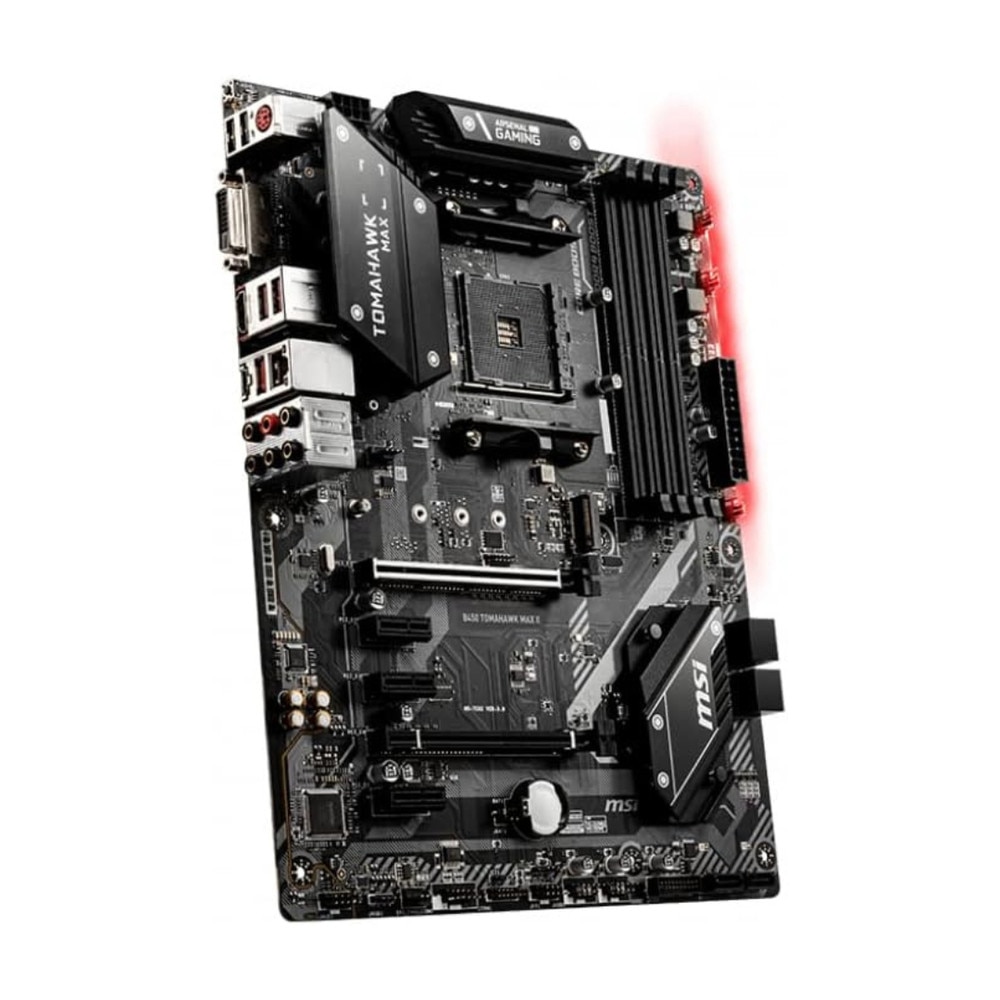
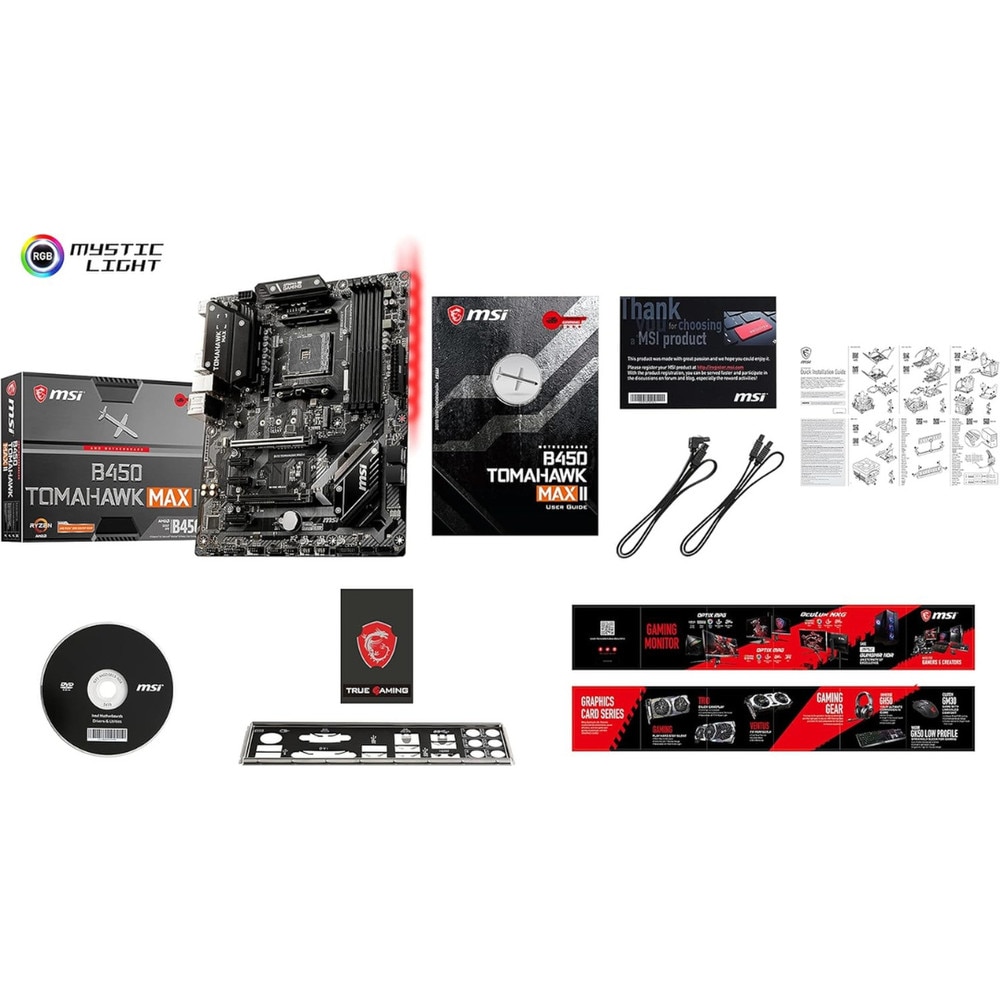
The Tomahawk MAX II is equipped with Extended Heatsink Design and Core Boost Technology, ensuring efficient heat dissipation and stable power delivery even during intense gaming or multitasking. With Mystic Light RGB support, you can customize your system's lighting for a personalized aesthetic. The motherboard also includes EZ Debug LED, making troubleshooting quick and easy.

Whether you're building a powerful gaming rig or an efficient workstation, the MSI B450 Tomahawk MAX II offers the performance, stability, and flexibility you need.

AMD Ryzen Ready

The motherboard supports AMD Ryzen 3000 and 5000 Series processors, ensuring compatibility with the latest CPU technologies for optimal performance.

Advanced Cooling and Stability

The Extended Heatsink Design and Core Boost Technology ensure consistent performance, even during demanding workloads or prolonged gaming sessions.

Comprehensive Connectivity

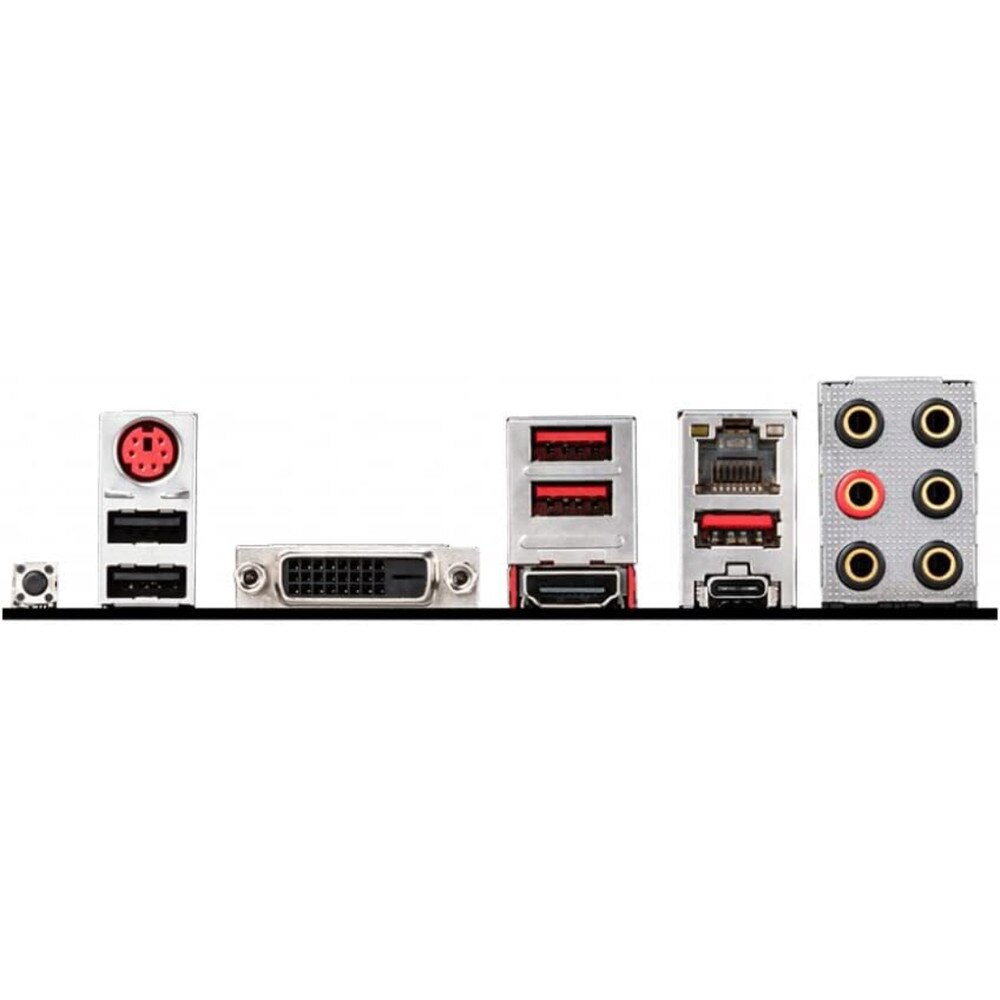
Enjoy fast and versatile connections with USB 3.2 Gen1 ports, PCIe Gen3 slots, and Gigabit Ethernet for seamless data transfers and online gaming.

Key Features:

  • AM4 Socket: Compatible with AMD Ryzen 3000/5000 processors
  • DDR4 Memory Support: Up to 128GB at speeds up to 4133 MHz
  • M.2 Slot: Fast storage performance for NVMe SSDs
  • Mystic Light RGB: Customizable RGB lighting
  • Core Boost Technology: Stable power delivery for optimal CPU performance
  • EZ Debug LED: Simplifies troubleshooting during system setup

The MSI B450 Tomahawk MAX II Motherboard delivers the perfect balance of performance, durability, and style, making it a top choice for gamers and PC enthusiasts.

Specifications

MSI B450 Tomahawk MAX II Motherboard Specifications

ManufacturerMSI
Manufacturer Part NumberB450TOMAHAWKMAXII
Product NameMSI B450 Tomahawk MAX II Motherboard
Product TypeMotherboard
CPU SocketAM4
Processor SupportAMD Ryzen 3000 and 5000 Series
Memory SupportDDR4 up to 128GB
Expansion SlotsPCIe Gen3
Storage InterfaceM.2, SATA
ConnectivityUSB 3.2 Gen1, Gigabit Ethernet
CoolingExtended Heatsink Design
DimensionsATX Form Factor
Warranty1-year limited warranty

User Guides

Frequently Asked Questions

MSI B450 Tomahawk MAX II Motherboard AM4 Socket, DDR4, M.2 Support
Frequently Asked Questions (FAQ's)


What CPU is compatible with the MSI B450 Tomahawk MAX II?
  • The motherboard supports AMD Ryzen 1st, 2nd, 3rd, and 5th Gen processors (up to Ryzen 9 5950X) with the AM4 socket after BIOS updates.
  • Does the MSI B450 Tomahawk MAX II support Ryzen 5000 series CPUs out of the box?
  • Yes, it supports Ryzen 5000 series CPUs with the latest BIOS update (version 7C02v3A or newer).
  • What type of memory (RAM) is supported?
  • It supports DDR4 memory up to 4133 MHz (OC) and a maximum of 128GB across 4 DIMM slots.
  • Does this motherboard have built-in Wi-Fi or Bluetooth?
  • No, the B450 Tomahawk MAX II does not have built-in Wi-Fi or Bluetooth. You’ll need a Wi-Fi adapter or Bluetooth dongle if required.
  • How many M.2 and SATA ports does it have?
  • It has 1 M.2 slot (PCIe 3.0 x4 / SATA) and 6 SATA 6Gb/s ports for storage devices.
  • Is BIOS flashback supported?
  • Yes, it includes the Flash BIOS Button, allowing BIOS updates without a CPU, GPU, or RAM installed.
  • What form factor is the motherboard?
  • It is an ATX form factor motherboard, suitable for standard ATX cases.
  • Does it support overclocking?
  • Yes, it supports CPU and memory overclocking, provided your CPU is an unlocked Ryzen processor.
  • How many fan headers does it have?
  • The motherboard has 6 fan headers, including one dedicated CPU fan header and one pump fan header for liquid cooling setups.
  • What audio chipset does it use?
  • It features the Realtek ALC892/ALC897 audio codec, offering 7.1-channel HD audio support.
  • Does the MSI B450 Tomahawk MAX II support RGB lighting?
  • Yes, it includes RGB headers and supports MSI Mystic Light software for lighting customization.
  • How many PCIe slots does it have?
  • It has one PCIe 3.0 x16 slot (for GPU), one PCIe 2.0 x16 slot, and three PCIe 2.0 x1 slots for expansion cards. ​
  • Does it support NVMe SSDs?
  • Yes, the M.2 slot supports NVMe PCIe 3.0 x4 SSDs for high-speed storage.
  • What type of power connectors are required?
  • It requires a 24-pin ATX main power connector and an 8-pin CPU power connector.
  • Does the motherboard support dual graphics cards (CrossFire or SLI)?
  • It supports AMD CrossFire multi-GPU configuration, but not NVIDIA SLI.
  • What is the maximum supported memory capacity?
  • The maximum memory capacity is 128GB (4 x 32GB DDR4 modules).
  • Does it come with a BIOS update already installed?
  • Most retail units come with an updated BIOS that supports Ryzen 3000 CPUs out of the box, but you may need to update for Ryzen 5000 CPUs.
  • How do I update the BIOS on the MSI B450 Tomahawk MAX II?
  • You can update it using a USB flash drive and the Flash BIOS Button or through MSI’s M-Flash utility in the BIOS menu.
  • What should I do if my PC doesn’t boot after installing a new CPU?
  • Ensure the BIOS is updated to support your CPU, and verify that the 8-pin CPU power cable is properly connected.
  • Does it support booting from an NVMe SSD?
  • Yes, it supports booting directly from an NVMe M.2 SSD, provided it’s formatted correctly and recognized in BIOS.
  • Ratings & Reviews

    No reviews available

    Be the first to Write a Review
