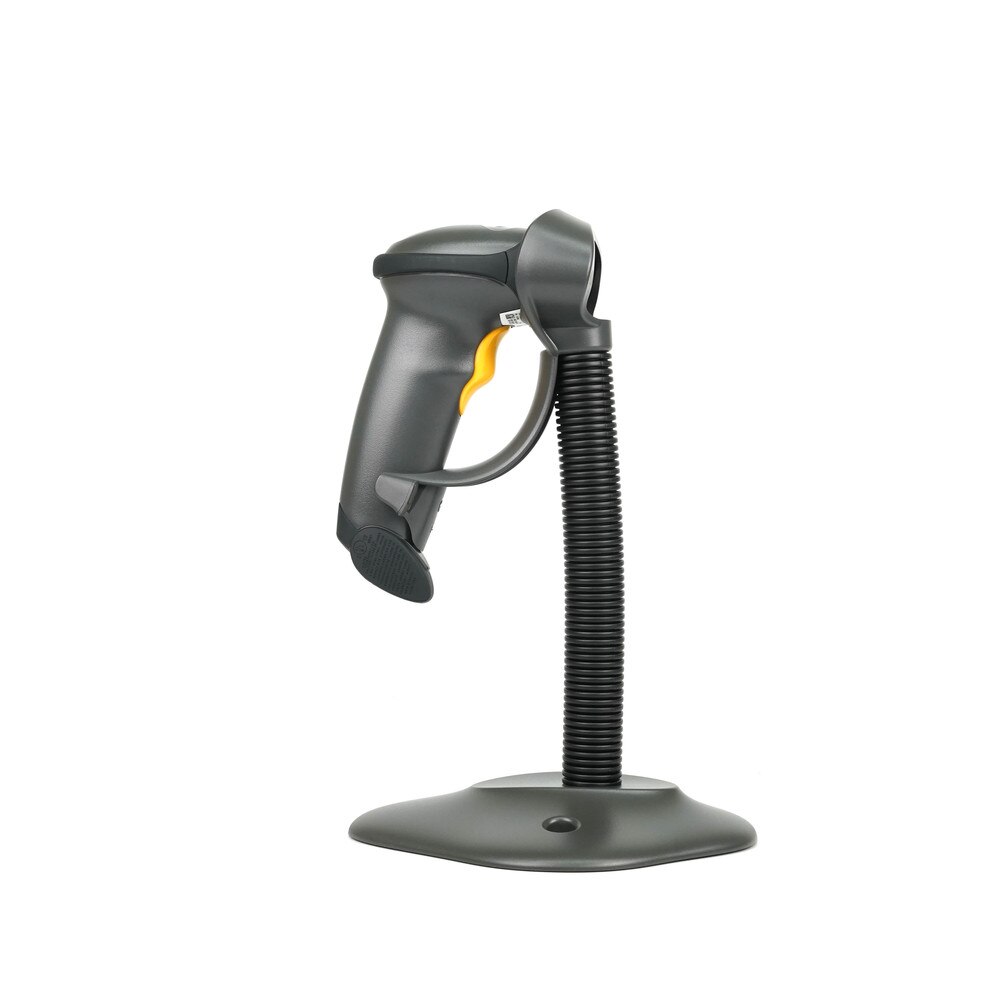
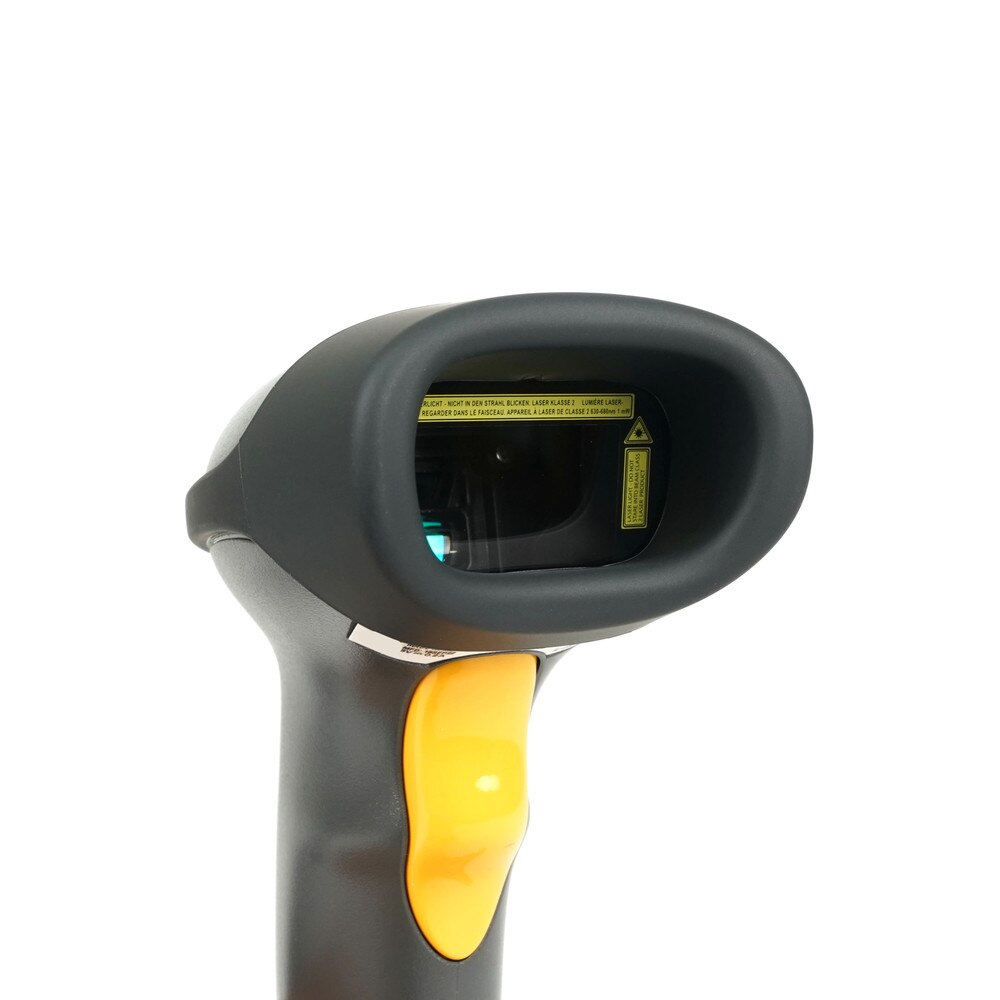
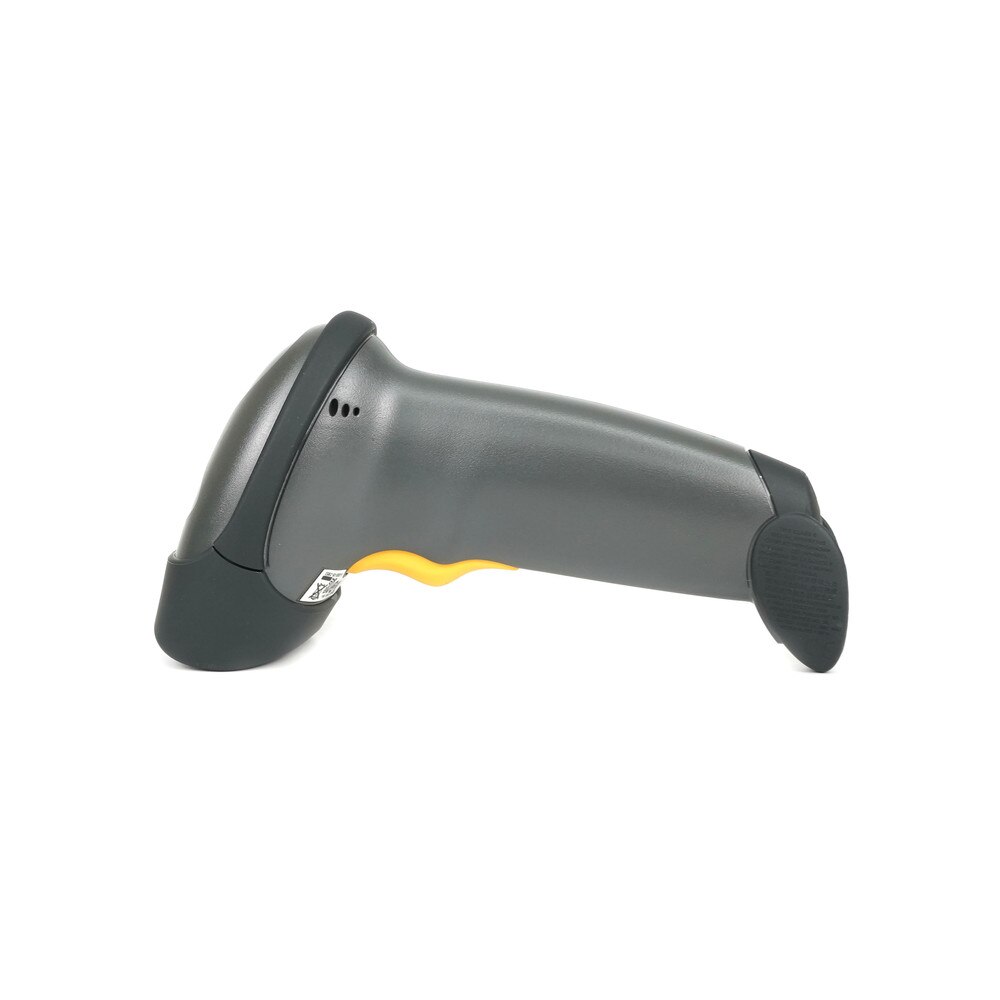
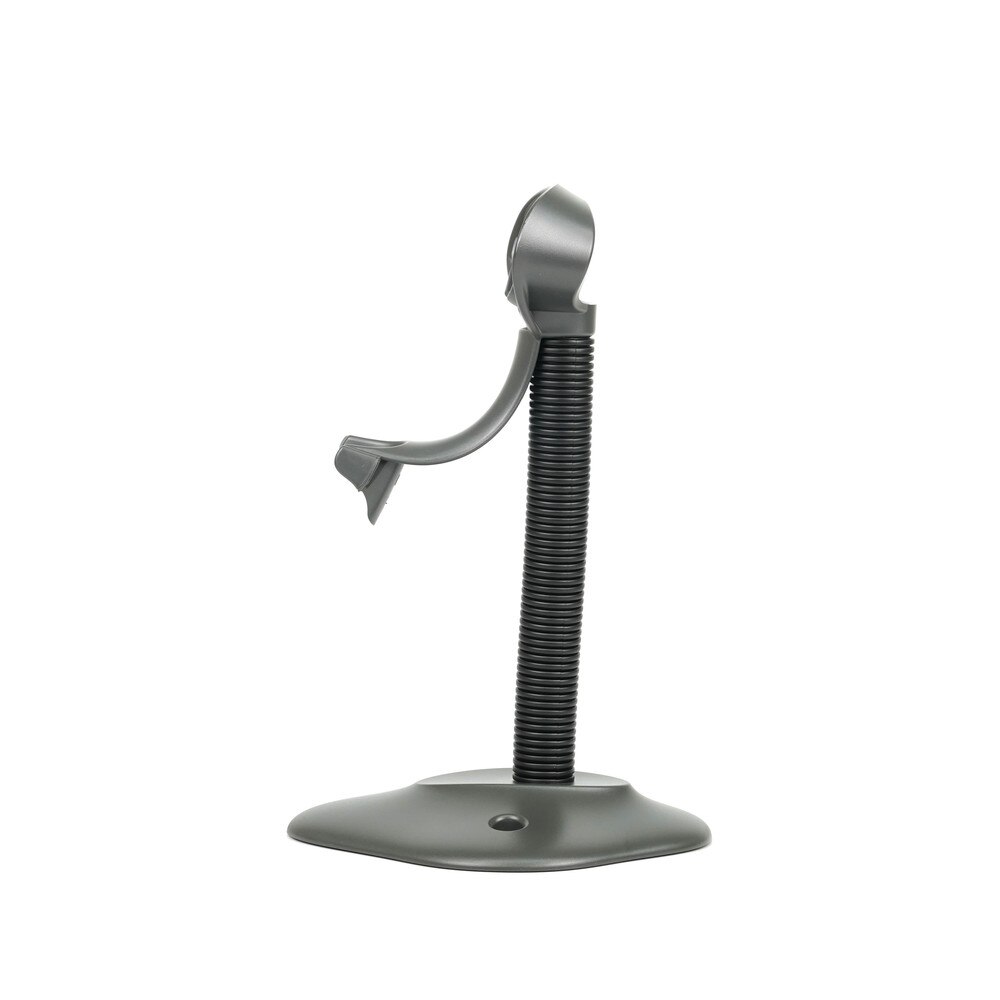
Zebra Symbol LS2208 Handheld Barcode Scanner (LS2208-SR20007R-UR, LS2208-SR20007R) | New
SKU: LS2208-SR20007R-UR-N
 Same Day Shipping - Arrives in 3-5 Business Days
 /returns-icon.jpg) 30-day Returns
30-day Returns 
Have one to sell? Click here to sell to us
Same Day Shipping - Arrives in 3-5 Business Days 30-day Returns Have one to sell? Click here to sell to us
The Zebra Symbol LS2208 Handheld Barcode Scanner (LS2208-SR20007R-UR) establishes the benchmark for 1D barcode scanning in light industrial, retail, hospitality and healthcare settings that is quick, cheap and dependable. Designed to be used continuously throughout the day, this ergonomic, lightweight scanner has single-cable universal interfaces that allow for smooth connection with PCs, POS systems and other devices. Even faded, smudged, or broken barcodes can be swiftly read by the LS2208 due to its broad working range and sophisticated laser scanning technology on paper labels and electronic screens. While its strong durability—which includes several 5-foot drops to concrete—provides piece of mind for demanding applications, its plug-and-play configuration guarantees simple installation. Zebra's renowned dependability and a five-year warranty support the LS2208, which speeds up checkout, improves accuracy and simplifies processes for businesses of all sizes.
• Superior 1D Laser Scanning reads all common 1D barcodes rapidly and accurately, even from poor-quality labels.
• Wide Working Range captures barcodes from contact up to 17 inches away, boosting flexibility at checkout or intake.
• Ergonomic, Lightweight Design that is comfortable for all-day use, reducing fatigue during long shifts.
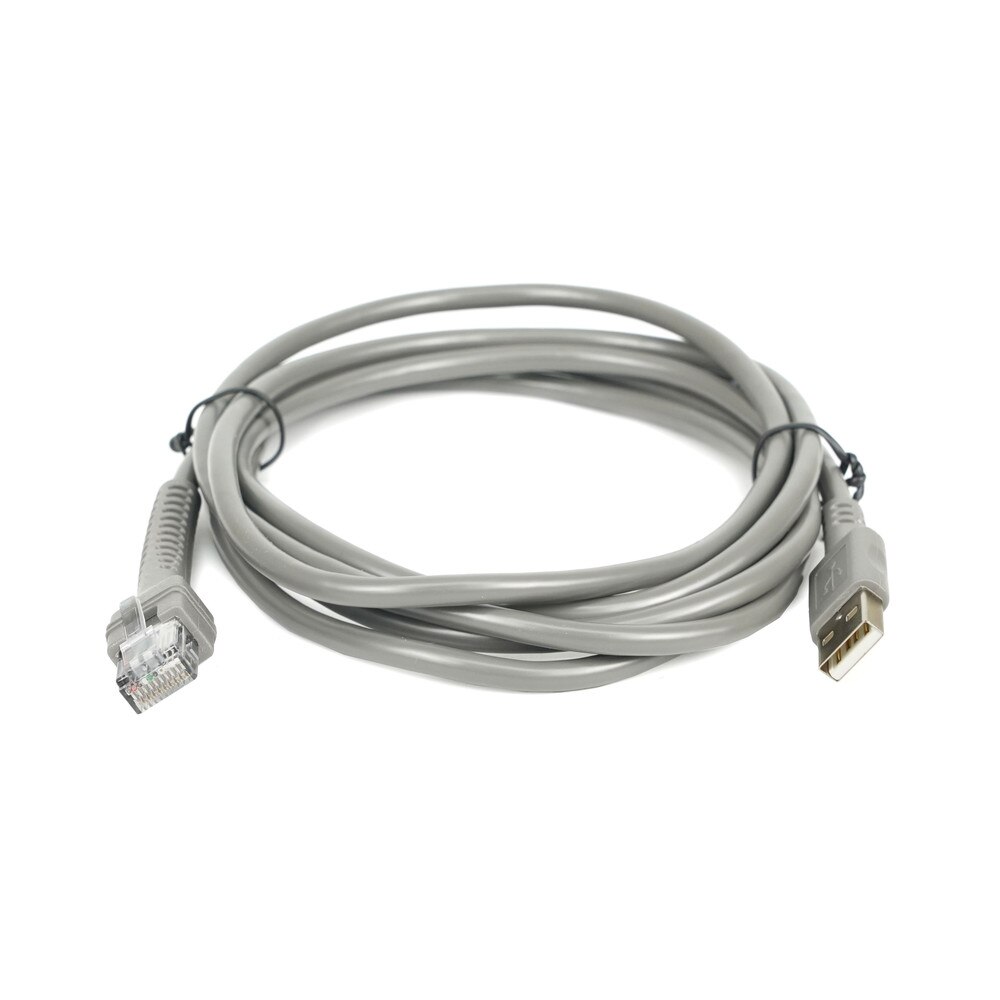
• Universal Host Interface with multiple onboard interfaces (USB, RS232, Keyboard Wedge) for plug-and-play with most POS and data systems.
• Advanced Data Formatting that seamlessly integrates barcode data directly into applications with minimal setup.
• Durable Construction that survives multiple 5-foot drops to concrete and features a scratch-resistant exit window for longevity.
• Hands-Free Scanning Support that includes Gooseneck Intellistand for quick transition between handheld and hands-free operations.
• Plug-and-Play Simplicity with easy USB installation with no drivers needed for most platforms.
• Healthcare Ready with IP30 sealing and disinfectant-ready housing option for medical use.
🗹 Fast, reliable scanning helps reduce long lines and improve customer satisfaction in retail and service sectors.
🗹 User-friendly design and plug-and-play setup get new staff up and running within minutes.
🗹 Rapid, precise decoding ensures fewer errors, better inventory tracking and streamlined operations.
🗹 Universal interface compatibility supports most POS and computer systems—future-proof your investment.
🗹 Lightweight design and proven durability minimize downtime and maximize productivity, even in harsh environments.
🗹 Works equally well in retail, healthcare, hospitality, warehousing and more, with hands-free capability when needed.
| Manufacturer | Zebra |
| Manufacturer Part Number | LS2208-SR20007R-UR |
| Product Name | Zebra Symbol LS2208 Handheld Barcode Scanner |
| Product Type | Barcode Scanner |
| Dimensions | 6.0 in. H x 2.5 in. W x 3.3 in. D 15.2 cm. H x 6.4 cm. W x 8.5 cm. D |
| Weight | 5.3 oz./150.0 g |
| Input Voltage Range | 4.5 to 5.5 VDC host powered; 4.5 to 5.5 VDC external power supply |
| Operating Current at Nominal Voltage (5.0V) | 175 mA (typical) |
| Standby Current (idle) at Nominal Voltage (5.0V) | 90 mA (typical) |
| Color | Cash Register White, Twilight Black |
| Supported Host Interfaces | USB, RS232, Keyboard Wedge, TGCS (IBM) 46XX over RS485 |
| Keyboard Support | Supports over 90 international keyboards |
| User Indicators | Direct decode indicator, good decode LEDs, beeper (adjustable tone/volume) |
| Light Source | 650 nm Laser Diode Class 2 |
| Scan Pattern | Single line |
| Scan Speed | 100 scans per second |
| Scan Angle | 35° |
| Minimum Print Contrast | 20% minimum reflective difference |
| Skew Tolerance | ± 10° |
| Pitch Tolerance | ± 65° |
| Roll Tolerance | ± 60° |
| Operating Temperature | 32° to 122° F/0° to 50° C |
| Storage Temperature | -40° to 158° F/-40° to 70° C |
| Humidity | 5% - 95% RH, non-condensing |
| Drop Specification | Designed to withstand multiple drops at 5.0 ft./1.5 m to concrete |
| Tumble Specification | Designed to withstand 500 tumbles in 1.64 ft./0.5 m tumbler |
| Environmental Sealing | IP30 |
| Electrostatic Discharge (ESD) | ESD per EN61000-4-2, +/-15 KV Air, +/-8 KV Direct, +/-8 KV Indirect |
by Jensen M.
This scanner works perfectly when scanning things to enter into my register, and it interacts with my laptop without the need for any additional drivers.