What is the Ubiquiti UniFi 6 In-Wall Access Point used for?
The U6-IW is designed to deliver high-performance Wi-Fi 6 connectivity while blending discreetly into wall outlets, making it ideal for hotels, apartments, and office environments. How does the UniFi U6-IW improve network performance?
It supports 4x4 MU-MIMO on the 5 GHz band and 2x2 MU-MIMO on 2.4 GHz, allowing multiple devices to connect simultaneously without speed degradation. Can the U6-IW be mounted in a standard wall outlet?
Yes, it’s designed to fit into a standard electrical wall box for a clean, in-wall installation. What Wi-Fi speeds can I expect from the U6-IW?
The access point delivers up to 4.8 Gbps on the 5 GHz band and up to 573.5 Mbps on the 2.4 GHz band, depending on your environment and connected devices. Is the U6-IW compatible with older Wi-Fi devices?
Yes, it supports Wi-Fi 4 (802.11n), Wi-Fi 5 (802.11ac), and Wi-Fi 6 (802.11ax) devices, ensuring backward compatibility. Can I manage the U6-IW through the UniFi Controller?
Absolutely. It integrates seamlessly with the UniFi Network Controller for centralized configuration, monitoring, and management. Does the U6-IW support PoE?
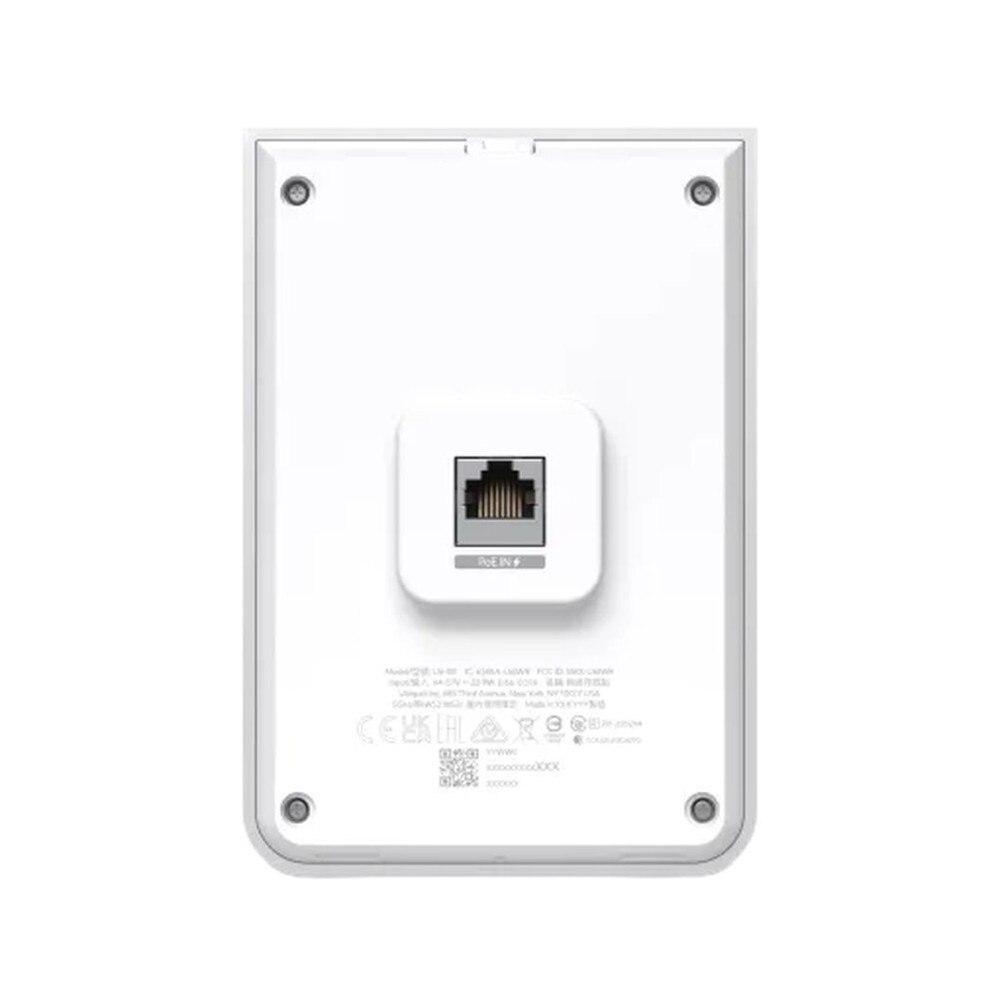
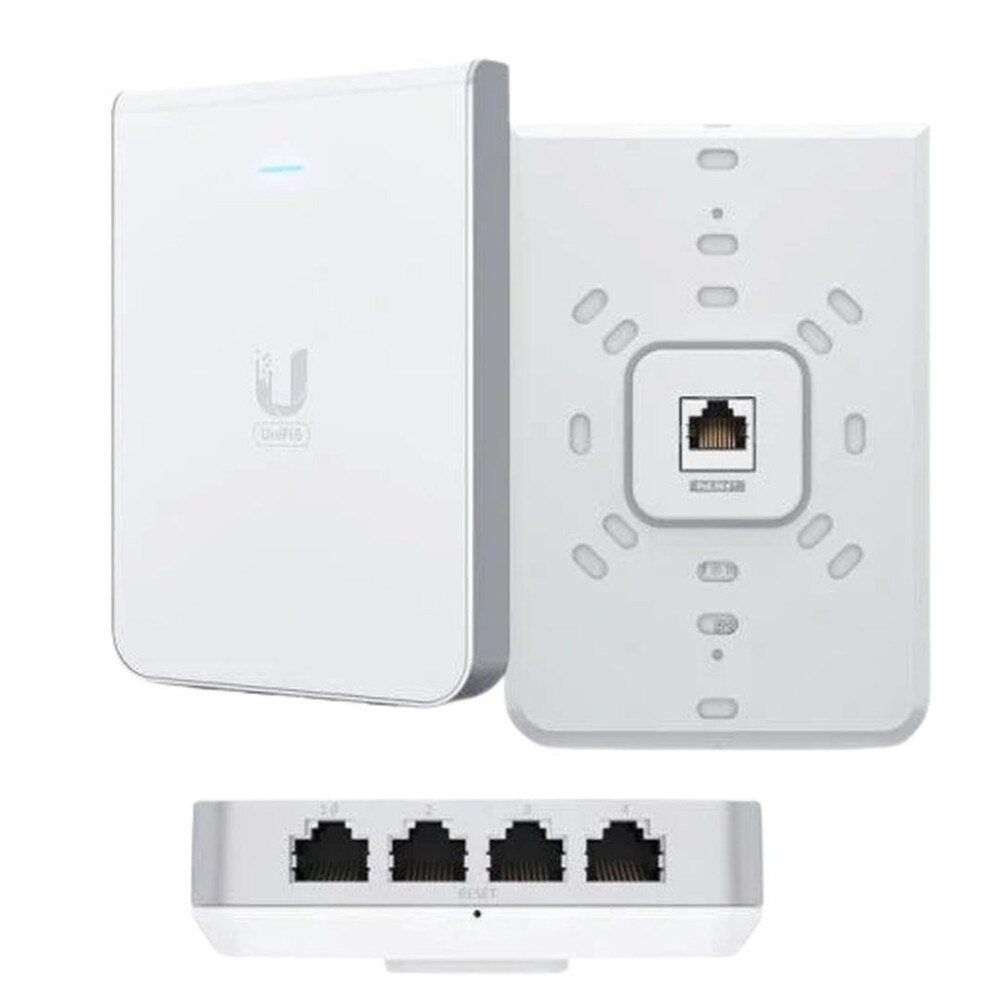
Yes, it uses Power over Ethernet (802.3at PoE+) for both power and data, reducing cable clutter and simplifying installation. How many Ethernet ports does the U6-IW offer?
It features one uplink GbE port with PoE+ input and four additional GbE ports, including one PoE out for powering downstream devices. Is the U6-IW suitable for dense device environments?
Yes, with its Wi-Fi 6 capabilities and high user capacity, it performs well in environments with multiple simultaneous connections. What is the range of the U6-IW access point?
The range varies based on wall structure and interference, but it is optimized for in-room or small area coverage, making it perfect for hotel rooms or office cubicles. Does the U6-IW require a separate power adapter?
No separate power adapter is needed if used with a compatible PoE+ switch or injector. Can the U6-IW be used outdoors?
No, it is designed for indoor use only and lacks weatherproofing for outdoor installations. How do I set up the U6-IW for the first time?
Setup is straightforward via the UniFi Network mobile app or UniFi Controller, guiding you through device adoption and configuration. Can I prioritize devices on the U6-IW?
Yes, using UniFi Controller’s Quality of Service (QoS) settings, you can prioritize bandwidth for specific devices or applications. Is VLAN tagging supported on the U6-IW?
Yes, it fully supports VLAN configurations for segmented and secure network design. Can the U6-IW replace a traditional router?
No, it’s an access point that extends wireless coverage and should be used with a router or gateway device. What makes the U6-IW different from ceiling-mount UniFi APs?
The in-wall form factor makes it ideal for unobtrusive installations in individual rooms, unlike ceiling-mount APs designed for open spaces. Is the U6-IW a good choice for home networks?
Yes, especially for modern smart homes or multi-room setups where a clean aesthetic and high-speed connectivity are important. Can I use multiple U6-IWs in one building?
Yes, they work seamlessly together under a single UniFi Controller, allowing scalable deployments across multiple rooms or floors. Does the U6-IW include LED status indicators?
Yes, it has discreet LED indicators for power, connection status, and adoption visibility.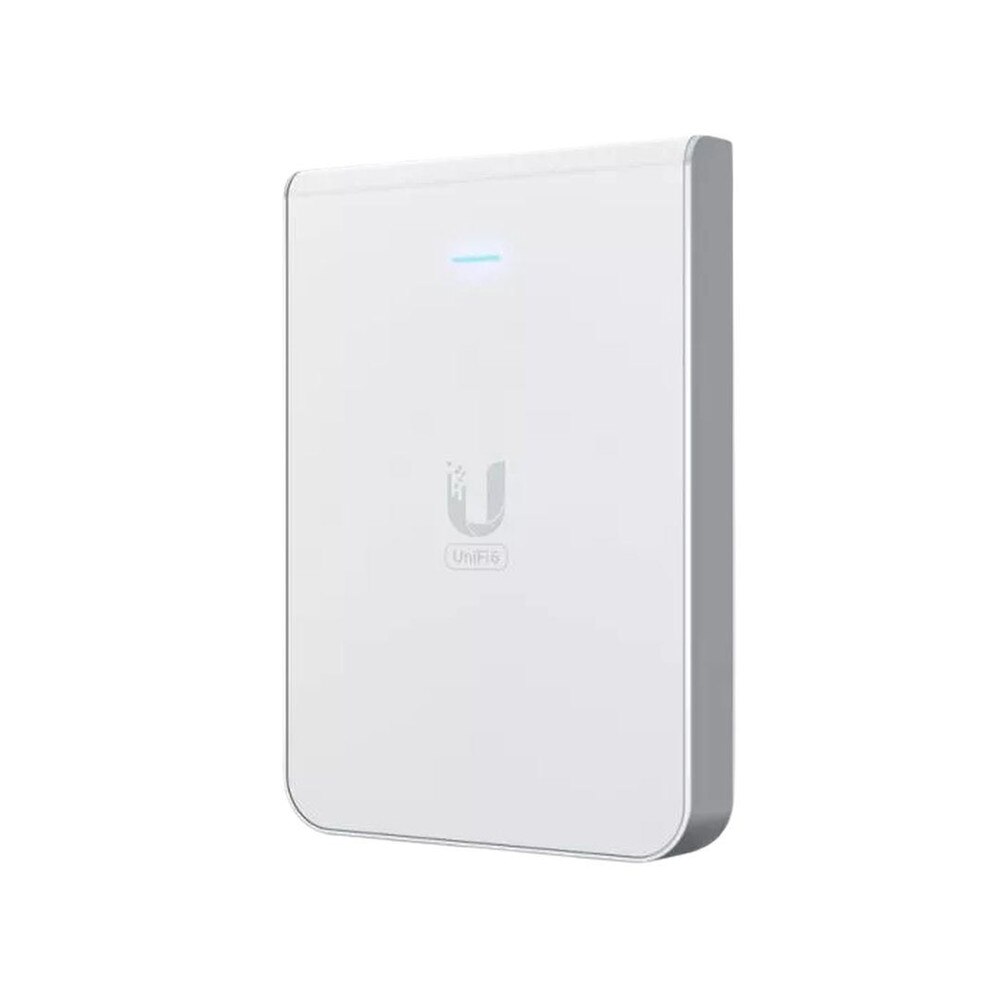

 Same Day Shipping - Arrives in 3-5 Business Days
 /returns-icon.jpg) 30-day Returns
30-day Returns 