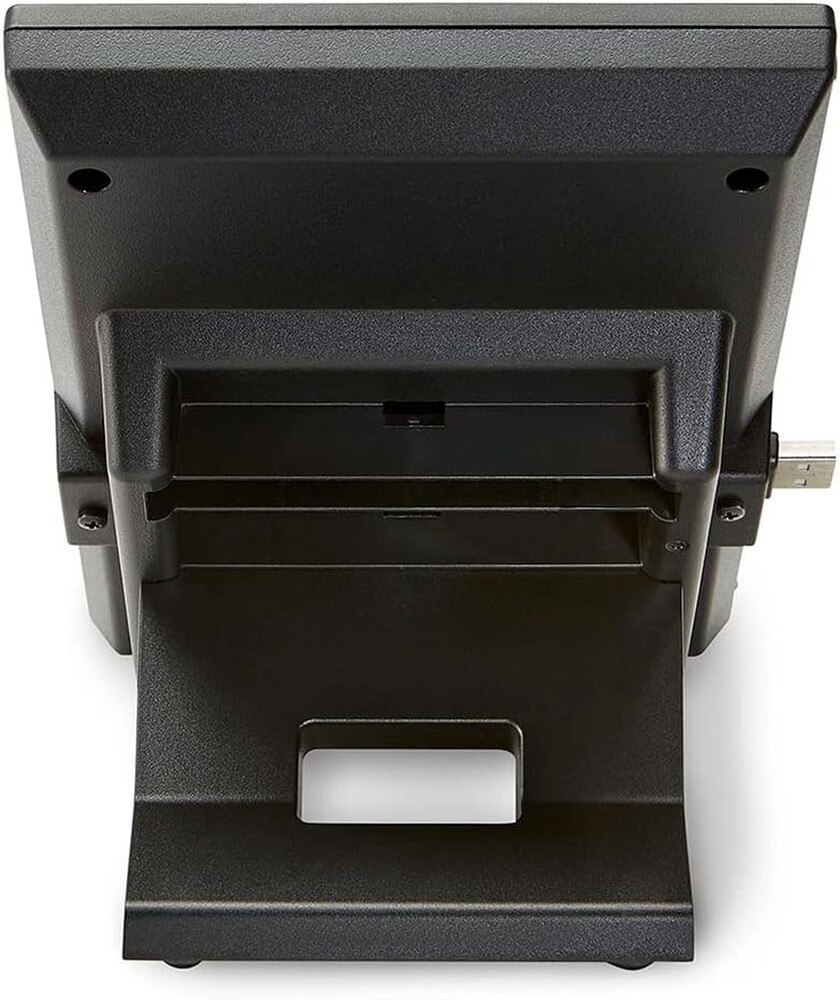
Polycom VVX EM50 Expansion Module (2200-48890-025) | New

Polycom VVX EM50 Expansion Module (2200-48890-025) | New

SKU: 2200-48890-025-N

(0)No Reviews yet

Same Day Shipping - Arrives in 3-5 Business Days
30-day Returns

$199.99 $199.99
For immediate assistance call our support team at 973-808-4588. For additional information, send an email to website@telquestintl.com.

Overview

Overview of Polycom VVX EM50 Expansion Module (2200-48890-025) | New

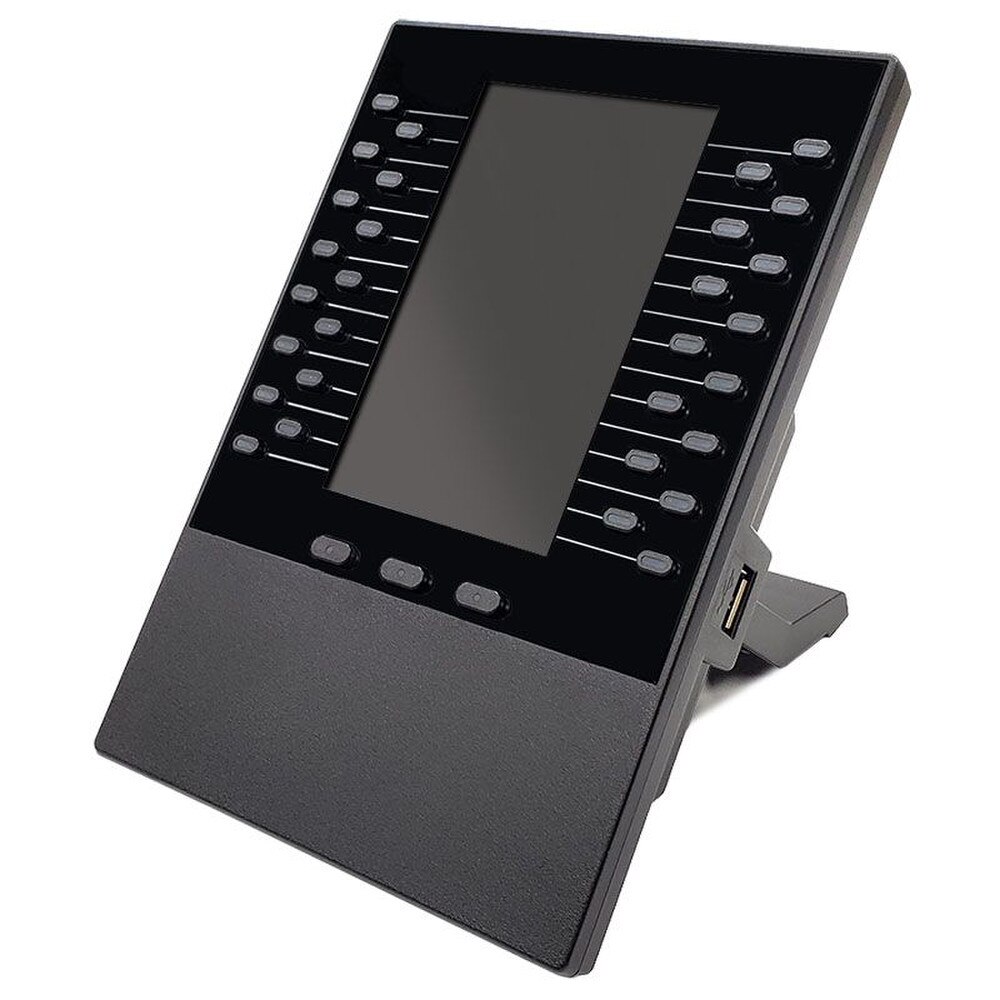
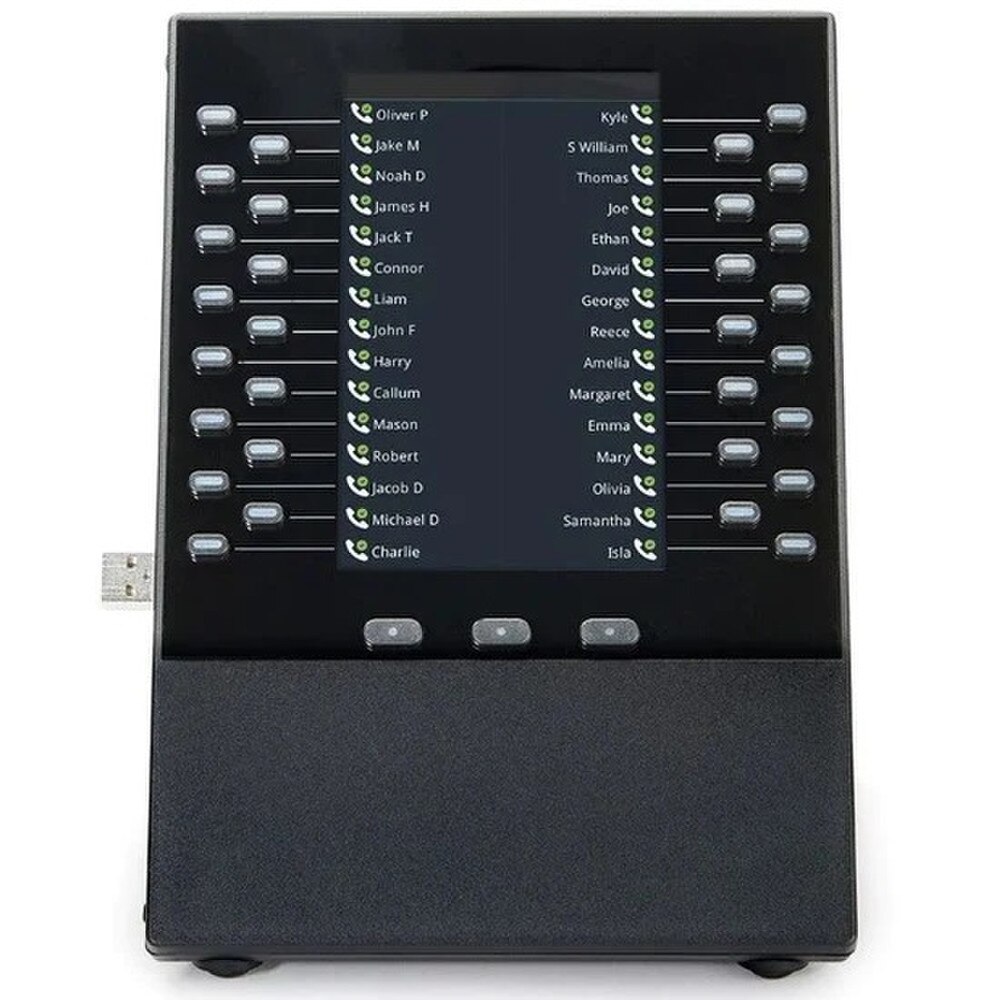
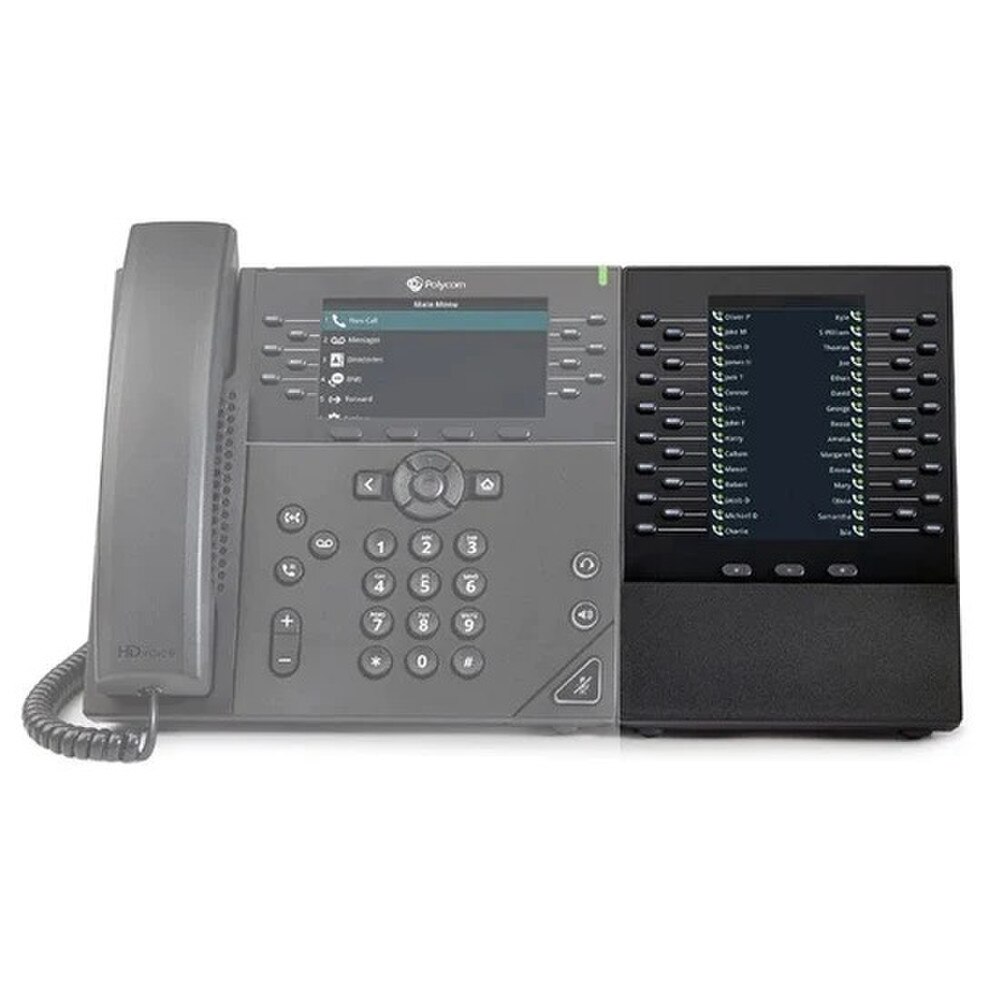
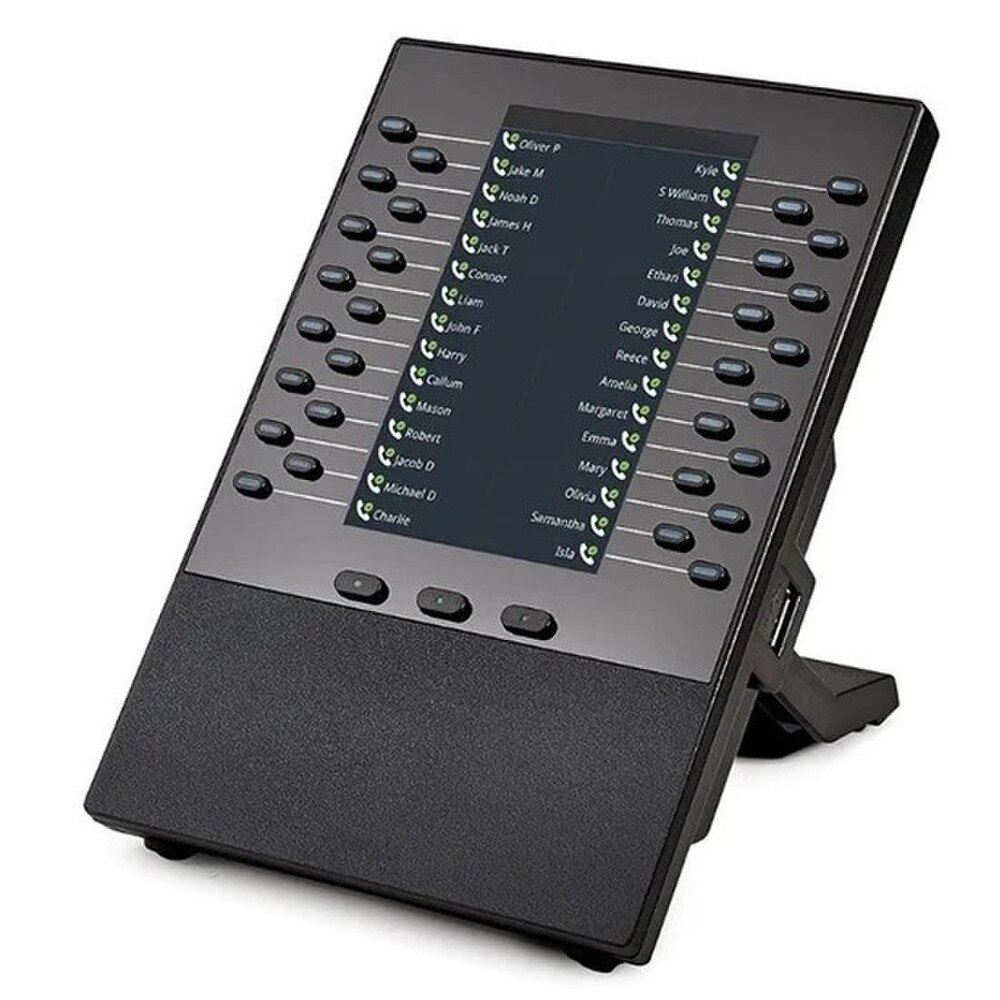
The Poly VVX EM50 adds multifunctional line keys to your VVX 450 business IP phone, which can be configured as line registrations, call appearances, speed dials, direct stations, and/or busy lamp field keys. It is ideal for phone attendants, receptionists, administrative staff, and other users who manage multiple workflows or concurrent calls on a daily basis. It is a simple plug-and-play device that requires no configuration because power and signaling are provided by the host VVX 450. It also matches the look and feel of the VVX 450.

When fully equipped, the optional VVX 450 phone serves as a high-performance attendant console for up to two VVX EM50s. By promptly accepting, accurately screening, efficiently dispatching, and effortlessly monitoring calls, telephone attendants can reduce the number of lost customer calls, shorten transaction times, and improve call routing accuracy.

Polycom VVX EM50 Features
- 5.0" color backlit display (400 x 800 pixel, WVGA)
- 30 line keys with dual-color illuminated LEDs (red or green) for status information
- 3 page keys for additional line appearances
- 1 USB expansion port to connect an additional VVX EM50
- Up to 2 modules can be added to the Polycom VVX 450
Powered by host phone

Compatibility
- Compatible with Polycom VVX 450 IP phone (requires UC software 5.8.2 or higher)

Includes
- Polycom VVX EM 50
- Connection bracket and screw (attached)
- Desk base

Specifications

Specifications for Polycom VVX EM50 Expansion Module (2200-48890-025) | New

ManufacturerPolycom
BrandPolycom
Item Weight‎15.2 ounces
Product Dimensions‎6.5 x 5 x 5 inches
Item model number2200-48890-025
Color‎Black
Number of Items1
Power SourceCorded Electric
Dialer TypeSingle Keypad
Answering System TypeDigital
Caller IdentificationNo
Date First AvailableApril 4, 2019


User Guides

Frequently Asked Questions

Polycom VVX EM50 Expansion Module (2200-48890-025)
Frequently Asked Questions (FAQ's)

What is the Polycom VVX EM50 Expansion Module?
  • The Polycom VVX EM50 is an expansion module that adds additional line keys to Polycom VVX business media phones, providing increased productivity and functionality.
  • Which Polycom VVX phones are compatible with the EM50 Expansion Module?
  • The VVX EM50 is compatible with the Polycom VVX 450, VVX 501, and VVX 601 business media phones.
  • How many line keys does the EM50 Expansion Module provide?
  • The EM50 Expansion Module provides 30 additional line keys, which are displayed across two pages of 15 keys each.
  • Can multiple EM50 modules be daisy-chained?
  • Yes, up to two EM50 Expansion Modules can be daisy-chained to a single VVX phone, providing up to 60 additional line keys.
  • Does the EM50 Expansion Module require an external power supply?
  • No, the EM50 module is powered directly through the VVX phone, so no external power supply is required.
  • How is the EM50 connected to the VVX phone?
  • The EM50 connects to the VVX phone via a dedicated port on the back of the phone using the provided connection cable.
  • Can the EM50 Expansion Module be used with older Polycom VVX phone models?
  • No, the EM50 is specifically designed for use with the VVX 450, VVX 501, and VVX 601 models and is not compatible with older VVX phone models.
  • What types of functions can be assigned to the line keys on the EM50?
  • The line keys on the EM50 can be assigned to various functions such as speed dials, busy lamp fields (BLF), direct station select (DSS), or line appearances.
  • Is the EM50 Expansion Module supported on all VVX phone firmware versions?
  • The EM50 requires VVX phone firmware version 5.8.0 or higher for proper functionality.
  • How do I configure the line keys on the EM50 module?
  • The line keys can be configured through the phone's web interface, using the phone's menu, or via a central provisioning server if your organization uses one.
  • What is the display resolution of the EM50 module?
  • The EM50 features a high-resolution color display with a resolution of 480 x 800 pixels.
  • Can I use the EM50 with a PoE (Power over Ethernet) switch?
  • Yes, since the EM50 is powered through the VVX phone, and the VVX phone can be powered via PoE, the module can be used with a PoE switch.
  • Does the EM50 Expansion Module support the use of headsets?
  • The EM50 itself does not support headsets, but the connected VVX phone can still be used with compatible headsets.
  • What is included in the box when purchasing the EM50?
  • The box includes the EM50 Expansion Module, a connection cable, and a quick start guide.
  • How do I mount the EM50 Expansion Module?
  • The EM50 can be mounted on a desk next to the VVX phone using the included stand. It can also be wall-mounted with an optional wall mount kit.
  • What are the dimensions of the Polycom VVX EM50 Expansion Module?
  • The dimensions are approximately 5.12 x 5.87 x 6.85 inches (130 x 149 x 174 mm).
  • Can the EM50 Expansion Module be used in a daisy-chain configuration with other accessories?
  • The EM50 can be daisy-chained with another EM50 module but not with other types of accessories.
  • What is the warranty period for the EM50 Expansion Module?
  • The Polycom VVX EM50 typically comes with a one-year limited hardware warranty, but the warranty period can vary depending on the region or reseller.
  • Can I customize the labels on the EM50's line keys?
  • Yes, the labels can be customized through the phone's web interface or provisioning system to reflect the assigned function or contact name.
  • Is the EM50 Expansion Module plug-and-play, or does it require additional setup?
  • The EM50 is plug-and-play, but some configuration of the line keys may be required depending on your needs and setup.
  • Ratings & Reviews

    No reviews available

    Be the first to Write a Review