

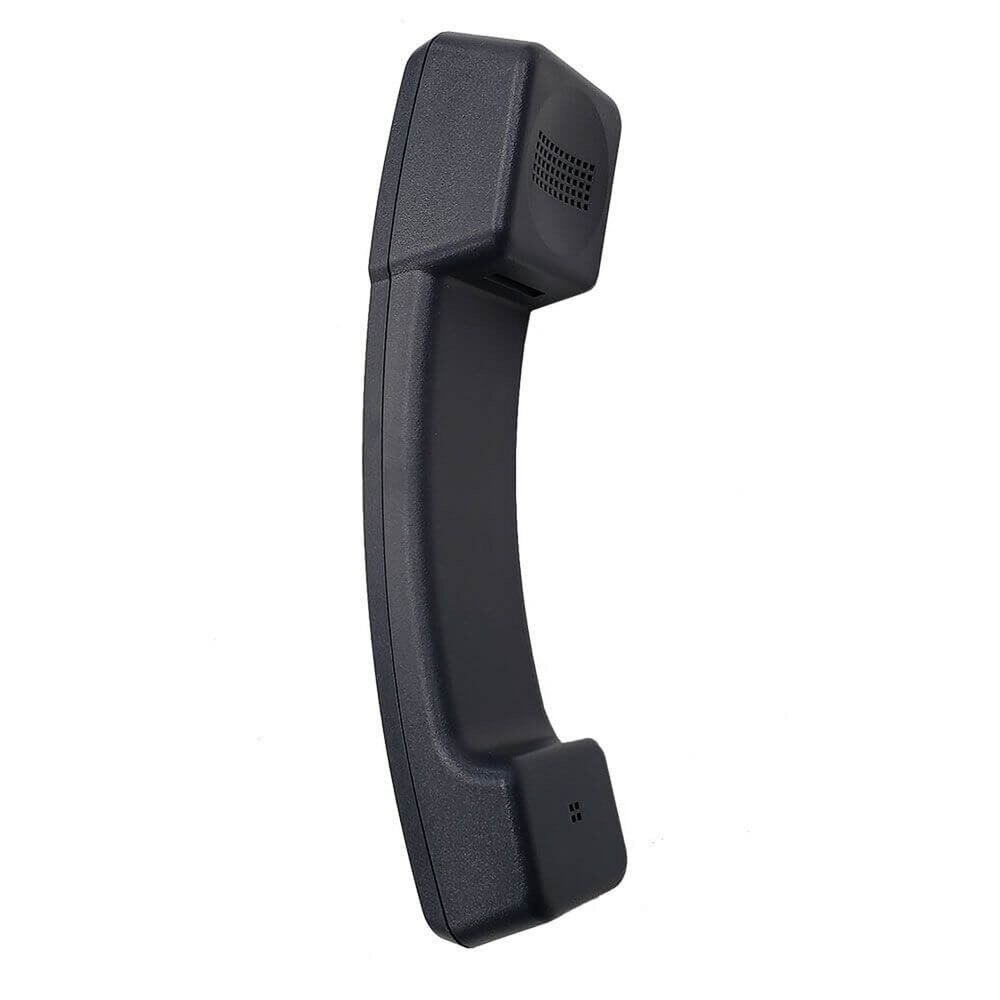
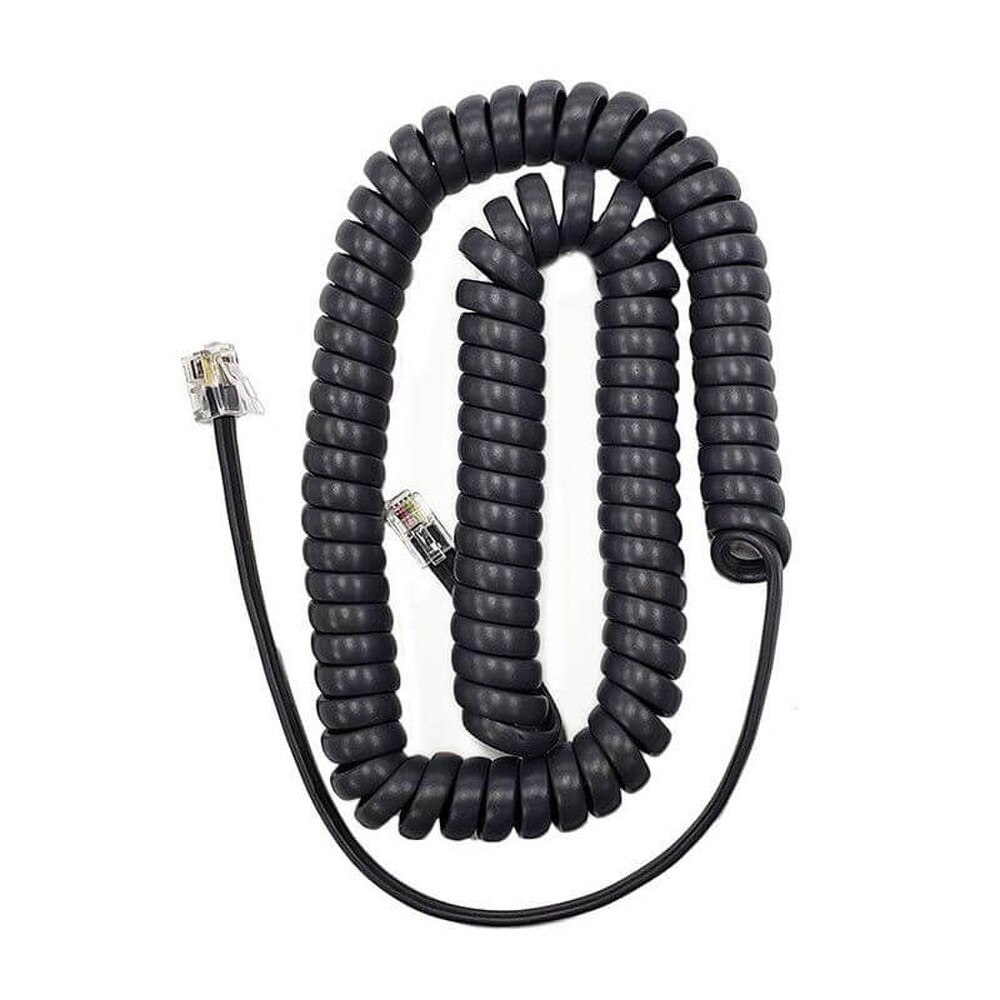
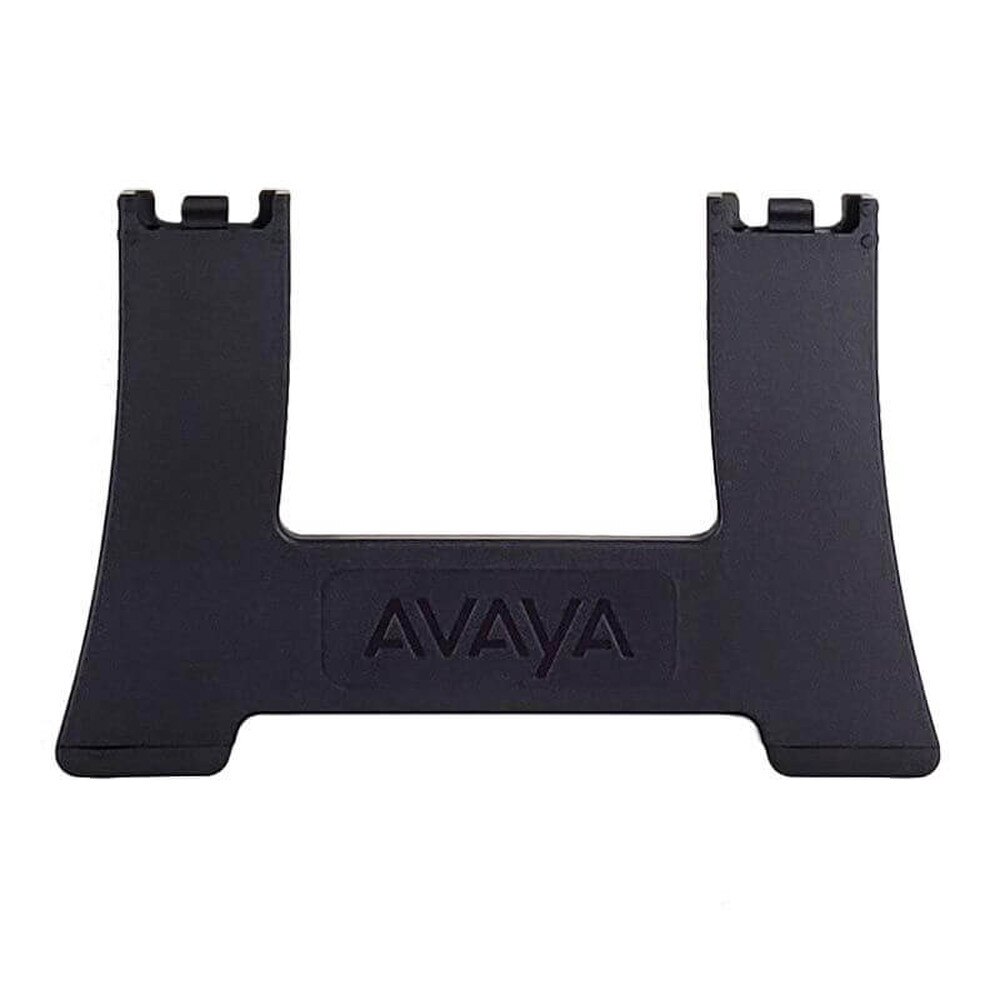
Avaya J179 Gigabit IP Phone (700513569) | Like New
SKU: 700513569-LN
 Same Day Shipping - Arrives in 3-5 Business Days
 /returns-icon.jpg) 30-day Returns
30-day Returns 
Have one to sell? Click here to sell to us
Same Day Shipping - Arrives in 3-5 Business Days 30-day Returns Have one to sell? Click here to sell to us
The Avaya J179 Gigabit IP Phone (700513569) is a high-performance business VoIP phone built for executives, managers, receptionists and power users who need fast call handling and clear audio. It is a professional desk phone with an integrated Gigabit Ethernet interface, color display and extension capabilities that is intended for busy business settings. The Avaya J179 is made to offer cutting-edge communication functions in a stylish, productivity-focused form factor. Everyday call handling is made easy by its 3.5-inch color display, dual-line feature keys and context-sensitive softkeys; discussions sound crisp and natural due to high-definition audio. The J179 facilitates effective call control, headset use and possible wireless expansion through accessories. It is designed for Avaya Aura and IP Office settings. This Avaya corporate IP phone is an excellent option for consumers who require dependable phone service, quick access to features and a polished desktop communication experience because it has inbuilt Gigabit Ethernet and supports extension modules.
• 3.5-inch color LCD with 320 x 240 resolution for clear visual navigation.
• 4 context-sensitive softkeys for fast call control.
• 8 dual-color line-feature keys for quick status awareness.
• Integrated Gigabit Ethernet interface for high-speed network connectivity.
• Support for up to three 24-button expansion modules.
• High-definition audio for clearer voice communication.
• Headset support for hands-free calling.
• Optional Wi‑Fi and Bluetooth support through the J100 Wireless Module.
• SIP support for enterprise VoIP deployments.
• PoE Class 1 design with sleep mode for improved energy efficiency.
🗹 Helps busy professionals manage calls faster and with fewer steps.
🗹 Improves voice clarity for better meetings, transfers and conference calls.
🗹 Supports a more efficient desktop workflow with programmable keys and expansion options.
🗹 Fits well into Avaya enterprise environments due to strong platform compatibility.
🗹 Reduces desk clutter and improves flexibility with optional headset and wireless accessory support.
🗹 Delivers a professional communication experience for executives, knowledge workers and reception teams.
| Manufacturer | Avaya |
| Manufacturer Part Number | 700513569 |
| Product Name | Avaya J179 Gigabit IP Phone |
| Product Type | IP Phone |
| Display | 3.5-inch color LCD |
| Display Resolution | 320 x 240 pixels |
| Line Keys | 8 line-feature keys with dual-color red/green LEDs |
| Programmable Buttons | 24 programmable button slots |
| Soft Keys | 4 context-sensitive softkeys |
| Audio | High-definition / wideband audio in handset, headset, and handsfree |
| Speakerphone | Full-duplex speakerphone |
| Headset Support | RJ9 headset port with EHS support |
| Connectivity | Dual Gigabit Ethernet ports (10/100/1000) |
| Power Over Ethernet | PoE Class 1, IEEE 802.3af |
| Power Options | PoE or optional AC adapter / PoE injector |
| VoIP Protocols | SIP, H.323, SIP-AST, CCMS over SIP |
| Codecs | G.711, G.722, G.729ab, G.726, Opus |
| Expansion Module Support | Up to 3 x 24-button expansion modules |
| Wireless Support | Optional J100 Wireless Module for Wi-Fi and Bluetooth |
| Hearing Aid Compatibility | Yes |
| Mounting | Table-top; wall-mountable with optional stand |
| Platform Compatibility | Avaya IP Office 11.0, Avaya Aura Platform 6.3 FP4, BroadSoft BroadWorks R21SP1, Zang Office R1.0 |
| Indicator Lights | Message waiting, speaker, mute, headset, history |
| Languages | Multilingual support |
Yes. The J179 is designed for users who require advanced communication features and efficient call management capabilities.
The phone supports up to eight SIP lines.
Yes. It features a 3.5-inch color screen for easy navigation and call management.
Yes. Dual Gigabit Ethernet ports provide high-speed network connectivity.
Yes. The J179 supports Bluetooth connectivity for compatible wireless headsets.
Yes. PoE support allows the phone to receive power through a compatible network switch.
Typically, no. Most deployments utilize PoE, and power adapters are generally sold separately.
Yes. The phone supports compatible wired headset solutions.
Yes. It features a full-duplex speakerphone for hands-free communication.
Yes. The J179 supports SIP communications for compatible business phone systems.
Yes. Feature keys can be configured for speed dials, extensions, and frequently used functions.
Yes. Multiple line appearances and programmable keys make it effective for call-intensive roles.
Yes. Avaya HD Voice technology delivers clear and natural conversations.
Yes. The phone supports flexible communications across modern workplace deployments.
Yes. Users can manage conference calls through supported telephony features.
Yes. IT administrators can efficiently provision and manage phones across organizations.
Yes. The J179 is commonly deployed in healthcare facilities, schools, universities, and government offices.
Yes. A USB port is available for supported accessories and integrations.
Yes. Its multi-line support and advanced call management capabilities make it ideal for busy professionals.
The Avaya J179 combines HD audio, Gigabit networking, Bluetooth headset support, multi-line functionality and enterprise-grade reliability, making it an excellent communication solution for professionals who require advanced business telephony features.