Master Your Workspace: Exploring the HP USB-C Dock G5 Docking Station
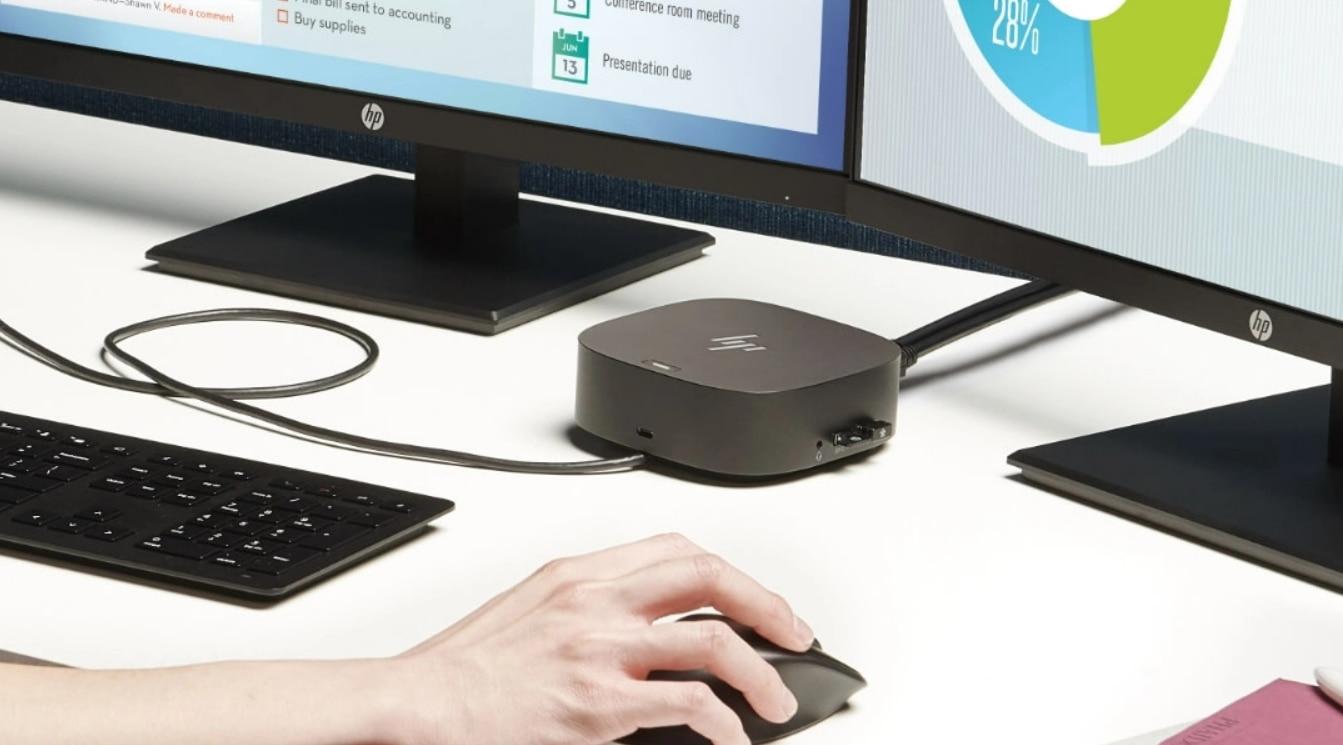
The features and functionalities of the HP USB-C Dock G5, exploring how it can transform your desk from chaotic to clutter-free, all while boosting your workflow.
Managing several cords, additional screens, and accessories can easily turn your workstation into a disorganized chaos. Presenting the HP USB-C Dock G5, a tiny powerhouse that promises to simplify your setup and maximize your productivity.
One Dock, Boundless Potential:
The HP USB-C Dock G5 Docking Station acts as a central hub, consolidating your connections and eliminating the need for a multitude of adapters. Here's how it simplifies your setup:
• Universal Compatibility: Easily connects to MacBooks, HP laptops, and other notebooks with USB-CTM and ThunderboltTM enabled, offering a flexible solution for a range of workstations
• Single-Cable Solution: Ditch the cable clutter! Connect your laptop to the dock with a single USB-C™ cable, granting access to all your peripherals, displays, and power source.
• Expand Your View: The HP USB-C Dock G5 supports up to three external displays, allowing you to create a multi-monitor workstation for enhanced productivity and multitasking.
Ample Connectivity Options
• Front: 1 USB-C® port with data and power out (15W) for charging mobile devices.
• Sides: 2 USB 3.0 charging ports and a combo audio jack for headphones or speakers.
• Back: 2 additional USB 3.0 charging ports, 2 DisplayPort™ ports for connecting high-resolution displays, an RJ45 port for wired Gigabit Ethernet connectivity, an HDMI 2.0 port for connecting additional displays, and a standard lock slot for added security.
• Power Up Your Productivity:
• The HP USB-C Dock G5 goes beyond simply connecting devices. It also offers features to boost your workflow:
• Fast and Efficient Charging: The dock delivers up to 100W of power delivery via USB-C® Power Delivery, ensuring your laptop stays charged while you work.
• Wired Network Stability: Enjoy the reliability and security of a wired Gigabit Ethernet connection, ideal for large file transfers or video conferencing.
• Security Matters: A built-in lock slot allows you to physically secure the dock to your desk, providing peace of mind in shared workspaces.
Designed for a Streamlined Experience
The HP USB-C Dock G5 is built with user convenience in mind:
• Compact Footprint: This dock takes up minimal desk space, keeping your workspace organized and clutter-free.
• Easy Management: IT professionals can remotely manage and update dock firmware for a streamlined maintenance experience.
Is the HP USB-C Dock G5 Right for You?
This versatile docking station is ideal for professionals seeking a streamlined and productive workspace. Here's a quick guide to see if it fits your needs:
• Do you use multiple external displays?/p>
• Do you crave a clutter-free desk setup with a single cable solution?
• Do you require a variety of ports for connecting peripherals and wired networking?
If you answered yes to any of these questions, the HP USB-C Dock G5 could be the perfect solution to elevate your workspace and unleash your productivity potential.
Ready to conquer your desk chaos? Consider these additional factors when making your decision:
• The number of external displays you need to connect.
• The specific ports required for your peripherals.
• Your laptop's compatibility with USB-C™ and Thunderbolt™ protocols.
• You may change your workspace with the powerful and adaptable HP USB-C Dock G5 Docking Station. Its many connectivity choices, effective charging, and small size make it potentially the secret to a more efficient, productive, and stress-free workday!
You may change your workspace with the powerful and adaptable HP USB-C Dock G5 Docking Station. Its many connectivity choices, effective charging, and small size make it potentially the secret to a more efficient, productive, and stress-free workday!