Link your Voyager 6200 Headset from Poly (Plantronics) to a Computer
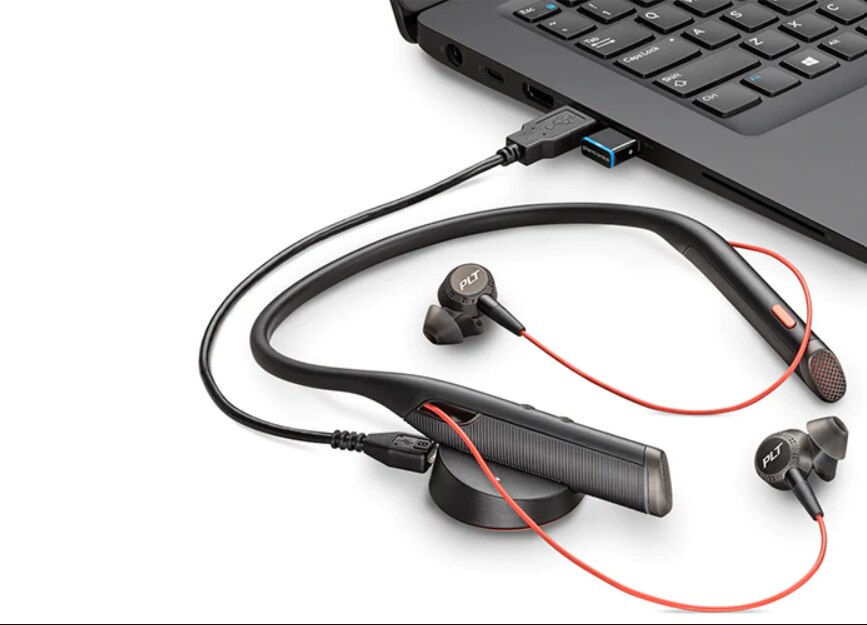
Are you experiencing difficulties linking your PC and Poly Voyager 6200 headset? Take a look at this little guide:
A USB adaptor (dongle) should be included with your headset. Your headset is already pre-paired with this dongle. When you're ready to link your VoIP headset to your computer, do the following actions:
1. After turning on your Plantronics Voyager 6200 headset, connect the dongle to your PC or laptop. 2. Next, the USB dongle will flash blue before becoming solid blue. This indicates that the
2. Next, the USB dongle will flash blue before becoming solid blue. This indicates that the headset and USB adapter are properly connected.
3. You should now hear "PC connected" on your headset, which means the connection has been made!
What does the current blue light indicate? Your USB adaptor will flash blue while you are on the call, and it will return to solid blue after the conversation ends. And that's it!