How to Block Calls on Polycom VVX300: Rejecting Specific Contacts
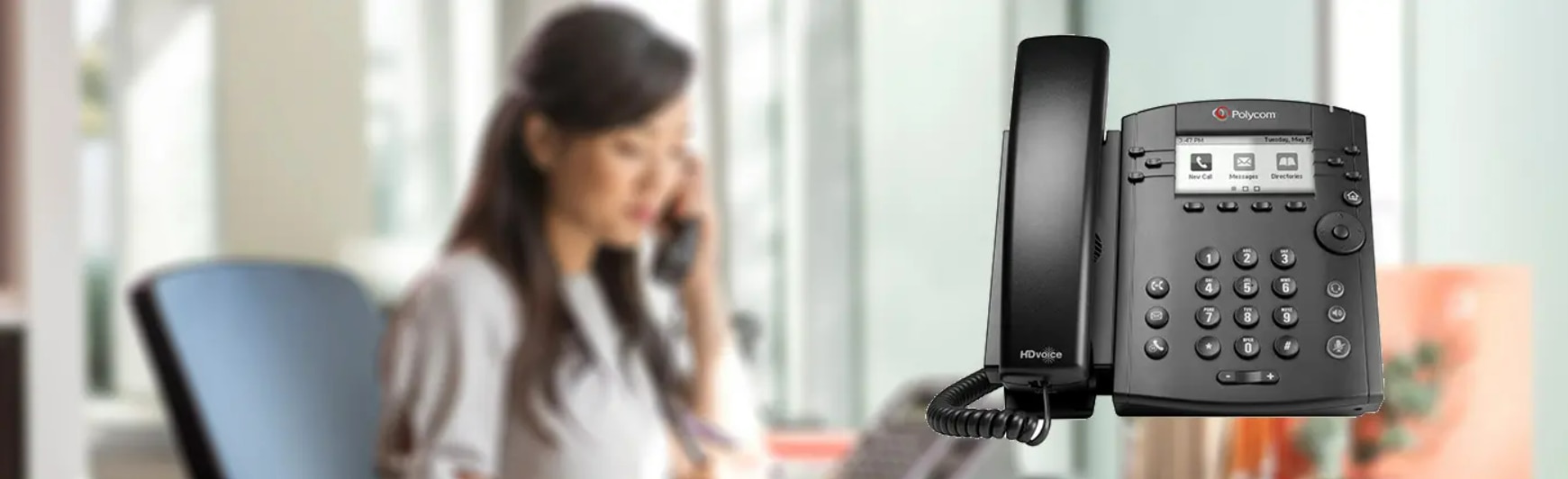
It's difficult to envision a world without Caller ID. I know I'm not the only one who finds it difficult to remember people's real phone numbers these days. All that matters is their name after they are in my contact list.
These days, technology allows you to use your desk phone at work in the same way that you would your personal cell phone thanks to its capabilities.
These phones typically contain all of the capabilities found on your cell phone, and sometimes even more! I've previously blogged about IP phones with cameras, video recording capabilities, and even customizable ringtones, so I'm aware that the options are essentially limitless.
However, since this is a basic blog post discussing the ease of use, I will utilize the Polycom VVX300 as an illustration. Though it lacks flashiness, this entry-level phone is jam-packed with functionality!
A contact list is just so happens to be one of these characteristics. Just as on your cell phone, you can add phone numbers to your VVX300 phone book. You may do more than just ignore the call, exactly like you would on your cell phone, because everyone has that one person that calls often and we never want to respond. The VVX300 can be programmed to reject calls automatically!
How to Reject Calls from a Contact on the Polycom VVX 300
1.From the Home view, select Directories, then click Contact Directory.
2.Press Info after using the up and down arrow keys to choose the contact whose calls you wish to exclude from your directory.
3.Select Edit from the contact's details screen.
4.Using the up and down arrow keys, choose Auto Reject from the Edit Contacts page, then select Enabled.
5.Finally, hit Save.
Furthermore, POOF! The call will now automatically go to voicemail each time that contact calls your Polycom VVX300. The one thing that this phone isn't able to do is automatically remove voicemails from your unwelcome contacts. That will need to be done by hand.
To learn more about Polycom, kindly give Telquest Sales a call at 973-808-4588, and we will be happy to help you find out the best IP Phones or any equipment you need!