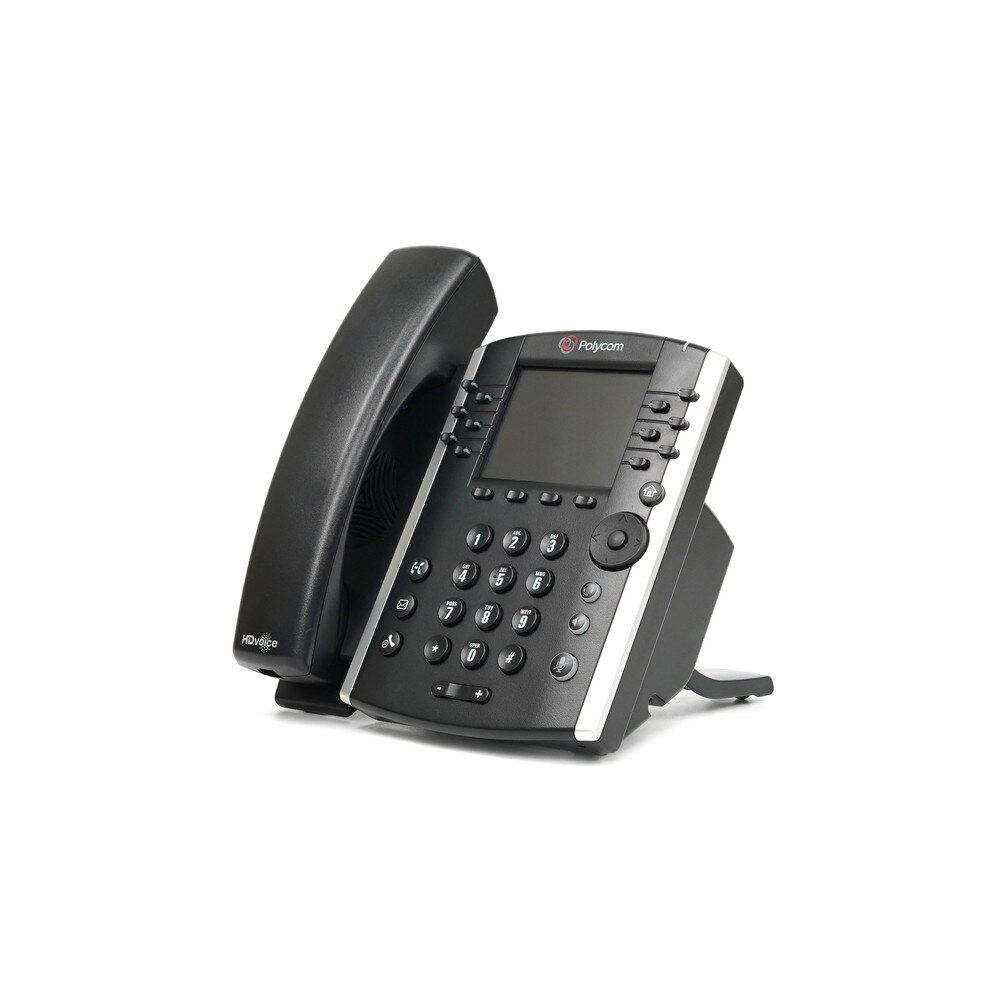
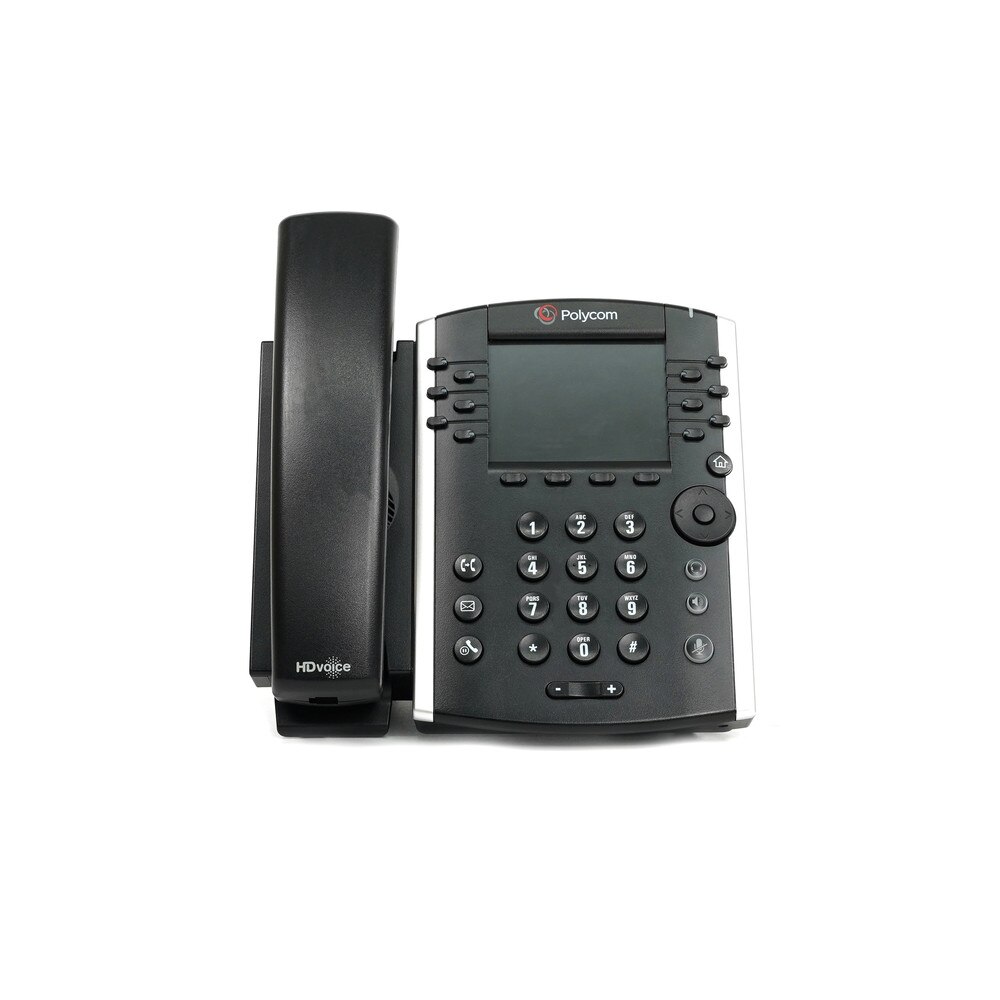
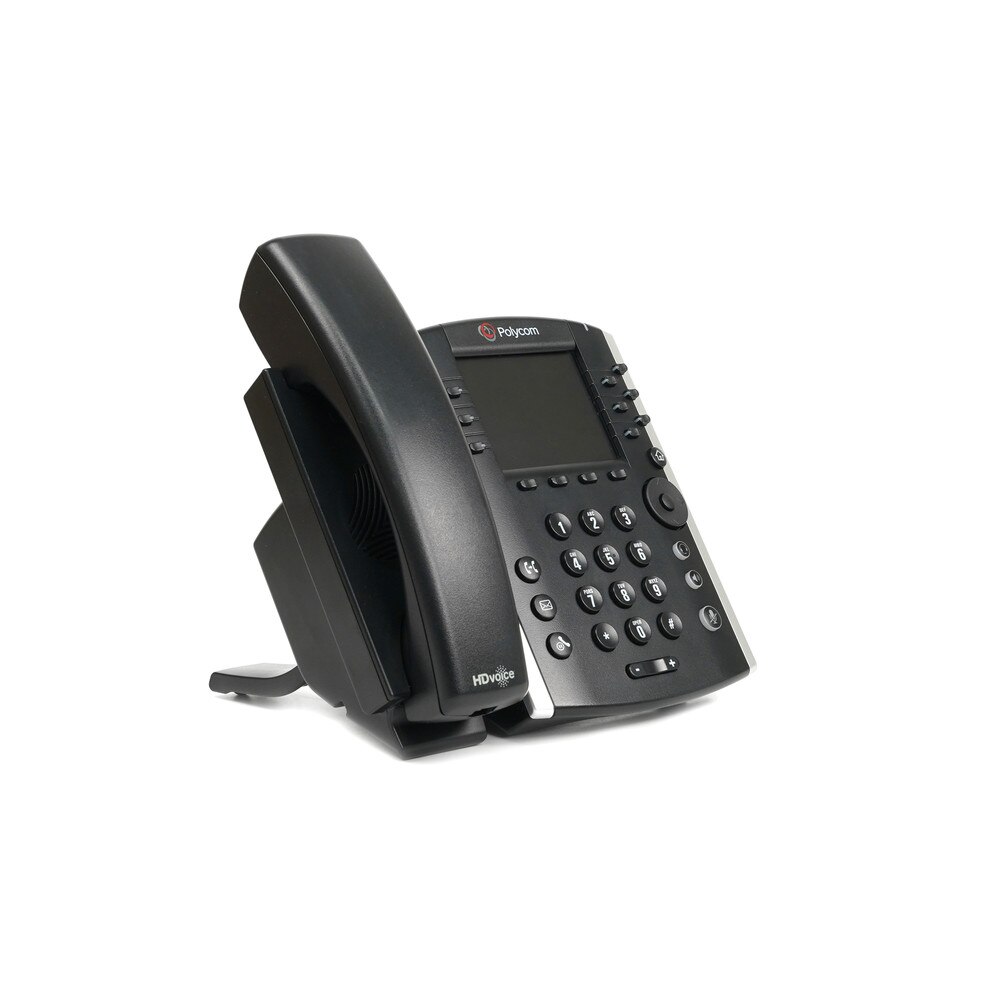
Polycom VVX 410 IP Phone (2200-46162-025) | Like New

Polycom VVX 410 IP Phone (2200-46162-025) | Like New

SKU: 2200-46162-025-LN
(0)No Reviews yet

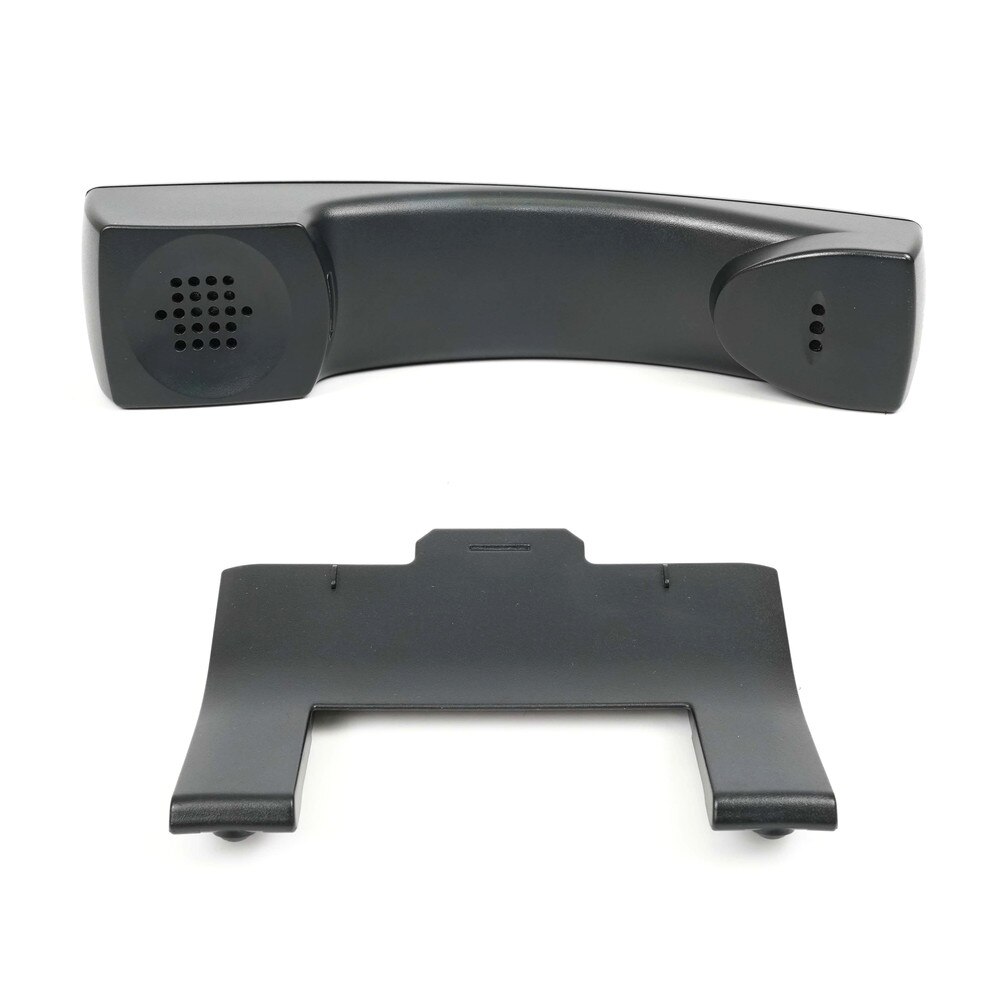
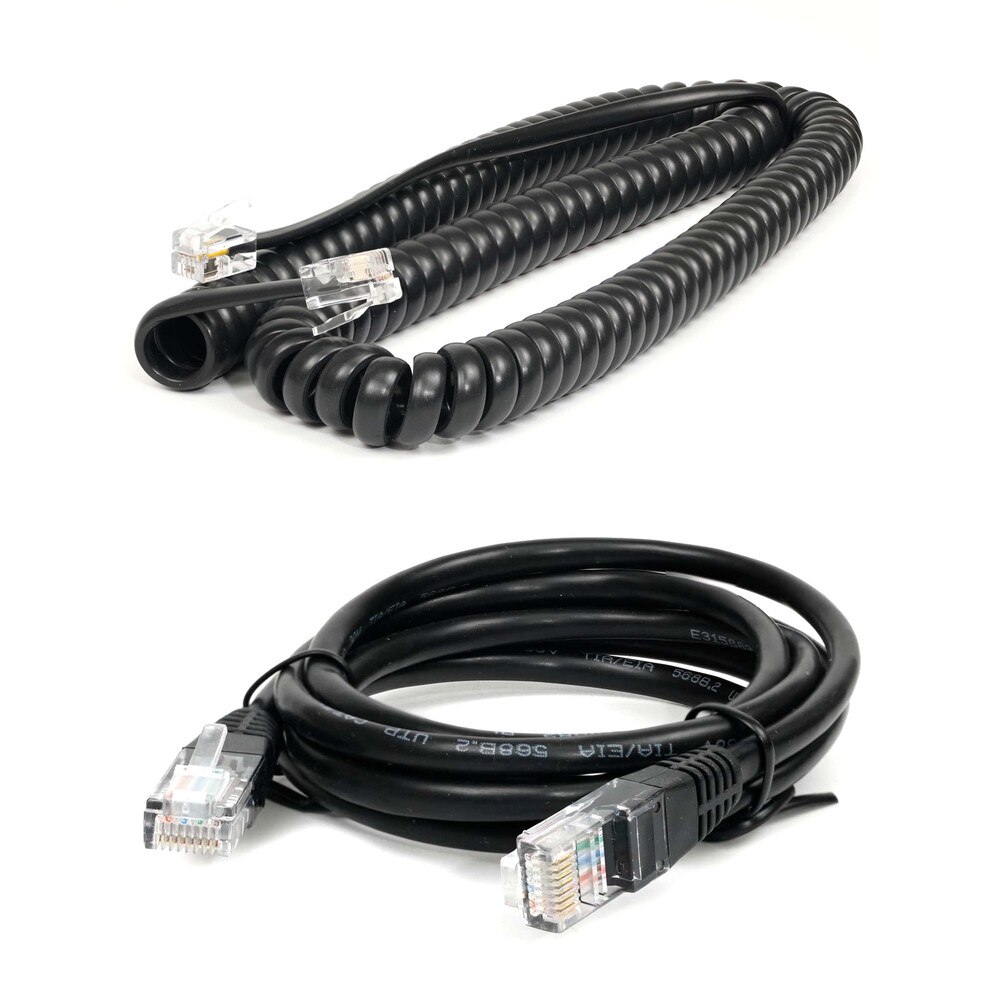
Individually boxed with handset, ethernet cable and curly cord

Same Day Shipping - Arrives in 3-5 Business Days
30-day Returns

$34.99 $34.99
For immediate assistance call our support team at 973-808-4588. For additional information, send an email to website@telquestintl.com.

Overview

Overview of Polycom VVX 410 IP Phone (2200-46162-025) | Like New


The Polycom VVX 410 IP Phone is a color 12-line mid-range VoIP phone designed for today's office employees and call attendants who rely on clear communications. Give your contact center representative a high-quality, low-cost UC solution that can handle their moderate call volume while still providing them with the advanced telephony features they expect from a modern media phone.

Specifications

Specifications for Polycom VVX 410 IP Phone (2200-46162-025) | Like New

BrandPoly
Display3.5-inch, 320x240-pixel resolution, backlit color LCD display
Call AppearanceSupports up to 12 lines with LED indicators for call status
Fixed Feature ButtonsHome, Transfer, Messages, Do Not Disturb, Headset, Speaker, Mute, Volume Control
Navigation KeysFour-way navigation with Select Key
Programmable Line/Feature Keys12 programmable keys that support either lines (such as directory numbers), or call features (such as speed dialing).
Softkeys4 interactive soft keys that guide users through call features and functions
Button Module ExpansionSupports up to 3 Polycom VVX Color Expansion modules (2200-46350-025). Sold separately, see optional accessories above.
SpeakerphoneIncludes high-quality, 2-way speakerphone
AudioSupports G.722 Wideband Audio (HD Voice)
Wall-MountableRequires optional Polycom VVX Wall Mount Bracket (2215-44514-002). See optional accessories above.
Ethernet ConnectivityDual Gigabit Ethernet (10/100/1000) line interface (PC Pass Through & Network Connection)
BluetoothNot Available
Wi-FiNot Available
USB PortNot Available
Headset PortIncludes RJ9 headset port
Message Waiting IndicatorYes
Adjustable Tilt DisplayNo
NetworkStatic or DHCP IP address assignment. FTP/TFTP/HTTP/HTTPS server based central provisioning for mass deployments.


User Guides

Frequently Asked Questions

Polycom VVX 410 IP Phone (2200-46162-025)
Frequently Asked Questions (FAQ's)


What is the Polycom VVX 410 IP Phone used for?
  • With HD voice, color display, and connectivity with unified communication platforms, this mid-range business media phone is ideal for office workers.
  • How many lines does the VVX 410 support?
  • It supports up to 12 SIP lines/accounts.
  • Does the VVX 410 support HD Voice?
  • Yes, all audio routes (speaker, headset, and handset) are compatible with Polycom HD Voice technology.
  • What type of display does the VVX 410 have?
  • It features a 3.5" color LCD (320x240 resolution).
  • Is the VVX 410 compatible with Microsoft Teams or Skype for Business?
  • Skype for Business can be integrated with it, but Microsoft Teams cannot be integrated with it directly unless a compatible gateway or upgrade path is used.
  • Can I use a headset with the VVX 410?
  • Yes, it supports both RJ-9 wired headsets and USB headsets.
  • Does the VVX 410 support Power over Ethernet (PoE)?
  • It does support PoE (IEEE 802.3af Class 2), but in the event that PoE is not accessible, a separate power source is required.
  • What is the difference between VVX 400 and VVX 410?
  • Unlike the VVX 400, the VVX 410 has USB ports for extra memory and accessories.
  • How do I provision the VVX 410 for VoIP service?
  • Provisioning can be accomplished by a centralized provisioning server utilizing FTP/TFTP/HTTP/HTTPS or by manual input over the phone.
  • Is the Polycom VVX 410 wall mountable?
  • Yes, but a separate wall-mount bracket is required.
  • Can I use the VVX 410 with a Wi-Fi connection?
  • Not natively; you would need a compatible USB Wi-Fi dongle or use it with an Ethernet-to-Wi-Fi bridge.
  • What audio codecs are supported?
  • Common codecs supported include G.711, G.729AB, G.722 (HD Voice), and iLBC.
  • How do I access voicemail on the VVX 410?
  • Press the "Messages" key and follow your provider’s voicemail prompts.
  • Can the VVX 410 be used in a virtual PBX or hosted VoIP environment?
  • Yes, it is fully compatible with most SIP-based hosted VoIP services.
  • How do I perform a factory reset on the VVX 410?
  • Turn off the phone, hold down keys 1, 3, and 5 as the phone boots up, and then reset by following the on-screen directions.
  • Can the phone display my company logo?
  • Yes, by providing appropriate image formats, it allows for personalized branding.
  • Does it support call transfer and conferencing?
  • Yes, three-way conferencing, attended and blind call transfers, and other features are supported.
  • Is there a web interface for the VVX 410?
  • Yes, you can access the phone’s web GUI by entering its IP address into a browser.
  • Can I update the firmware on the VVX 410?
  • Yes, centralized provisioning or the web interface can be used to manually upgrade the firmware.
  • What accessories are compatible with the VVX 410?
  • Wall mounts, power converters, USB headsets, and expansion modules are examples of compatible accessories.
  • Ratings & Reviews

    No reviews available

    Be the first to Write a Review