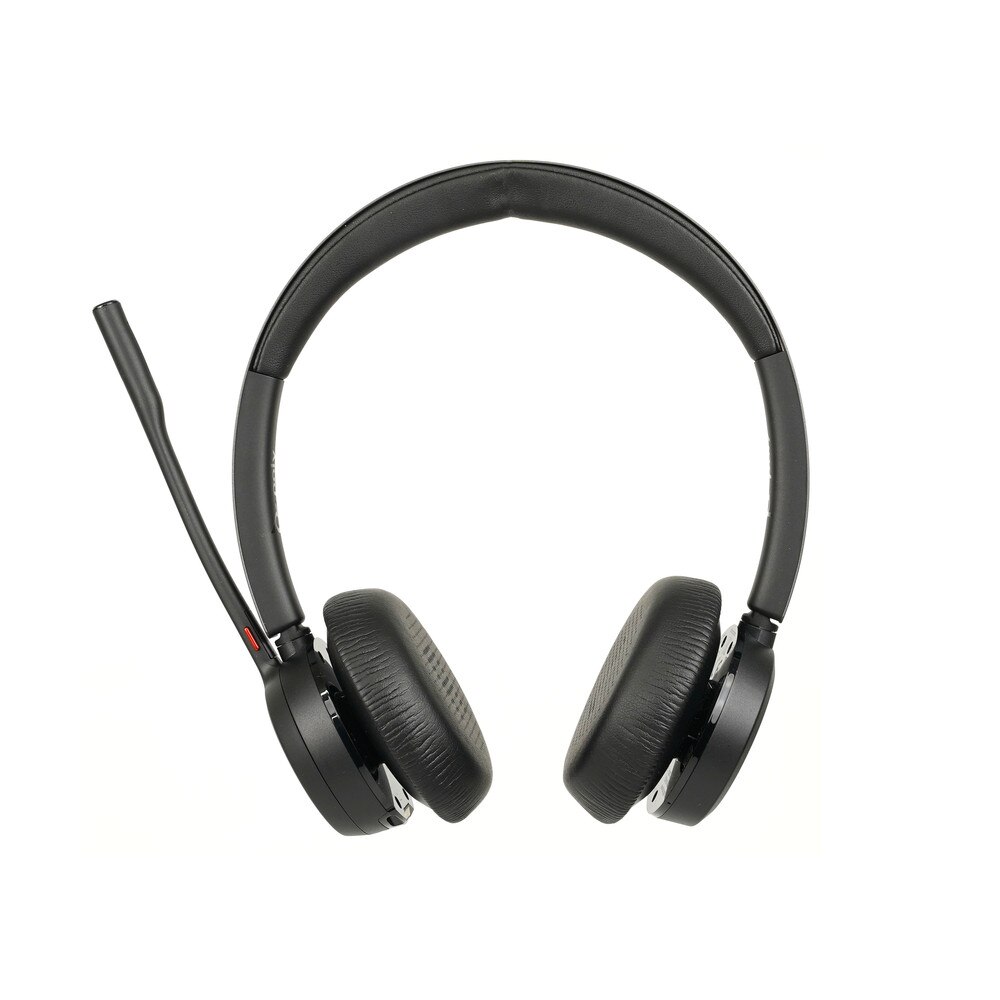
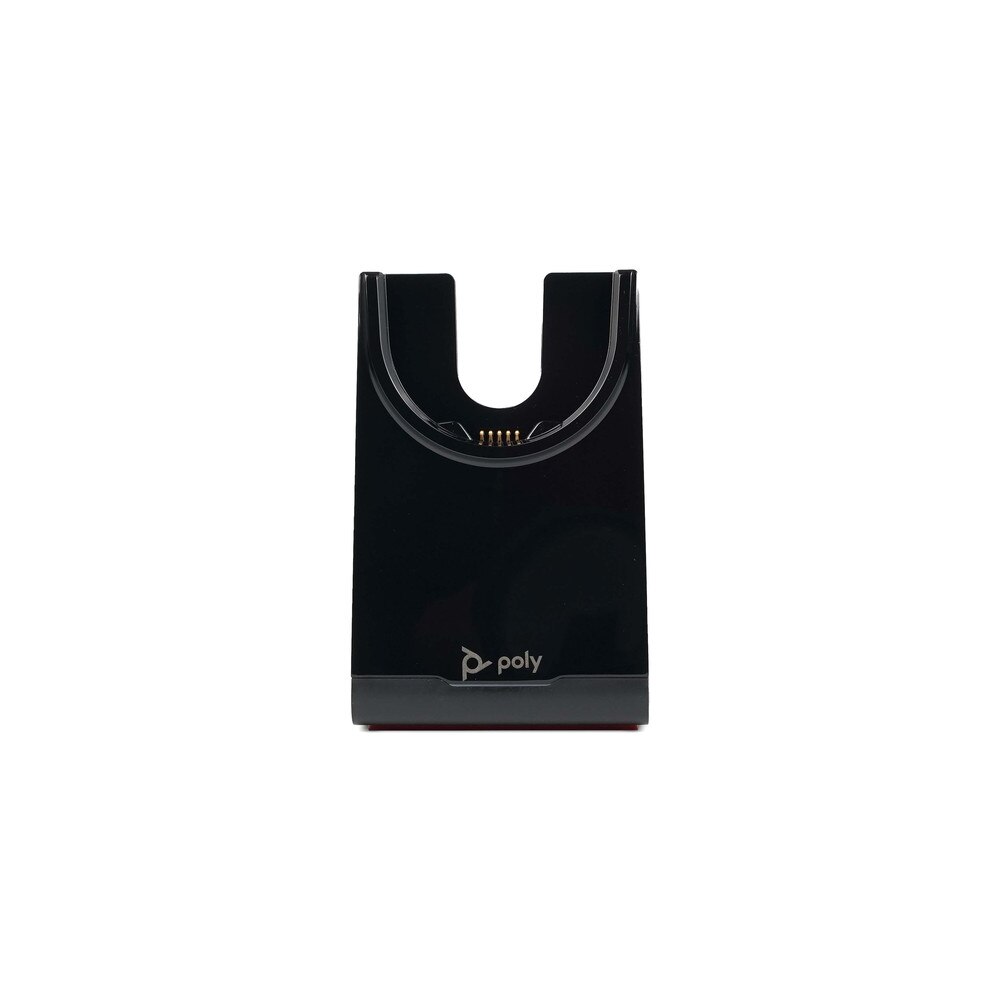
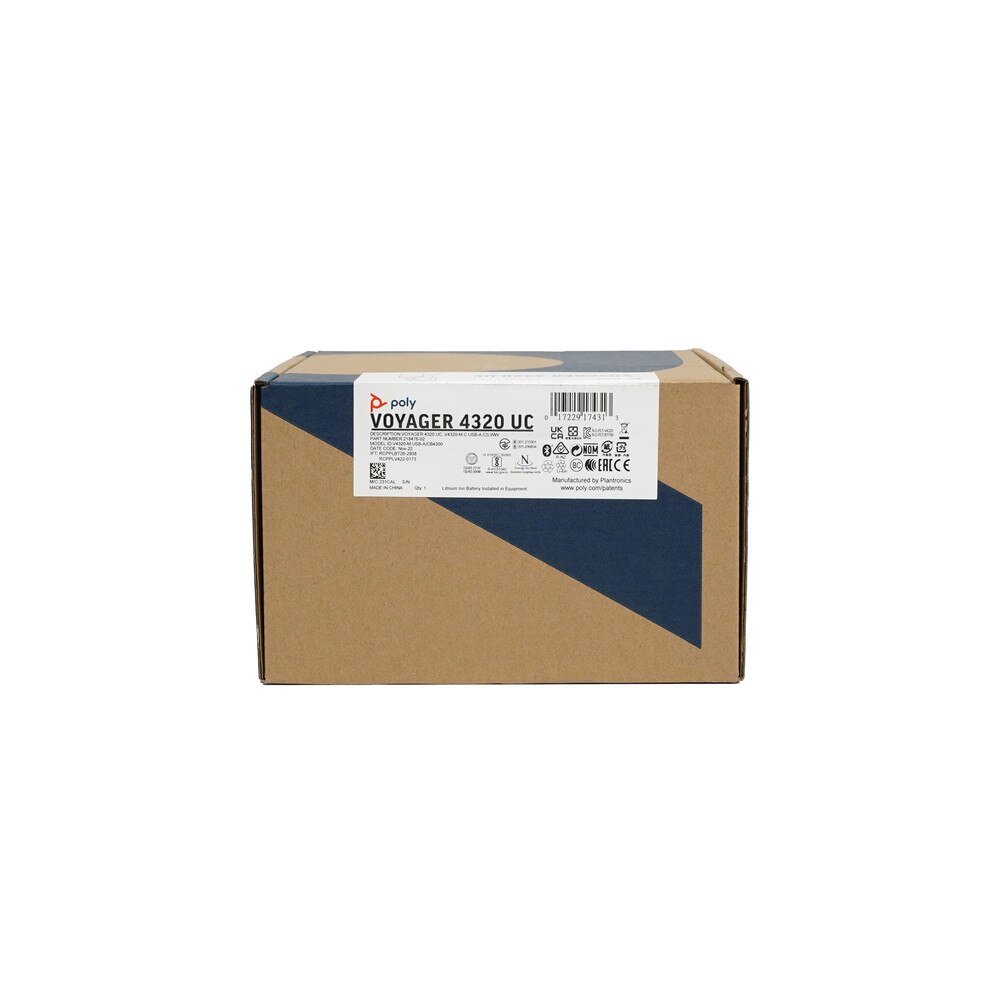
Plantronics Poly Voyager 4320-M Dual USB-A Bluetooth Headset for MS Teams with Charge Stand (218476-02)
Frequently Asked Questions (FAQ's)
What devices are compatible with the Plantronics Poly Voyager 4320-M headset?
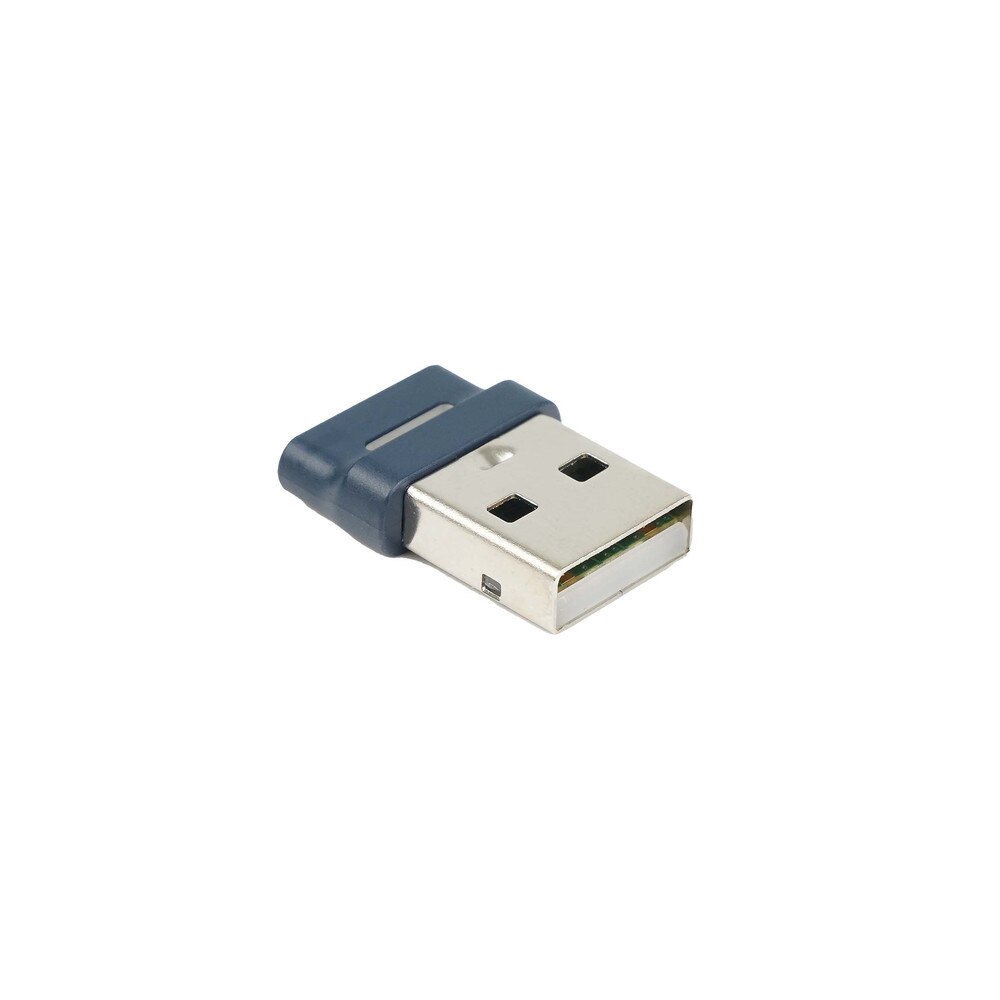
The headset is compatible with most Bluetooth-enabled devices, including smartphones, tablets, and computers. It also works with devices that have USB-A ports using the included Bluetooth adapter. How do I pair the Plantronics Poly Voyager 4320-M with my device?
To pair the headset, turn it on and hold the call button until the LED flashes red and blue. Enable Bluetooth on your device and select "Poly 4320-M" from the list of available devices. What is the battery life of the Plantronics Poly Voyager 4320-M?
The headset offers up to 24 hours of talk time and up to 47 hours of listening time on a single charge. How long does it take to fully charge the headset?
It takes approximately 1.6 hours to fully charge the headset. Can I use the headset while it is charging?
Yes, the headset can be used while it is charging via the USB cable. Does the headset support noise cancellation?
Yes, the Plantronics Poly Voyager 4320-M features advanced noise-canceling technology to reduce background noise during calls. What is the wireless range of the Plantronics Poly Voyager 4320-M?
The headset offers a wireless range of up to 164 feet (50 meters) with the included Bluetooth adapter. Is the headset compatible with Microsoft Teams?
Yes, the "M" in the model name indicates that it is optimized for Microsoft Teams. Can I connect the headset to multiple devices simultaneously?
Yes, the headset supports multi-point connectivity, allowing you to connect to two devices at the same time. How do I update the firmware on the headset?
Firmware updates can be performed using the Poly Lens Desktop App or the Poly Hub software. What are the different wearing styles for the Plantronics Poly Voyager 4320-M?
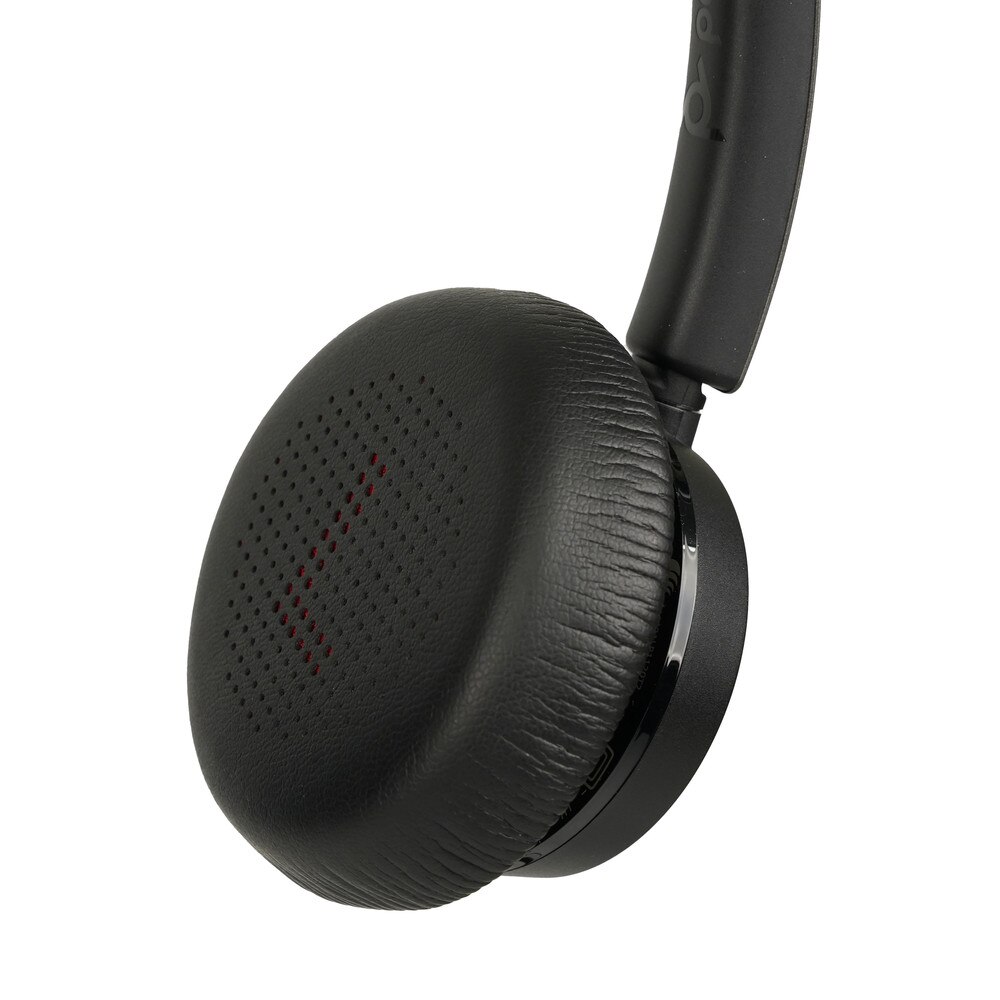
The headset features a dual-ear (stereo) wearing style with an adjustable headband for a comfortable fit. Does the headset come with a carrying case?
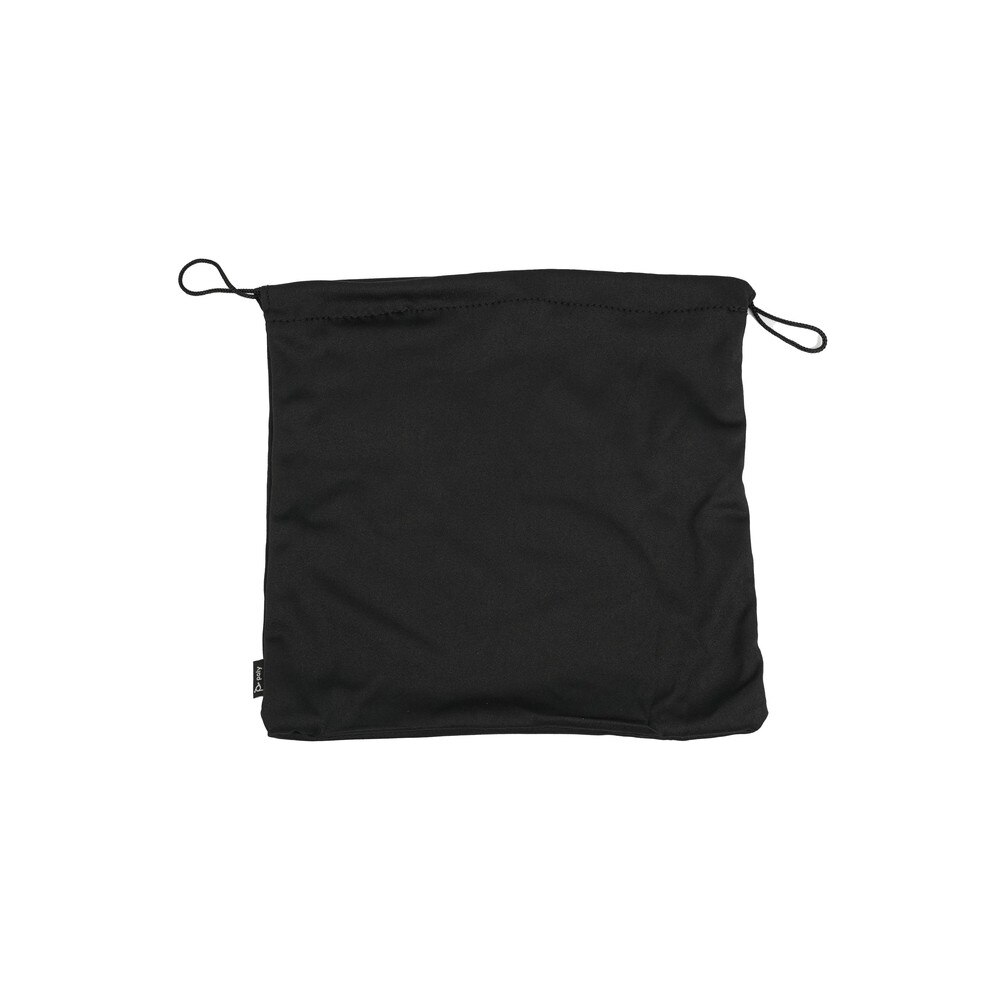
Yes, the headset comes with a carrying case for easy storage and transport. What should I do if the headset is not pairing with my device?
Ensure the headset is in pairing mode and that Bluetooth is enabled on your device. If issues persist, try resetting the headset by turning it off and on again. Can I use the headset for listening to music?
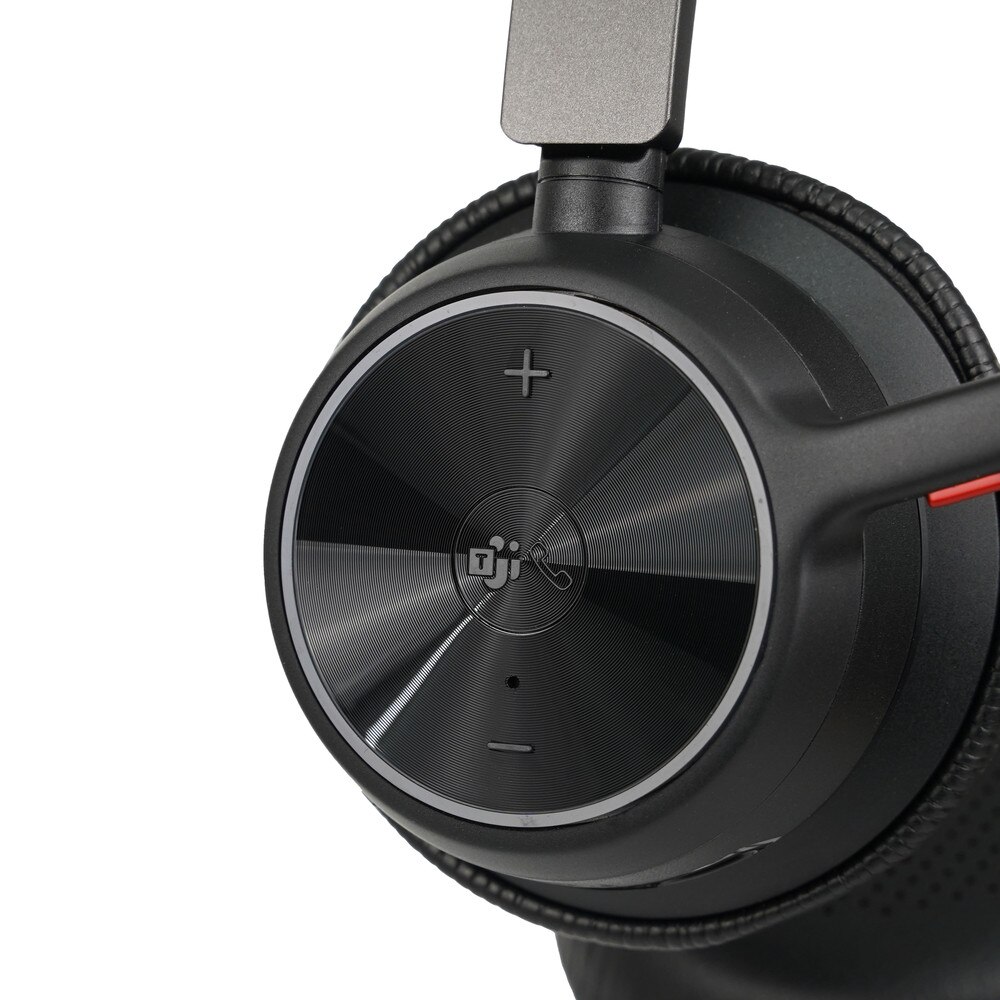
Yes, the headset is designed for both voice calls and media playback, providing high-quality audio for music and videos. What are the controls available on the headset?
The headset has buttons for volume control, call answer/end, mute, and a dedicated Microsoft Teams button. How do I mute the microphone on the headset?
You can mute the microphone by pressing the mute button on the headset. Does the Plantronics Poly Voyager 4320-M have a sidetone feature?
Yes, the headset has a sidetone feature that allows you to hear your own voice in the earpiece, helping you to modulate your speaking volume. How do I check the battery level of the headset?
The battery level can be checked using the Poly Lens Desktop App or by pressing the call button while the headset is not in use. Is the headset suitable for outdoor use?
While the headset is designed primarily for indoor use, it can be used outdoors, though extreme weather conditions should be avoided. Same Day Shipping - Arrives in 3-5 Business Days
 /returns-icon.jpg) 30-day Returns
30-day Returns