Motorola B12 Advanced Compact Cable Modem (B12-30-10) | New
SKU: B12-30-10-N
 Same Day Shipping - Arrives in 3-5 Business Days
 /returns-icon.jpg) 30-day Returns
30-day Returns 
Have one to sell? Click here to sell to us
Same Day Shipping - Arrives in 3-5 Business Days 30-day Returns Have one to sell? Click here to sell to us
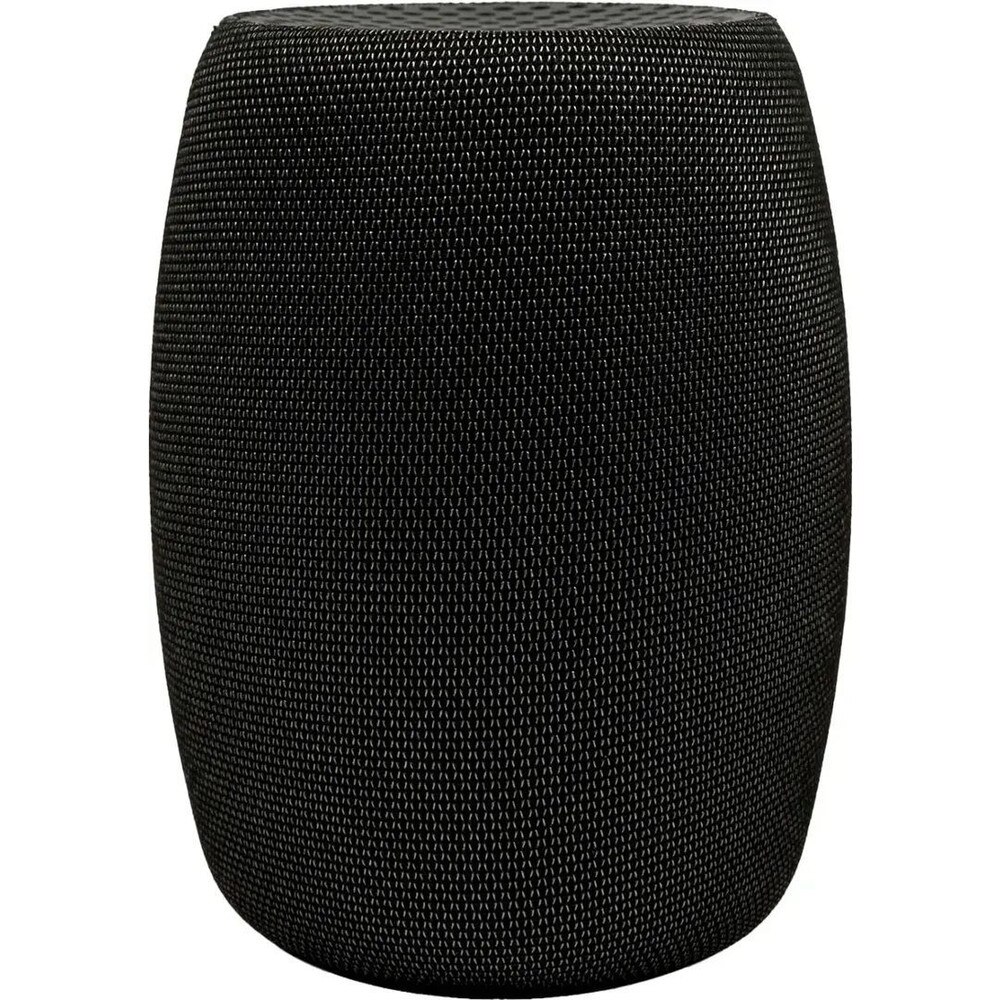
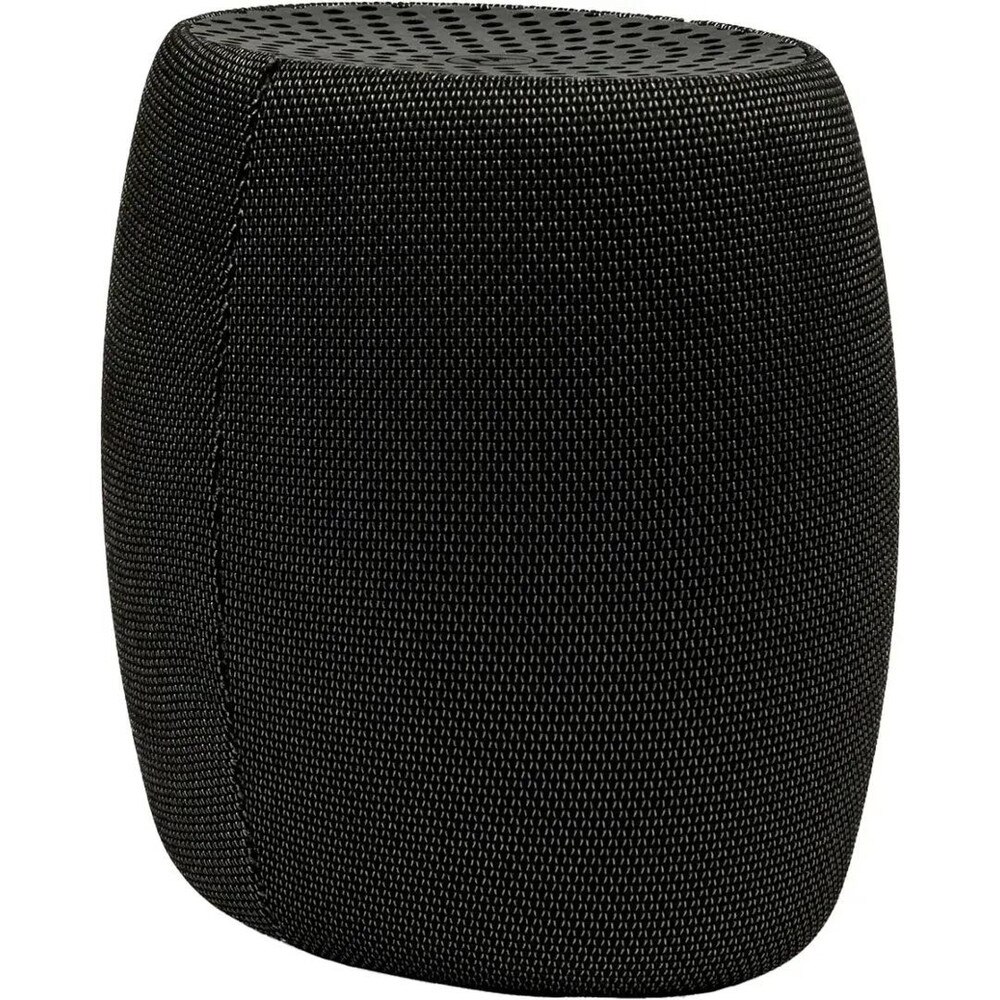
The Motorola B12 Advanced Compact Cable Modem (B12-30-10) is a DOCSIS cable modem for homes and small offices that offers dependable, quick connectivity in a compact, inconspicuous form factor. It is aimed at consumers who wish to swap out pricey ISP rental modems for a small, energy-efficient device that is compatible with major cable companies and supports the current high-speed tiers. The B12 offers a reliable cable connection to your WiFi router, gaming console, streaming box or work-from-home setup. Its simple, vertical design allows it to fit nicely on a shelf or desk. The Motorola B12 is a sophisticated little cable modem designed to deliver high throughput both upstream and downstream, enabling 4K streaming, online gaming, cloud backups and video conferences. You can customize your wireless environment without being restricted to an all-in-one gateway because it usually provides a single high-speed Ethernet connector to connect to your favorite standalone router or mesh WiFi system. The modem's compatibility with the majority of major cable Internet providers (such as Xfinity, Spectrum, and Cox, depending on the region) gives you flexibility in the event that your plans change or you relocate. The front panel's LEDs provide you a fast look at the power, downstream, upstream and online connectivity statuses, allowing you to immediately determine whether the connection is good or if there is a line problem.
• DOCSIS cable modem for high-speed Internet that built to support modern cable Internet tiers for streaming, gaming and work‑from‑home use, while remaining backward compatible with lower‑speed plans.
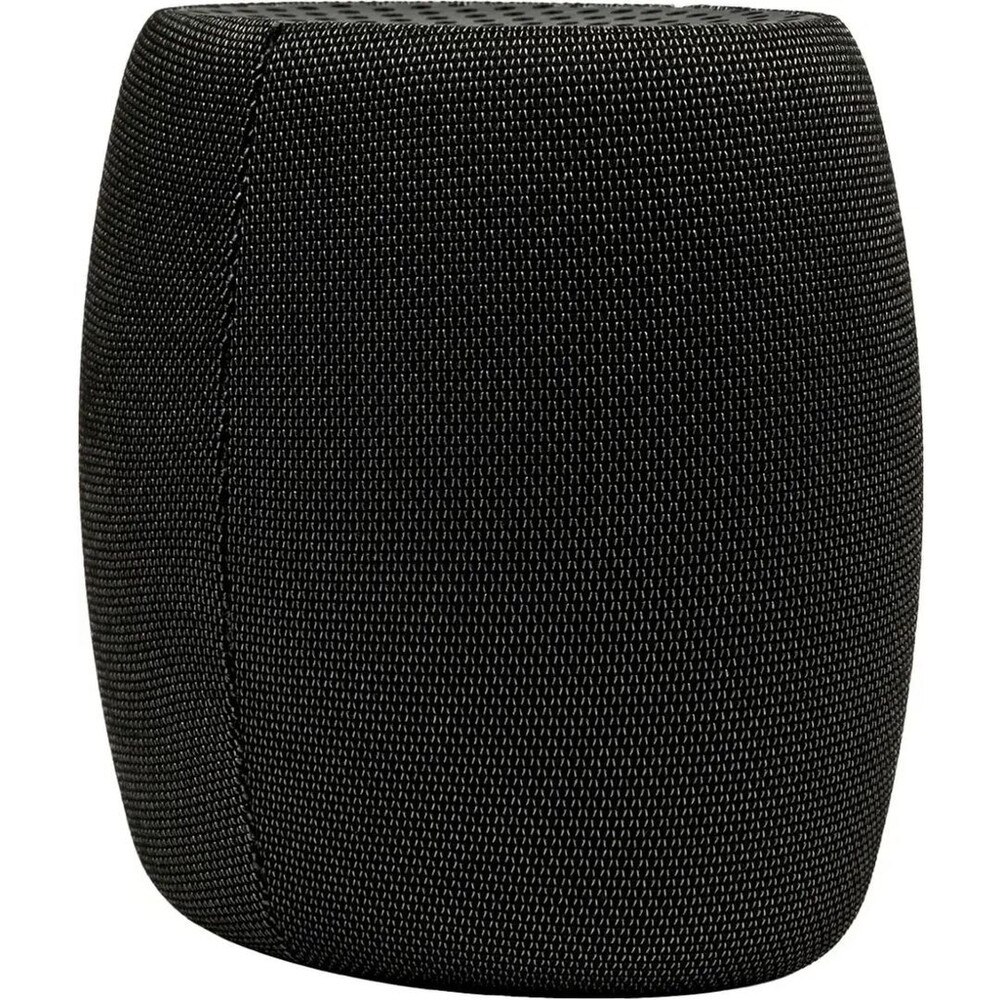
• Compact, vertical housing that space‑saving design minimizes footprint on your desk, TV stand or networking shelf and promotes better airflow for cooler, more reliable operation.
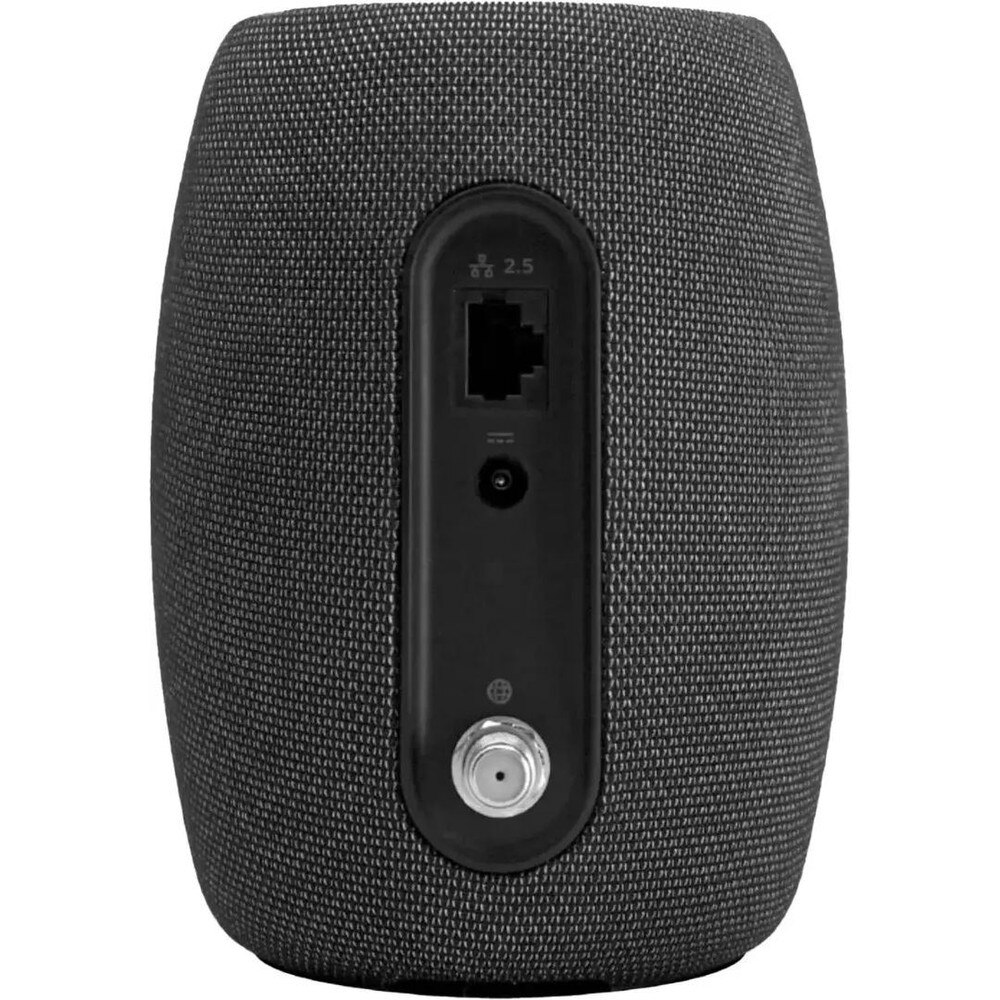
• Gigabit Ethernet LAN port with a dedicated Ethernet port (typically 1 Gbps) allows you to connect your choice of WiFi router or mesh system for flexible whole‑home coverage.
• Provider compatibility and easy activation designed to work with major cable ISPs (where approved) so you can self‑activate via web or support line, replacing rental hardware and monthly fees.
• Status LEDs and simple controls with clear front‑panel indicators for power and connection status, plus a rear reset button for quick troubleshooting when needed.
🗹 Reduce monthly equipment rental fees that owning your own Motorola cable modem helps eliminate ISP rental charges, often paying for itself within the first year of use.
🗹 Enjoy more consistent wired performance that a dedicated, DOCSIS‑compliant modem provides a clean, stable handoff to your router, which can reduce latency and improve reliability for gaming and streaming.
🗹 Upgrade WiFi independently of your modem by separating the modem from the router, you can swap in newer WiFi 6/6E or mesh systems without touching the cable side of your network.
🗹 Keep your setup clean and unobtrusive that the compact form factor and neutral styling blend easily into living rooms and offices, avoiding the bulky look of older combo gateways.
🗹 Future-ready flexibility that broad provider compatibility and support for modern speed tiers make the B12 a solid choice if you expect to change plans or providers in the future.
| Manufacturer | Motorola |
| Manufacturer Part Number | B12-30-10 |
| Product Name | Motorola B12 Advanced Compact Cable Modem |
| Product Type | Modem |
| DOCSIS standard | DOCSIS 3.1; backward compatible with 32×8 DOCSIS 3.0 |
| Downstream max data rate | Up to 2.5 Gbps (service‑plan dependent) |
| Upstream max data rate | Up to about 766–800 Mbps (service‑plan dependent) |
| Downstream channels | Up to 32 SC-QAM (DOCSIS 3.0) or 2 OFDM (DOCSIS 3.1) |
| Upstream channels | Up to 8 SC-QAM (DOCSIS 3.0) or 2 OFDMA (DOCSIS 3.1) |
| Modulation | 64, 256, 1024, 2048, 4096 QAM |
| Downstream frequency range | 108–1002 MHz |
| Upstream frequency range | 5–42 MHz and 5–85 MHz (operator profile dependent) |
| Downstream operating level | −15 to +15 dBmV |
| Upstream operating level | Up to +65 dBmV (single 64‑QAM channel), with reduced level for multi‑channel |
| LAN interface | 1 × 2.5 Gbps Auto‑MDI/MDIX Ethernet port (100/1000/2500 Mbps) |
| Coax interface | 1 × F‑type female 75 Ω cable input |
| Network protocols | IPv4, IPv6, TCP, UDP, ARP, ICMP, DHCP, FTP, TFTP, SNMP, HTTPS |
| Management protocols | SNMP v1/v2/v3 |
| Highest supported service tier | Typically up to around 2 Gbps cable service (where offered) |
| ISP certifications | Commonly listed as approved for Comcast Xfinity, Cox, Spectrum (region‑specific) |
| LEDs | Power, downstream, upstream, online, Ethernet (exact icons may vary) |
| Buttons | Reset button (press ~10 seconds to restore factory defaults) |
| Dimensions (W × H × D) | Approx. 4.0 × 5.2 × 5.7 in (some listings: ~3.5 × 3.5 × 5.5 in class) |
| Weight | Around 0.9 lb (about 400 g) |
| Power | External power adapter (included) |
| Operating mode | Bridge mode only (pairs with any separate WiFi router) |
| Security features | Supports modern encryption and ISP-side security; AQM for reduced latency |
| Typical use case | Residential/small office high‑speed cable Internet, replacing ISP rental modem |