HP Thunderbolt G4 120W Docking Station - Black (4J0A2AA#ABA) | New Open Box
SKU: 4J0A2AA-NOB
 Same Day Shipping - Arrives in 3-5 Business Days
 /returns-icon.jpg) 30-day Returns
30-day Returns 
Have one to sell? Click here to sell to us
Same Day Shipping - Arrives in 3-5 Business Days 30-day Returns Have one to sell? Click here to sell to us
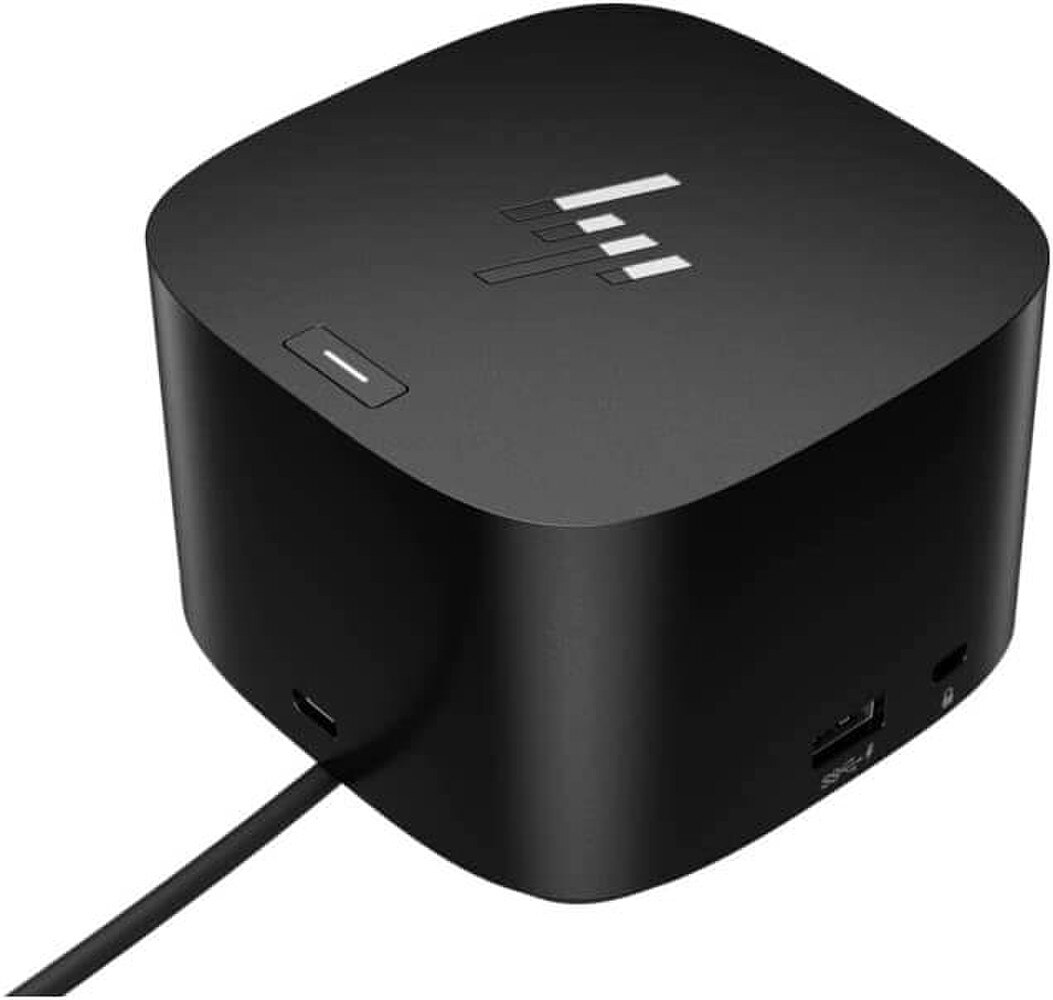
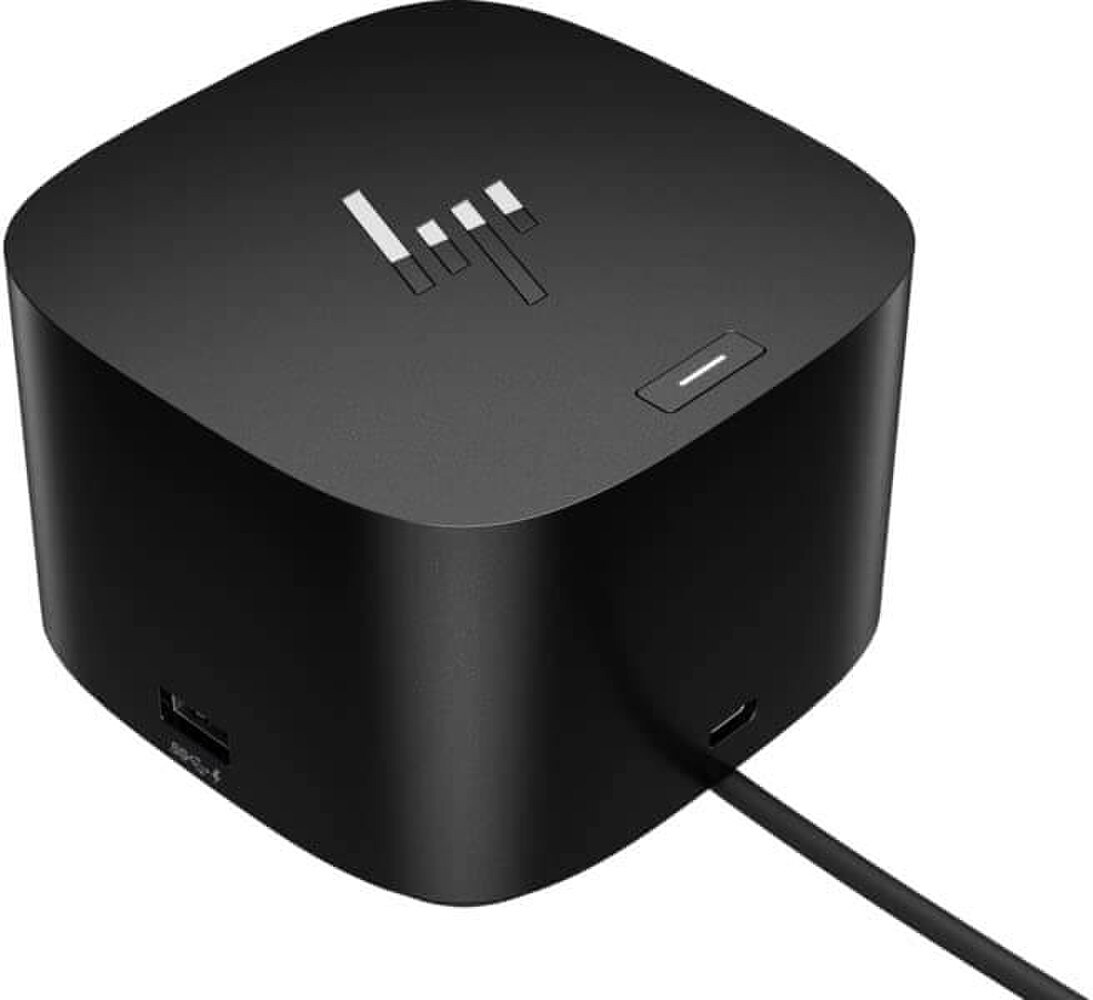
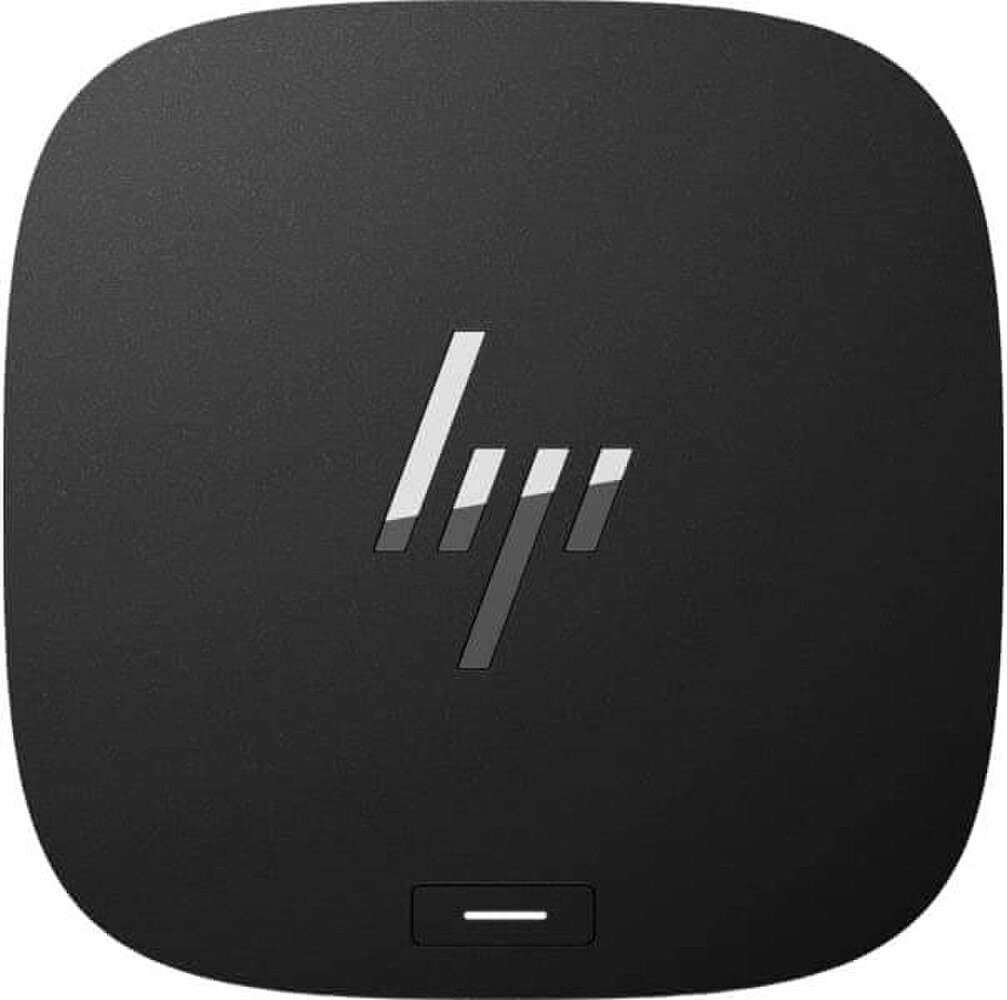
The HP Thunderbolt G4 120W Docking Station - Black (4J0A2AA#ABA) is a compact, business-grade docking system that uses a single Thunderbolt connection to increase laptop connectivity and streamline desk configurations. It is intended to boost productivity by integrating peripheral support, display extension and charging into a single, streamlined dock. The HP Thunderbolt G4 is a great option for professional workstations and hybrid offices due to its support for multiple displays, quick data connections, Ethernet networking and compatibility with Windows, macOS and Chrome-based settings. It is particularly helpful for customers who seek a tidy, high-performance workstation because of its small cube-like appearance and security-focused features.
• 120W dock power model with output rated at 19.5V, 6.15A.
• Thunderbolt 4 connectivity for fast single-cable docking.
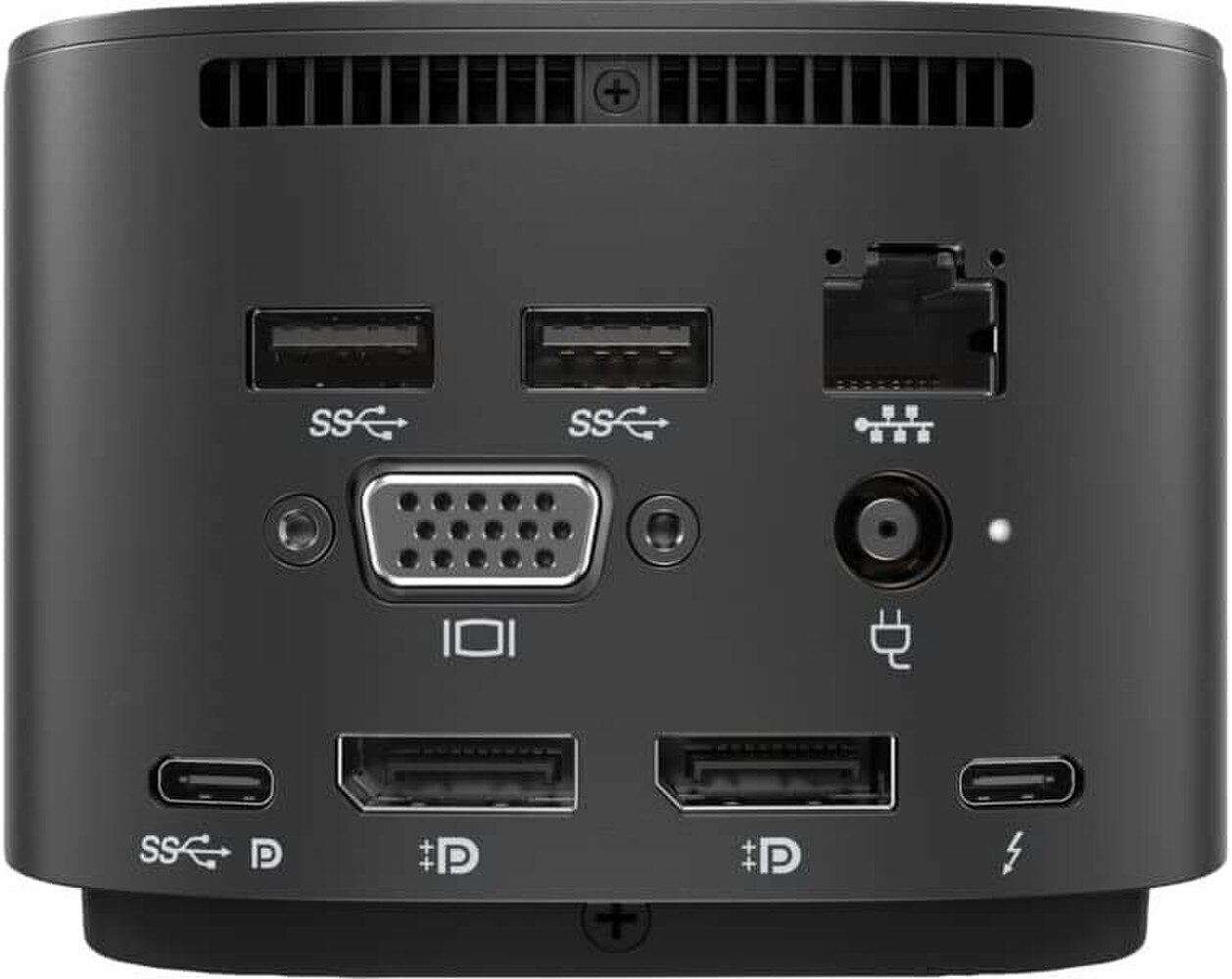
• 1 x front USB-C data/power port with USB 3.2 Gen 2 speeds.
• 2 x side USB 3.2 Gen 1 charging ports and 2 x rear USB 3.2 Gen 1 charging ports.
• 1 x HDMI 2.0 port and 2 x DisplayPort 1.4 ports for multi-monitor setups.
• 1 x Ethernet port with internal NIC support for 1Gb and 2.5Gb networking.
• 1 x USB-C DP Alt Mode port and 1 x Thunderbolt 4 port for flexible display and expansion options.
• Kensington standard lock slot for physical security.
• Compatible with Windows 11, Windows 10, macOS and Chrome OS.
🗹 Reduce cable clutter by docking, charging and connecting through one Thunderbolt cable.
🗹 Support a cleaner, more productive workspace with a compact dock that fits easily on a desk.
🗹 Improve multitasking with support for external displays and professional-grade video outputs.
🗹 Keep peripherals connected and ready with multiple USB ports for accessories, storage and charging.
🗹 Strengthen network performance with Ethernet connectivity and support for faster business workflows.
🗹 Simplify deployment across mixed-device environments due to broad operating system compatibility.
| Manufacturer | HP |
| Manufacturer Part Number | 4J0A2AA |
| Product Name | HP Thunderbolt G4 120W Docking Station |
| Product Type | Docking Station |
Width | 3.9 in |
Depth | 3.9 in |
Height | 2.7 in |
Weight | 26.81 oz |
Enclosure Color | Black |
Localization | English / United States |
Data Link Protocol | Ethernet, Fast Ethernet, Gigabit Ethernet, 2.5 Gigabit Ethernet |
Interfaces | 4 x USB 3.2 Gen 1 ¦ 1 x USB-C 3.2 Gen 2 ¦ 1 x display / video / USB - Thunderbolt ¦ 1 x network - 1000Base-T - RJ-45 ¦ 1 x display / video - DisplayPort - 24 pin USB-C ¦ 1 x display / video - HDMI ¦ 2 x audio / video - DisplayPort - 20 pin DisplayPort |
Features | Security lock slot (cable lock sold separately), charging via USB, LED indicator |
Security Slot Type | Kensington security slot |
Power Device | Power adapter |
Voltage Required | AC 100-240 V (50 - 60 Hz) |
Power Provided | 120 Watt |
Service & Support | Limited warranty - 1 year |
Shipping Width | 10.8 in |
Shipping Depth | 5.6 in |
Shipping Height | 5.8 in |
Min Operating Temperature | 32 °F |
Max Operating Temperature | 95 °F |
Designed For | HP Elite c640 G3 Chromebook ¦ HP Elite Dragonfly Chromebook ¦ HP Elite Dragonfly Chromebook Enterprise ¦ HP Elite Mobile Thin Client mt645 G7 ¦ HP EliteBook 640 G9 Notebook, 650 G9 Notebook, 655 G9 Notebook ¦ HP Pavilion x360 Laptop 15-er1003nm ¦ HP Pro x360 435 G10 Notebook, 435 G9 Notebook ¦ HP ProBook 440 G9 Notebook, 445 G9 Notebook, 450 G9 Notebook, 455 G9 Notebook ¦ HP ZBook Power G9 Mobile Workstation ¦ HP ZBook Firefly 14 G9 Mobile Workstation, 16 G9 Mobile Workstation ¦ HP ZBook Fury 16 G9 Mobile Workstation |
The dock expands laptop connectivity while providing charging, display support, networking and peripheral connections through a single cable.
The dock supports up to 120W power delivery for compatible HP laptops and connected devices.
Yes. It is designed for compatible Thunderbolt-enabled laptops and also supports many USB-C devices.
Yes. Many Thunderbolt and USB-C-enabled laptops from other manufacturers are compatible, although functionality may vary by device.
Yes. It supports multiple display configurations to enhance productivity and multitasking.
Yes. The docking station includes a Gigabit Ethernet port for stable, high-speed wired networking.
Yes. It is ideal for office, home, and hot-desking setups where users frequently connect and disconnect laptops.
Yes. The dock supports keyboards, mice, external storage devices, webcams, printers and other USB accessories.
Yes. A single Thunderbolt connection replaces multiple individual cables, creating a cleaner workspace.
Yes. It is built for enterprise environments and supports professional productivity workflows.
Yes. It supports webcams, headsets, speakers, monitors, and wired networking for seamless virtual meetings.
Yes. Thunderbolt technology provides significantly faster data transfer speeds than standard USB connections.
Yes. The dock offers plug-and-play functionality for quick installation with compatible devices.
Yes. Users can leave monitors, storage devices, keyboards and other accessories connected while docking and undocking their laptop.
Yes. It includes features that help IT administrators manage firmware and dock deployments across organizations.
Yes. High-speed connectivity and multi-display support make it ideal for demanding workflows.
Yes. Centralized connectivity helps create a cleaner, more efficient desktop environment.
Yes. Its space-saving design fits easily into modern office and home workspaces.
Yes. It is engineered for reliability, durability, and enterprise-class performance.
The HP Thunderbolt 120W G4 Docking Station combines high-speed Thunderbolt connectivity, up to 120W charging, multiple display support, enterprise management features and versatile peripheral connectivity, making it an ideal docking solution for modern professionals and business environments.