• Home
  • Poly VVX EM50 Expansion Module (85X07AA, 2200-48890-025) | New
Poly VVX EM50 Expansion Module (85X07AA, 2200-48890-025) | New

Poly VVX EM50 Expansion Module (85X07AA, 2200-48890-025) | New

SKU: 85X07AA-N

(0)No Reviews yet

Same Day Shipping - Arrives in 3-5 Business Days
30-day Returns

Call for Availability

For immediate assistance call our support team at 973-808-4588. For additional information, send an email to website@telquestintl.com.

Overview

Overview of HP Poly VVX EM50 Expansion Module (85X07AA, 2200-48890-025) | New


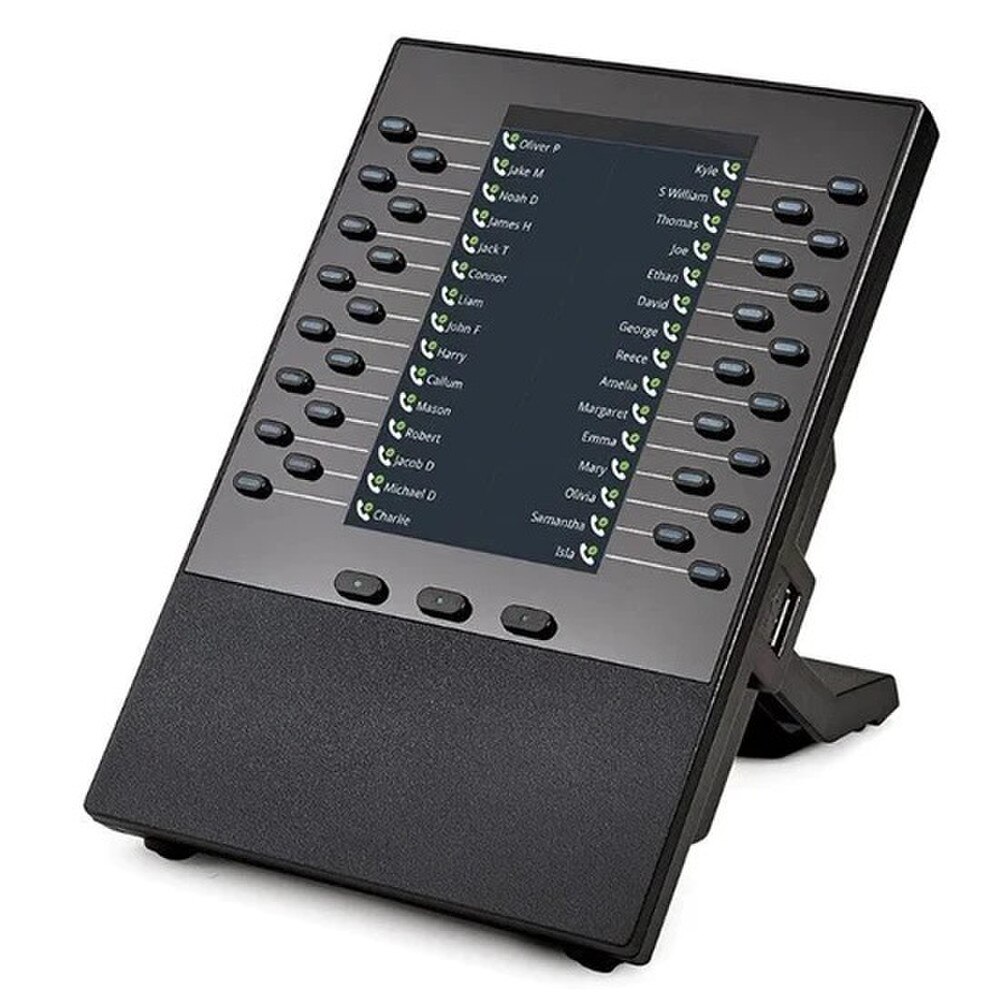
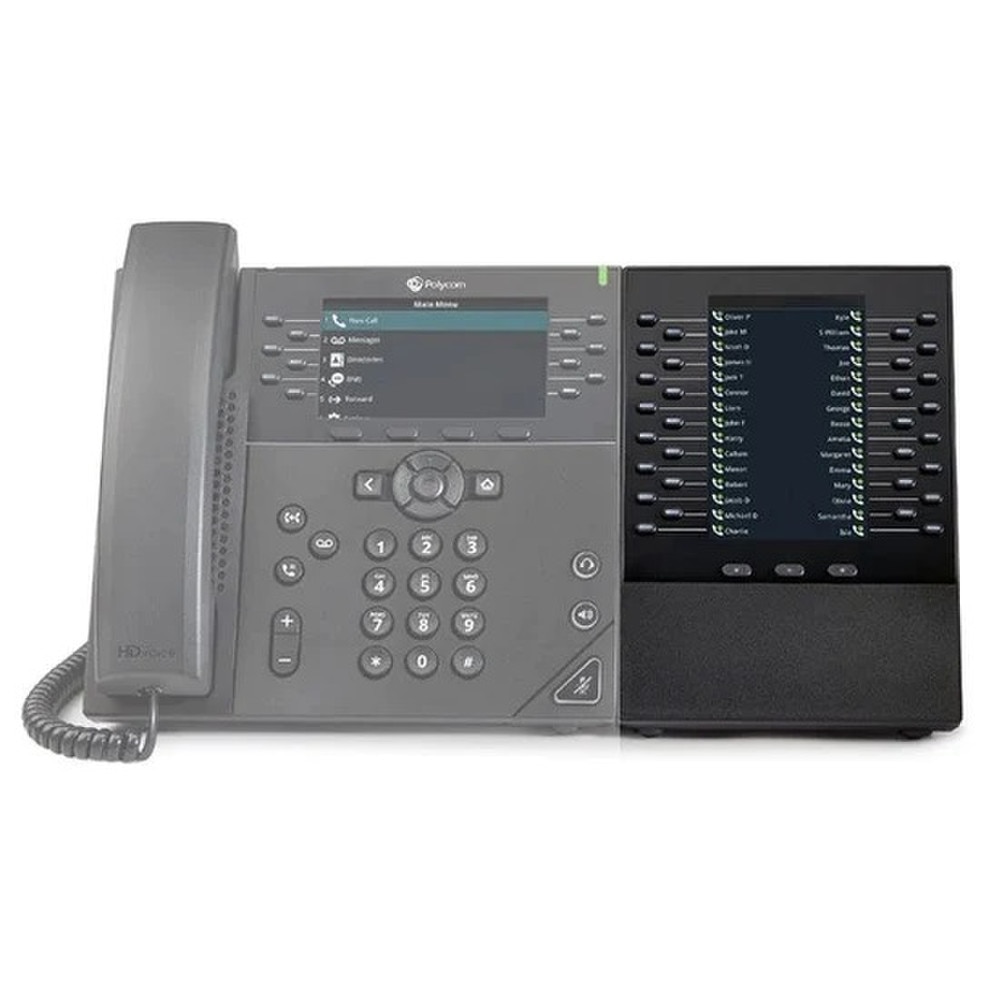
The Poly VVX EM50 Expansion Module is a professional-grade add-on designed specifically for the Poly VVX 450 business IP phone. Its primary function is to extend the phone’s capabilities, making it ideal for users who handle high call volumes, such as receptionists, administrative staff, and telephone attendants. By providing a large number of programmable keys and a clear color display, the EM50 enables efficient management of multiple lines, calls, and contacts, significantly enhancing productivity in busy office environments


Poly VVX EM50 Expansion Module (85X07AA, 2200-48890-025) Features:

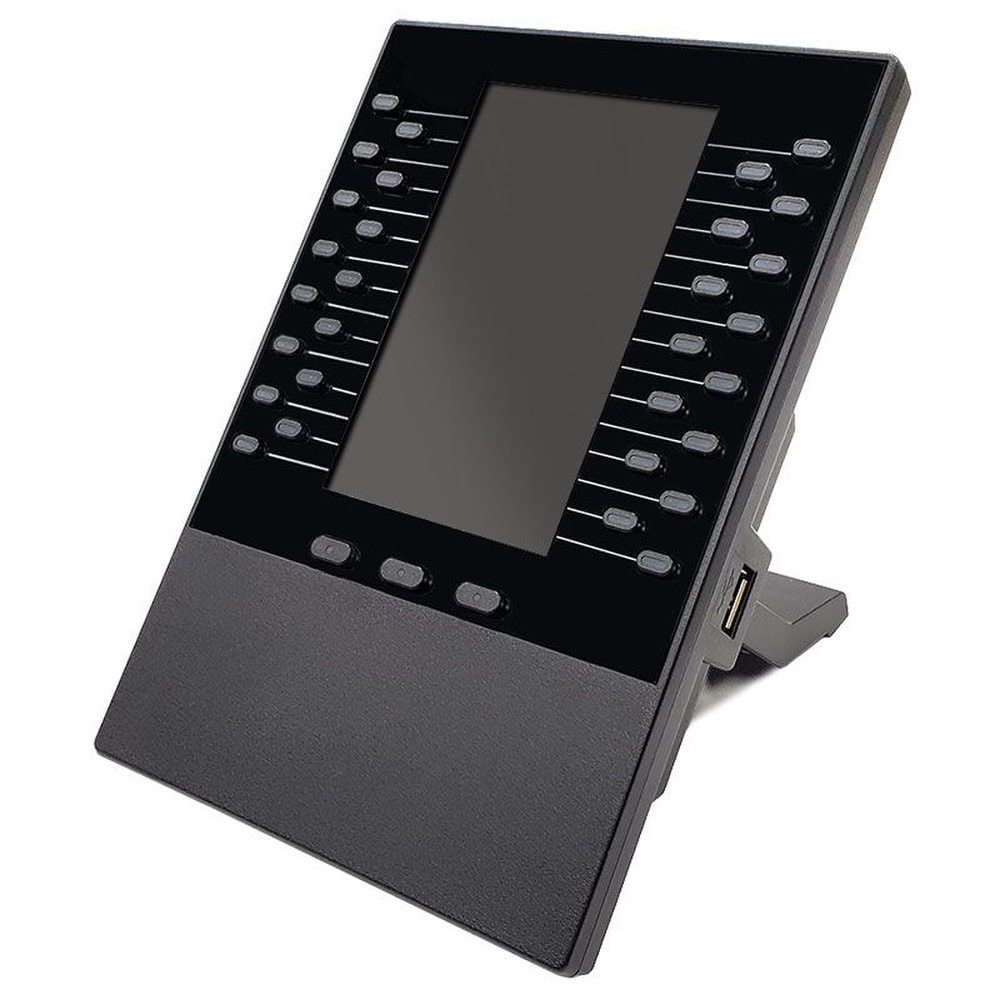
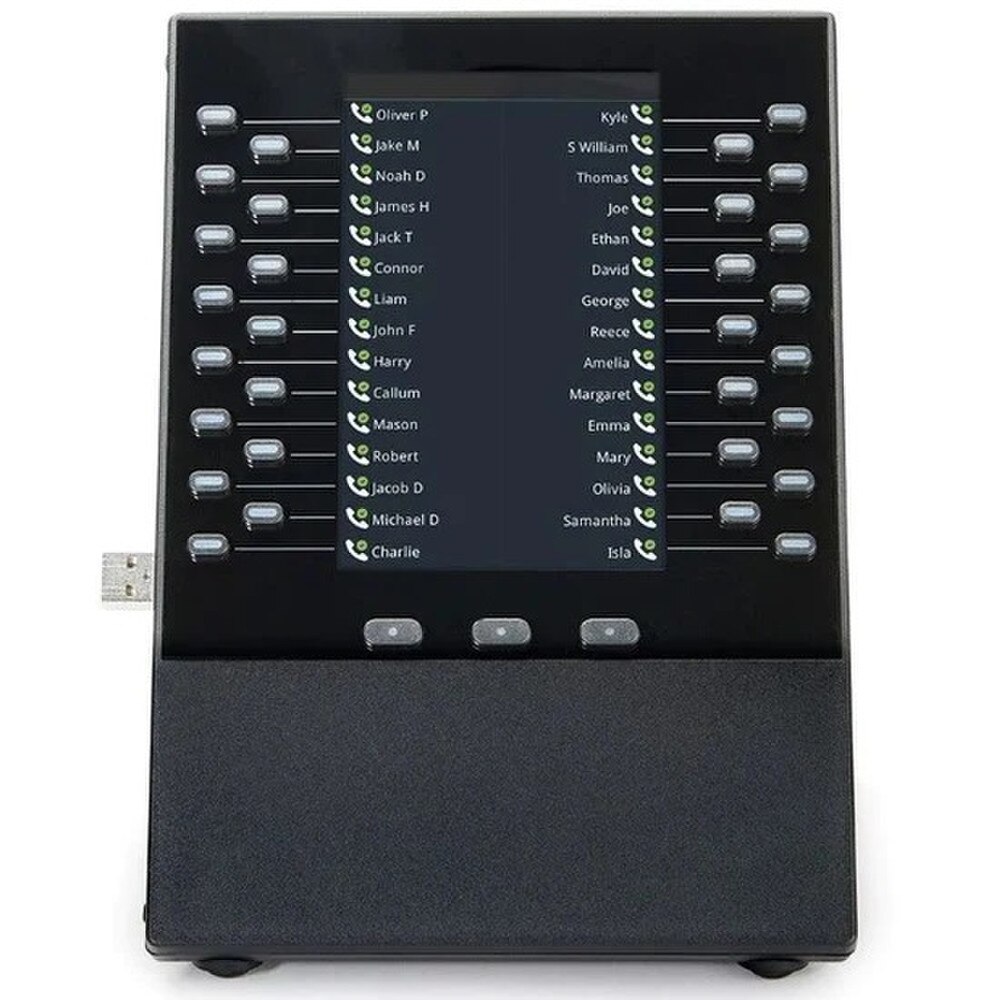
  • Programmable Keys: 30 multifunctional keys per module, configurable for line registration, call appearance, speed dial, DSS, or BLF. Each key features dual-color (red/green) LED indicators for clear status visibility.
  • Display: 5.0-inch, 480x800-pixel backlit color LCD for easy call and contact visualization.
  • Expandability: Up to two EM50 modules can be attached to a single VVX 450, providing up to 60 additional keys.
  • Plug-and-Play Setup: Simple USB connection to the host phone; powered directly by the VVX 450, requiring no separate power supply.
  • Integration: Seamlessly matches the look and feel of the VVX 450; compatible with Skype for Business presence and standards-based VoIP solutions.
  • Enhanced Call Handling: Supports advanced features such as call monitoring, speed dial, direct station selection, and busy lamp field (BLF) for presence indication.
  • User Interface: Intuitive interface for easy transition from traditional PBX systems to VoIP, with clear call visualization and presence indication

Best Uses for Poly VVX EM50 Expansion Module (85X07AA, 2200-48890-025):

  • Receptionists and Attendants: Manage and monitor multiple lines, quickly transfer calls, and access speed dials for frequently contacted individuals or departments.
  • Administrative and Executive Assistants: Handle simultaneous calls, monitor colleagues’ line status, and streamline call routing or dispatching.
  • Power Users: Anyone who needs rapid access to a large number of contacts, direct stations, or busy lamp fields (BLF) for presence monitoring

The Poly VVX EM50 Expansion Module is an essential accessory for organizations that require advanced call management and high efficiency in handling multiple calls or contacts. With 30 programmable keys per module, a bright and clear 5-inch color display, and seamless integration with the Poly VVX 450, it transforms a standard IP phone into a powerful attendant console. Its easy installation, robust feature set, and support for up to two modules per phone make it a top choice for busy front-desk environments and executive assistants aiming to optimize communication workflows

Specifications

Specifications for HP Poly VVX EM50 Expansion Module (85X07AA, 2200-48890-025) | New

Manufacturer Poly
Manufacturer Part Number 85X07AA, 2200-48890-025
Product Name HP Poly VVX EM50 Expansion Module
Product Type Expansion Module
Intended For
VoIP phone
Display
LCD display (TFT) - 5" - 480 x 800
Controls
Call control
Width
4.9 in
Depth
6.3 in
Height
4.9 in
Weight
17.64 oz
Thickness
2.36 in
Connections
USB
Compliant Standards
VCCI, ICES-003, AS/NZS 60950-1, FCC Part 15, RoHS, UL 60950-1, IEC 60950-1, EN 60950-1, RCM, EN 62368-1, IEC 62368-1, CAN/CSA-C22.2 No. 62368-1, CAN/CSA-C22.2 No. 60950-1, UL 62368-1

User Guides

Frequently Asked Questions

Poly VVX EM50 Expansion Module (85X07AA, 2200-48890-025)
Frequently Asked Questions (FAQ's)


Can I configure the EM50 keys through the phone's web interface?
  • Yes, the programmable line keys can be configured using the VVX 450 phone's web interface.
  • Which phones are compatible with the VVX EM50?
  • The EM50 is specifically designed to work with Poly VVX 450 business IP phones.
  • How many expansion modules can be connected to a single VVX 450 phone?
  • A single VVX 450 phone supports up to two EM50 modules.
  • What functions can I program into the EM50’s line keys?
  • The programmable line keys can be used for various purposes, including speed dials, busy lamp fields (BLF), shared line appearance, and so on.
  • Does the EM50 expansion module have a display?
  • Yes, the EM50 has a large color display for easily viewing line statuses and programmable functions.
  • Is the EM50 module powered separately from the phone?
  • No, the EM50 is powered by the VVX 450 phone, so a separate power supply is not required.
  • How do I install the EM50 expansion module?
  • Simply connect the EM50 to the side of the VVX 450 phone. No additional software or configuration is required.
  • Can the EM50 be used with other VVX models, such as the VVX 411?
  • No, the EM50 only works with the VVX 450 model.
  • What is the purpose of the EM50 module?
  • The EM50 is intended to provide enhanced call management in high-call volume environments like receptionist desks and contact centers.
  • Does the EM50 support busy lamp field (BLF) functionality?
  • Yes, programmable line keys can be configured to display the status of other extensions via BLF.
  • Is the display of the EM50 touch-enabled?
  • No, the EM50 has a color display that is not a touchscreen.
  • How does the EM50 affect the performance of the VVX 450?
  • The EM50 is designed to integrate seamlessly with the VVX 450, allowing it to handle more calls without sacrificing performance.
  • Can I use the EM50 with cloud-based VoIP services?
  • Yes, as long as your VVX 450 phone is compatible with your VoIP service, the EM50 will work properly.
  • Does the EM50 expansion module require a software update for the VVX 450?
  • The most recent firmware may be required for full functionality. Check for updates on the phone's interface or with your network administrator.
  • Can I customize the icons on the EM50’s display?
  • Yes, the icons for the programmable line keys can be customized according to the functions assigned.
  • What type of environments is the EM50 suited for?
  • The EM50 is ideal for high-volume call environments like reception desks, call centers, and administrative offices.
  • Does the EM50 support shared line appearances (SLA)?
  • Yes, the EM50 supports shared line appearances, which enable users to monitor and manage calls across multiple lines.
  • Can I adjust the brightness of the EM50 display?
  • Yes, the display brightness can be adjusted using the VVX 450's settings.
  • Does the EM50 support hot-desking?
  • Yes, the EM50 is compatible with hot-desking configurations as long as the VVX 450 is configured for them.
  • How do I troubleshoot issues with the EM50 expansion module?
  • Ensure that all connections are secure and that the VVX 450 has the most recent firmware. If problems persist, refer to the user manual or contact Poly support.
  • Ratings & Reviews

    No reviews available

    Be the first to Write a Review
