Dell Thunderbolt 3 Docking Station (WD19TBS) | Like New
SKU: WD19TBS-LN
 Same Day Shipping - Arrives in 3-5 Business Days
 /returns-icon.jpg) 30-day Returns
30-day Returns 
Have one to sell? Click here to sell to us
Save $12 instantly
Same Day Shipping - Arrives in 3-5 Business Days 30-day Returns Have one to sell? Click here to sell to us
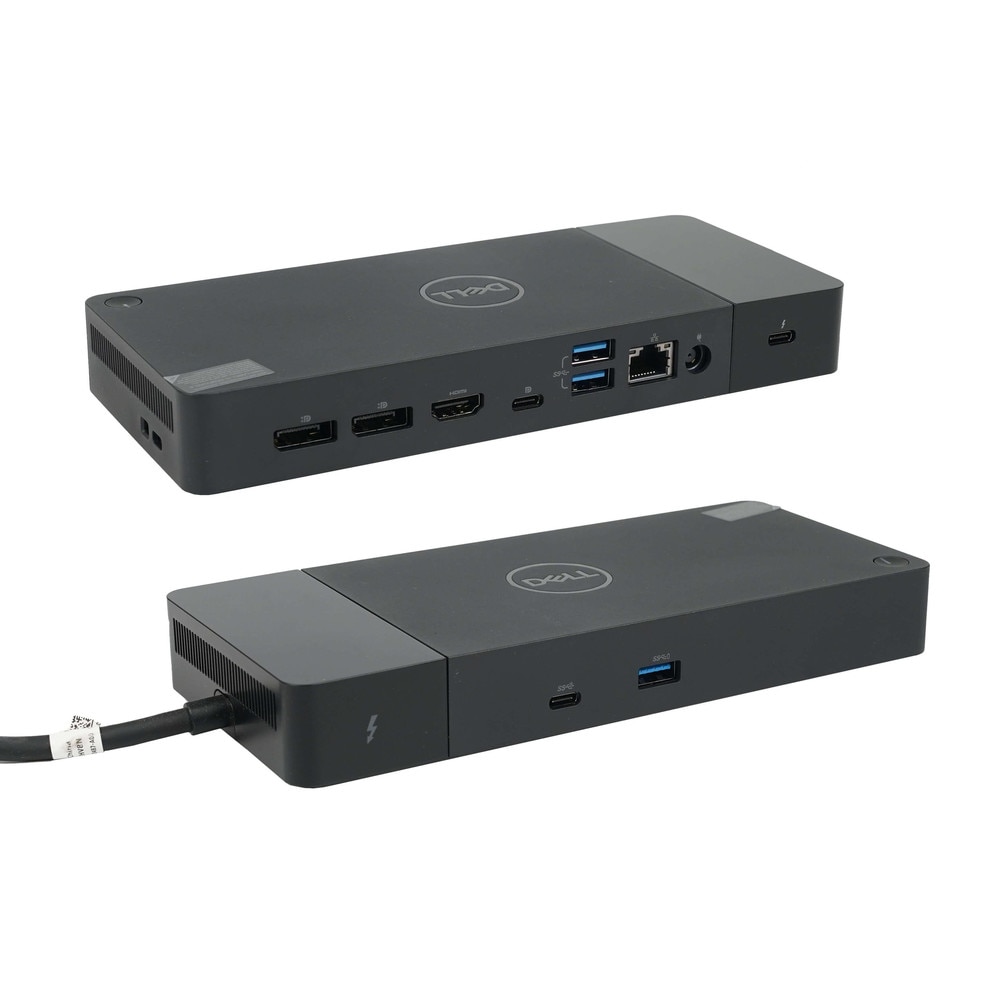
The Dell Thunderbolt 3 Docking Station (WD19TBS) is a high-performance docking system designed to increase productivity and streamline workspace connectivity. The WD19TBS is a great option for professionals who want a neat one-cable configuration because it is built around Thunderbolt 3 technology and offers quick data transfer, wide display compatibility and up to 130W of power supply for compatible Dell systems. In addition to providing numerous USB, video and Ethernet connections for contemporary office devices, it supports up to four screens, including possibilities for 5K or dual 4K setups depending on the host system.
• Thunderbolt 3 connectivity with up to 40Gbps data transfer for fast device and display performance.
• Up to 130W of power delivery for compatible Dell laptops and up to 90W for non-Dell systems.
• Support for up to four displays, including 5K and dual 4K display setups depending on system capability.
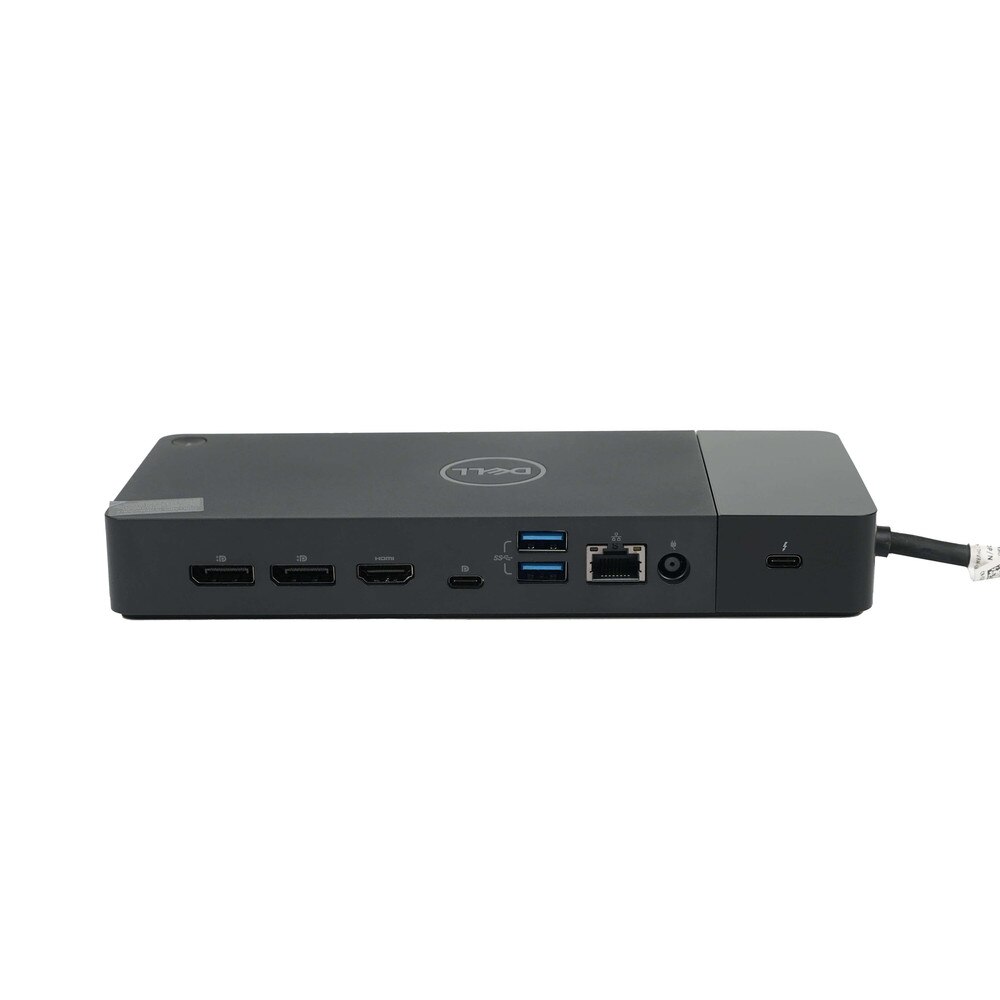
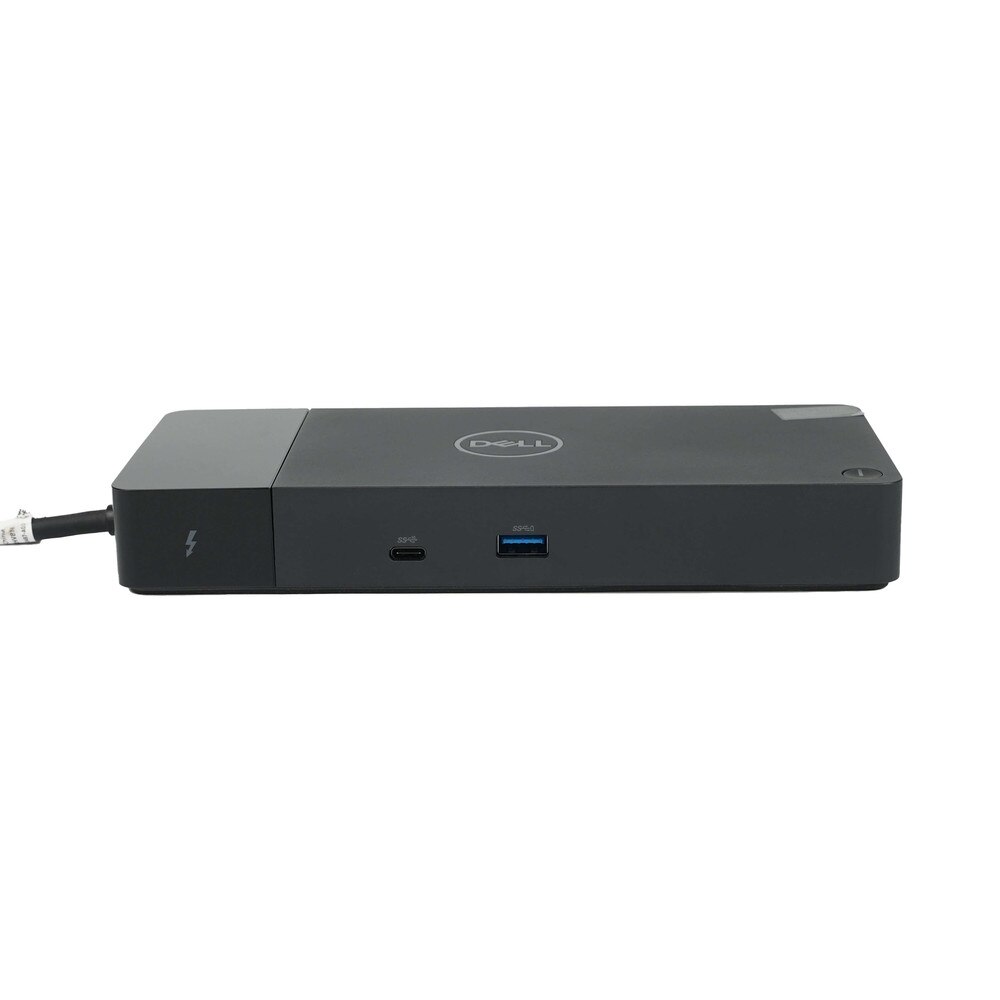
• Multiple ports including USB 3.0, USB-C, DisplayPort, HDMI and RJ-45 Ethernet for flexible expansion.
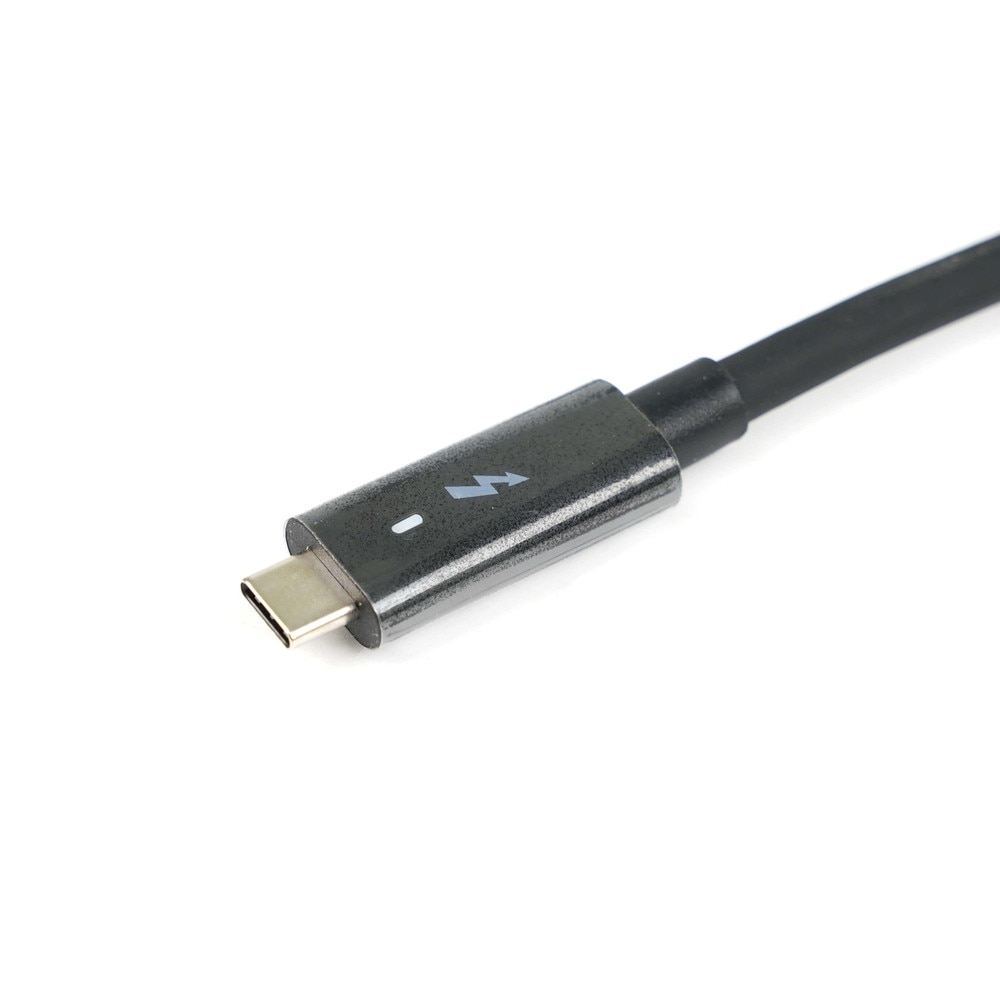
• Integrated Thunderbolt cable for streamlined single-cable docking.
• Dell ExpressCharge support for faster battery charging on compatible systems.
• Firmware update support and dock management tools for easier IT administration.
• Compact, professional design suitable for desks, hybrid workstations and shared office environments.
🗹 Simplify your desk setup by connecting power, displays, and peripherals through a single Thunderbolt cable.
🗹 Increase productivity with faster charging and broad multi-monitor support for multitasking-heavy workflows.
🗹 Reduce clutter and cable management issues while keeping your workspace clean and professional.
🗹 Improve compatibility across Dell and non-Dell systems with flexible docking support.
🗹 Support modern office needs with fast networking, video outputs and USB expansion in one dock.
🗹 Make IT deployment easier with manageable firmware and reliable dock behavior across fleets.
| Manufacturer | Dell |
| Manufacturer Part Number | WD19TBS |
| Product Name | Dell Thunderbolt 3 Docking Station |
| Product Type | Docking Station |
| Docking Interface | Thunderbolt 3 (USB-C) |
| Host Cable Length | 0.8 m |
| Supported Operating Systems | Microsoft Windows 10, Ubuntu 18.04, Red Hat Enterprise Linux |
| Power Delivery | Up to 130W for Dell systems; up to 90W for non-Dell systems |
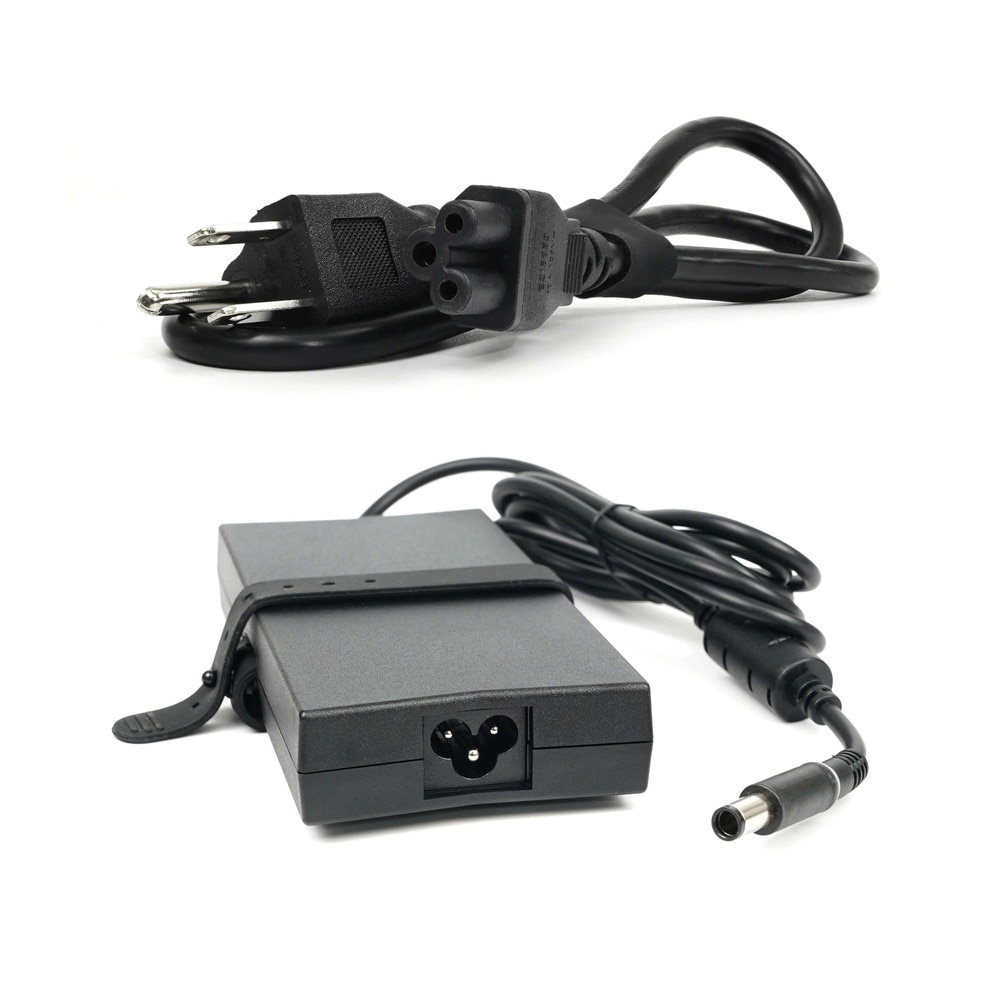
| AC Adapter Included | 180W AC adapter |
| Input Voltage | 100 to 240 VAC |
| Input Frequency | 50 to 60 Hz |
| Input Current | 2.34 A max |
| Output Voltage | 19.5 VDC |
| Output Current | 9.23 A continuous |
| Video Interfaces | 2 x DisplayPort 1.4, 1 x HDMI 2.0b, 1 x multifunction DisplayPort over USB-C, 1 x Thunderbolt 3 USB-C |
| Display Support | Up to four displays, including up to 1 x 8K, 1 x 5K, 2 x 4K, 4 x QHD, or 4 x FHD depending on host capability |
| Maximum Resolution | Up to 5120 x 2880 @ 60 Hz with DP 1.2 / Thunderbolt systems |
| USB Ports | 3 x USB-A 3.1 Gen 1, 2 x USB-C 3.1 Gen 2 |
| Networking | 1 x Gigabit Ethernet RJ-45 |
| MAC Address | Pass-through MAC address support |
| Management Features | PXE boot, Wake-on-LAN, Wake-on-Dock, port disablement, Dell Command Update, event notifications |
| Security / Systems Management | Wireless vPro supported by notebook or workstation |
| LED Indicators | Power and Ethernet status LEDs |
| Dimensions | 205 x 90 x 29 mm |
| Weight | 620 g / 1.37 lb with adapter reference; dock weight without adapter listed as 585 g / 1.29 lb |
| Mounting | Supports Dell docking station mounting kit / VESA mounting |
| Operating Temperature | 0°C to 35°C |
| Operating Humidity | 10% to 80% non-condensing |
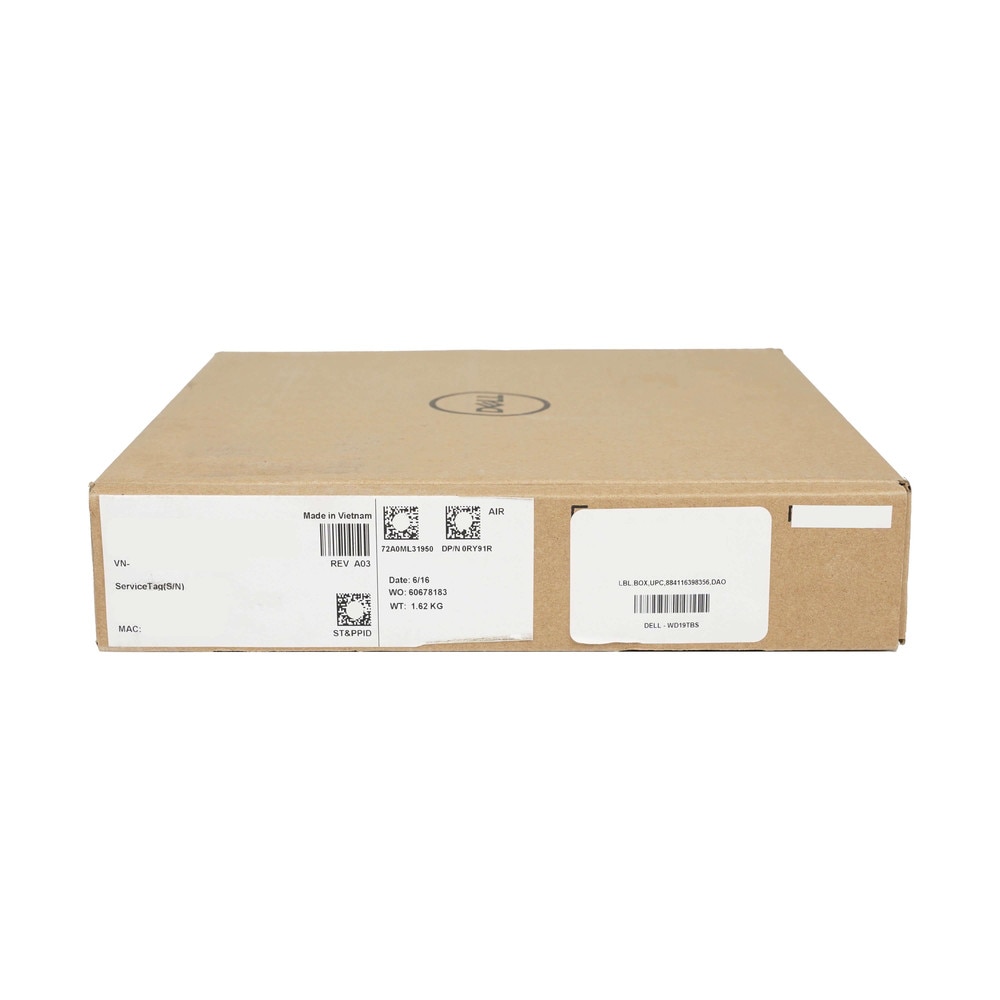
| Package Contents | WD19TBS dock, 180W power adapter |
It expands a laptop into a full workstation by connecting displays, peripherals and networks through a single cable.
Yes, it uses Thunderbolt technology for high-speed data transfer and enhanced performance.
It supports multiple displays, including dual or triple monitor setups depending on your laptop’s capabilities.
It includes USB-C, USB-A, HDMI, DisplayPort, Ethernet and audio ports for complete connectivity.
Yes, it delivers power to compatible laptops, eliminating the need for a separate charger.
Yes, it works with most USB-C and Thunderbolt laptops, though features may vary by model.
Yes, it includes a Gigabit Ethernet port for fast and stable network connectivity.
Yes, it’s ideal for creating a consistent, high-performance workstation at home or in the office.
Yes, it offers plug-and-play functionality with minimal configuration required.
Yes, it supports high-resolution displays including 4K, depending on system compatibility.
Yes, multiple USB ports allow connection of external drives and accessories.
Some systems may require drivers or firmware updates for full functionality.
Yes, it is built for consistent performance in demanding business environments.
Yes, it effectively transforms a laptop into a full desktop workstation.
Thunderbolt technology enables extremely fast data transfer speeds for demanding tasks.
Yes, it consolidates multiple connections into a single cable for a cleaner workspace.
Yes, it supports multiple peripherals without compromising performance.
Yes, it is widely used in corporate and enterprise environments.
Yes, it includes audio connectivity for headsets and speakers.
Yes, it improves productivity, simplifies workflows and supports scalable work environments.