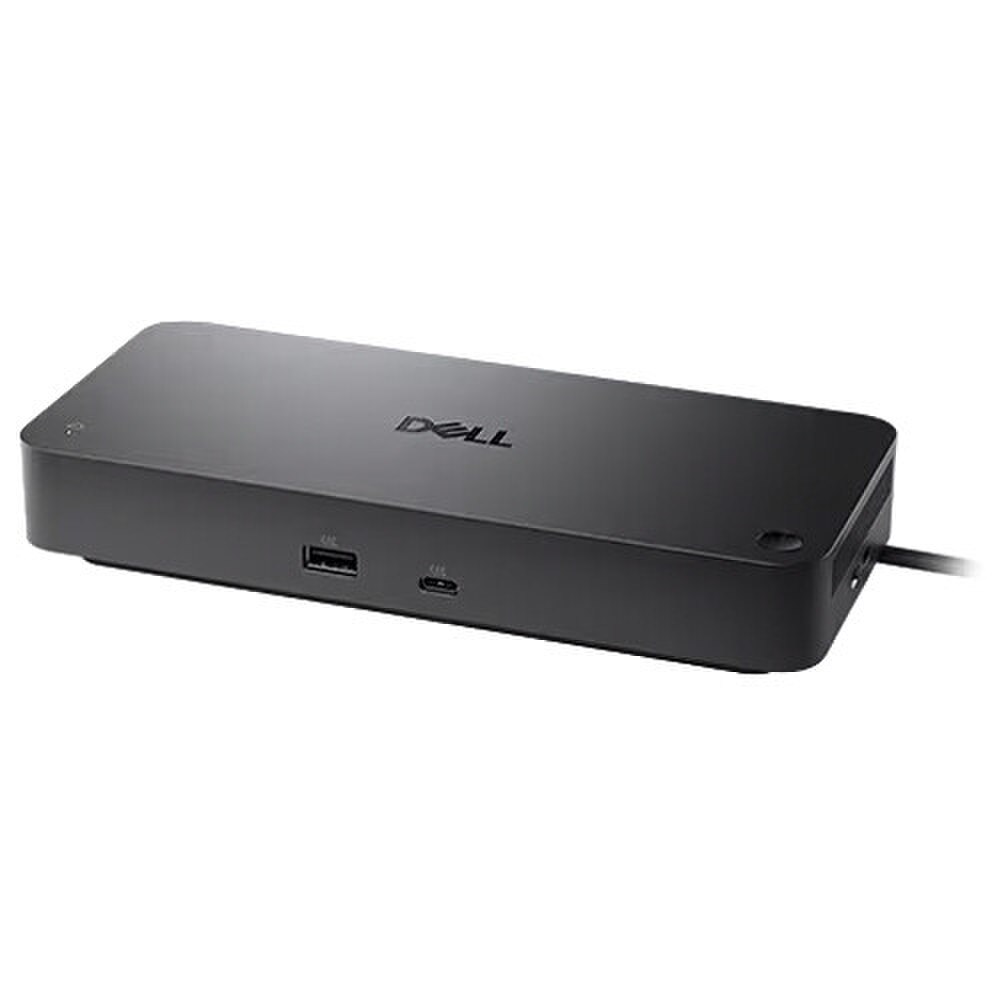
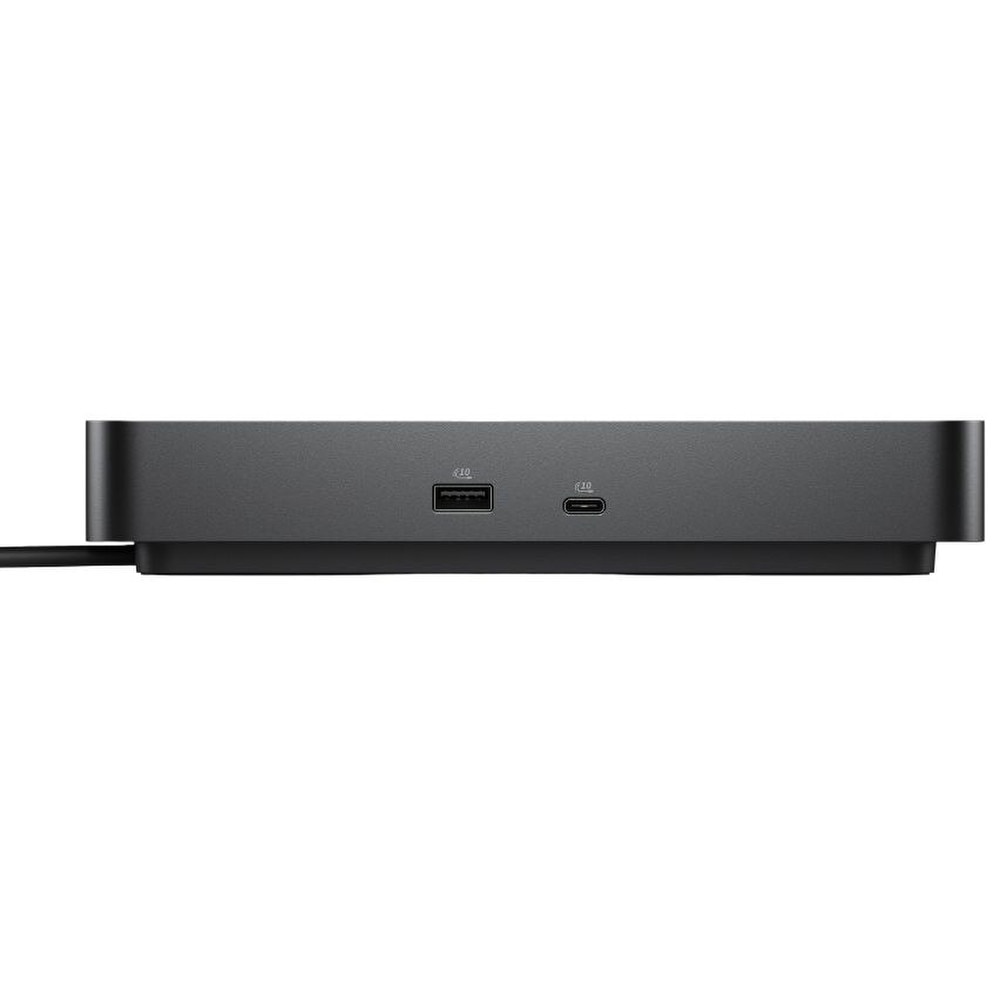

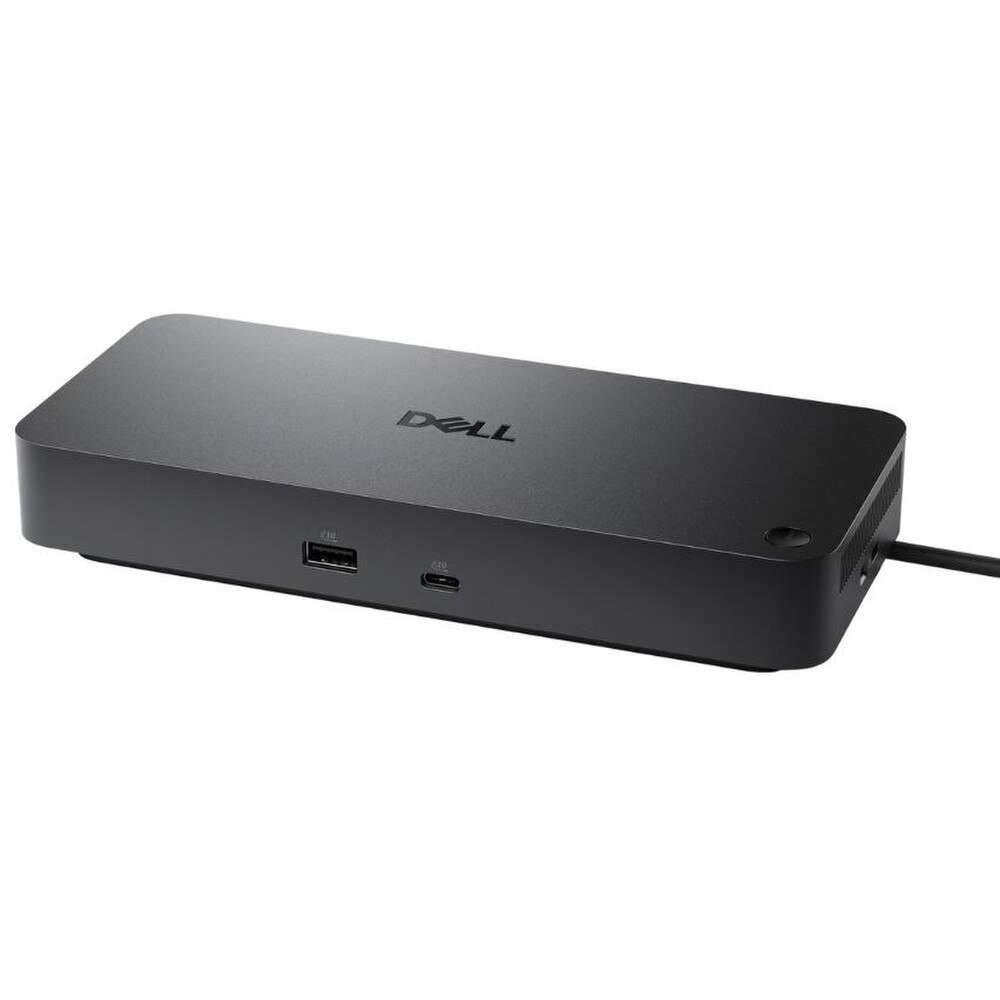

Dell Pro Dock WD25 USB‑C Docking Station (DELL‑WD25) | New
SKU: DELL-WD25-N
 Same Day Shipping - Arrives in 3-5 Business Days
 /returns-icon.jpg) 30-day Returns
30-day Returns 
Have one to sell? Click here to sell to us
Same Day Shipping - Arrives in 3-5 Business Days 30-day Returns Have one to sell? Click here to sell to us
The Dell Pro Dock WD25 USB-C Docking Station (DELL-WD25) is a high-performance docking system designed to streamline contemporary workspaces and increase output. This Dell USB-C dock, which is made for USB-C laptops, simplifies your setup by using a single connection to connect displays, accessories, a wired network and power for a more organized and effective workplace experience. Professionals that require dependable charging, quick data transfer and support for multiple monitors in a small package will find this Dell Pro Dock WD25 particularly intriguing. It is an excellent option for hybrid work, office hot desks and demanding corporate environments because it supports up to four external monitors and provides up to 100W of power delivery for compatible Dell systems.
• USB-C connectivity for simple one-cable docking with compatible laptops.
• Up to four external display support for expanded multitasking.
• Two DisplayPort 1.4 ports, one HDMI 2.1 port, and one USB-C display output for flexible monitor setups.
• Up to 100W power delivery for Dell systems and 96W for non-Dell systems with the included 130W adapter.
• Four USB 3.2 Gen 2 Type-A ports and two USB-C ports for high-speed peripheral connections.
• 2.5GbE RJ45 Ethernet for fast, stable wired networking.
• Power button support that can mimic the host laptop power button on compatible Dell systems.
• Security features including Kensington and wedge lock support for added protection.
🗹 Reduce desk clutter by replacing multiple cables with one USB-C connection for displays, data, networking and charging.
🗹 Improve productivity with support for up to four monitors, giving users more space for apps, meetings and workflows.
🗹 Save time with fast 10 Gbps USB ports that make accessory transfers and device connections more efficient.
🗹 Stay powered throughout the workday with strong power delivery designed for business laptops and hybrid setups.
🗹 Build a more reliable office connection with 2.5GbE Ethernet for stable video calls, downloads and cloud work.
🗹 Simplify IT-managed environments with a dock that is designed for broad compatibility across modern operating systems and USB-C laptops.
🗹 Create a cleaner and more professional workspace with a compact docking station that centralizes everything in one place.
| Manufacturer | Dell |
| Manufacturer Part Number | DELL-WD25 |
| Product Name | Dell Pro Dock WD25 Laptop USB-C Docking Station |
| Product Type | Docking Station |
Width | 8.1 in |
Depth | 3.5 in |
Height | 1.4 in |
Weight | 19.4 oz |
Max Resolution Details | 4K - 60 Hz (Quad Display) ¦ 5K - 60 Hz (Dual Display) ¦ 6K - 60 Hz (Single Display) |
Data Link Protocol | Ethernet, Fast Ethernet, Gigabit Ethernet, 2.5 Gigabit Ethernet |
Interfaces | 2 x display / video - DisplayPort - 20 pin DisplayPort (1.4) ¦ 1 x display / video - HDMI - 19 pin HDMI Type A ¦ 1 x USB-C 3.2 Gen 2/DisplayPort 1.4 - 24 pin USB-C ¦ 1 x USB-C 3.2 Gen 2 - 24 pin USB-C ¦ 4 x USB 3.2 Gen 2 - 9 pin USB Type A ¦ 1 x network - 2.5G Gigabit Ethernet - RJ-45 |
Cables Included | 1 x USB-C cable - integrated - 3 ft |
Features | Preboot Execution Environment (PXE) support, Kernel Direct Memory Access (DMA) protection, 100W power delivery to Dell systems, 96W power delivery to non-Dell systems, 2 LED indicators, wake on LAN, MAC address pass-through, security lock slot (cable lock sold separately), Dell Power Button Sync |
Security Slot Type | Noble Wedge security slot / Kensington security slot |
Compliant Standards | DisplayPort 1.4 |
Pricing Type | BTO |
Power Device | Power adapter |
Voltage Required | AC 100-240 V (50 - 60 Hz) |
Power Provided | 130 Watt |
Voltage Provided | 19.5 V |
OS Required | Ubuntu 24.04, Red Hat Enterprise Linux, Google Chrome OS, Windows 10, Windows 11 |
Min Operating Temperature | 32 °F |
Max Operating Temperature | 95 °F |
The WD25 is compatible with most USB-C and Thunderbolt-enabled laptops, including Dell Latitude, XPS and Precision models, as well as other leading brands.
Yes, it supports multiple external displays, enabling enhanced multitasking depending on your system’s graphics capabilities.
Yes, the dock delivers power via USB-C, allowing you to charge your laptop while connected—no separate charger needed.
Yes, it supports macOS devices with USB-C ports, though display configurations may vary due to OS limitations.
It typically features USB-A, USB-C, HDMI or DisplayPort, Ethernet and audio ports for full connectivity.
Most systems support plug-and-play functionality, but firmware or driver updates can optimize performance.
While primarily designed for business productivity, it can support casual gaming with external monitors and peripherals.
Absolutely. It simplifies home office setups by consolidating all connections into a single cable.
Yes, it includes a dedicated Ethernet port for reliable, high-speed wired networking.
Yes, the high-speed USB ports allow connection of SSDs, HDDs and other storage devices.
Yes, its compact and lightweight design makes it easy to transport between workspaces.
Yes, it supports high-resolution displays including 4K, depending on your device’s capabilities.
Yes, it supports enterprise-level management features, including firmware updates and monitoring.
No, it requires a USB-C or Thunderbolt-enabled device for operation.
No, it is engineered with efficient thermal management to maintain stable performance.
Yes, multiple USB ports allow easy connection of input devices.
Yes, audio can be transmitted through HDMI/DisplayPort or via a dedicated audio jack.
Yes, the dock includes its own power adapter to support full functionality and power delivery.
Yes, it provides efficient power delivery for supported laptops to ensure quick charging.
Yes, it’s purpose-built for scalable IT environments, offering reliability, manageability and broad compatibility.