Audiocodes MediaPack 118 Analog VoIP Gateway 8 FXO
What is the Audiocodes MediaPack 118?
The MediaPack 118 is an analog VoIP gateway that connects traditional telephone equipment to IP-based voice networks. How many FXS ports does the MediaPack 118 have?
It features 8 FXS (Foreign Exchange Station) connections for connecting analog devices such as phones and fax machines. Does the MediaPack 118 support fax transmission?
Yes, it supports T.38 and G.711 protocols for secure fax transmission over IP networks. What voice codecs are supported?
Supported codecs include G.711, G.726, G.729, and T.38 for fax. Can the MediaPack 118 be used in a SIP-based network?
Yes, it is SIP-compliant and compatible with most SIP-based IP-PBX systems and service providers. Does the MediaPack 118 support remote management?
Yes, it supports remote management via the web interface, SNMP, and Telnet. What network connectivity options are available?
It has 10/100 Base-T Ethernet ports for network connectivity. Does it support PSTN fallback?
Yes, the MediaPack 118 supports PSTN backup for emergency calls during network outages. What is the power requirement for the MediaPack 118?
It is powered by an external power adapter or a 100-240V alternating current input. Is the device wall-mountable?
Yes, the MediaPack 118 supports both wall mounting and desktop setup. How do I configure the MediaPack 118?
Configuration is done using the web interface, Telnet/SSH, or configuration files. Does the MediaPack 118 support QoS (Quality of Service)?
Yes, it supports QoS features like as VLAN tagging and traffic priority. Can the device be used for SIP trunking?
Yes, it can connect legacy devices to SIP trunks to enable VoIP conversation. What security features are included?
Security features include HTTPS, TLS, and SRTP for secure management and communication. Does the device support multi-language user interfaces?
Yes, the web interface supports multiple languages. Is firmware upgradeable?
Yes, firmware upgrades can be performed using the web interface or TFTP/FTP. Can the MediaPack 118 be used with cloud telephony platforms?
Yes, it integrates with many cloud telephony platforms that support SIP. What is the typical use case for the MediaPack 118?
It is frequently used to connect analog phones, fax machines, and PBX systems to VoIP networks. What is the default IP address of the MediaPack 118?
The default IP address is typically 192.168.0.2. How do I reset the MediaPack 118 to factory defaults?
You can reset it using the hardware reset button or the web interface's maintenance settings. 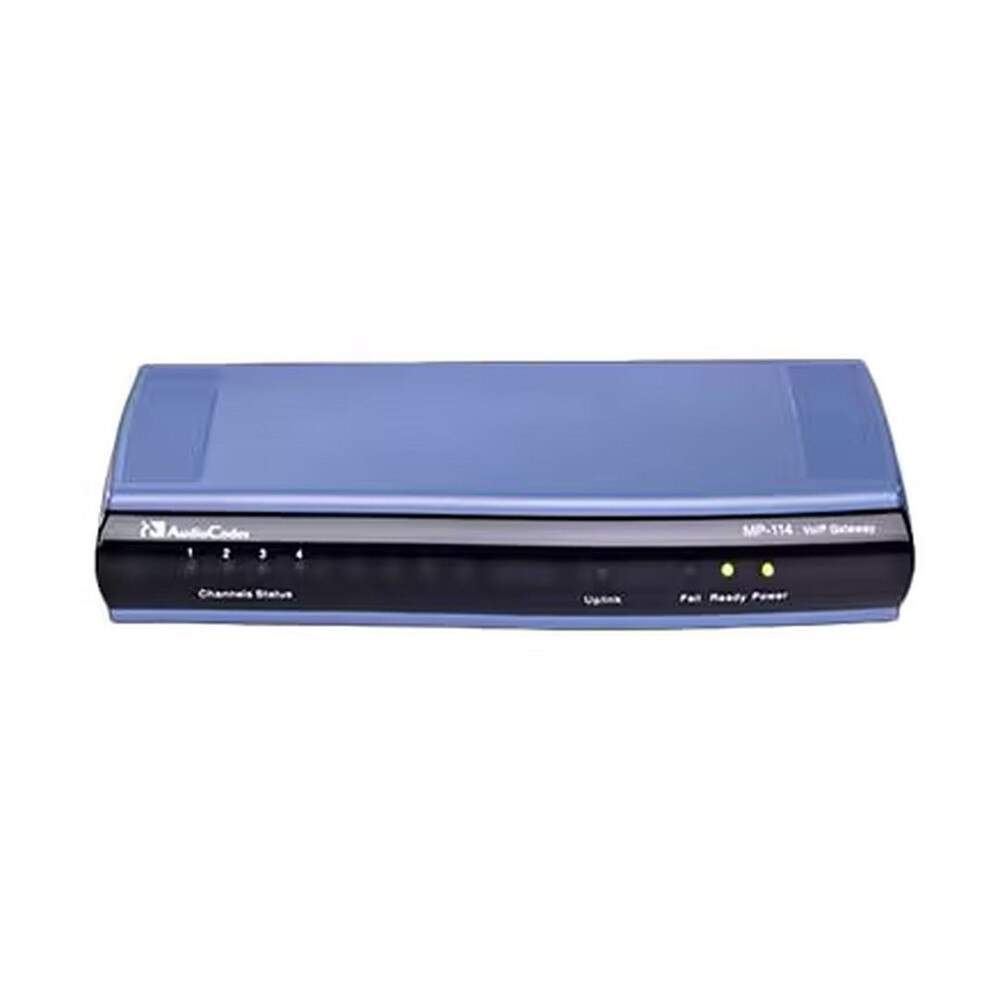
 Same Day Shipping - Arrives in 3-5 Business Days
 /returns-icon.jpg) 30-day Returns
30-day Returns